PancakeSwap keeps showing 'try increasing your slippage tolerance' error when swapping tokens, how can I fix it?
839 Views
It means that the price of the token you want to swap is changing too much. To fix this, hit the gear icon on PancakeSwap's swap interface and change how much slippage you're willing to accept.
Values usually fall between 0.5% and 5%, but risky tokens may need higher values. Be careful, because having a high slippage tolerance can leave you open to attacks that come from the front.
Also, use BscScan or a similar blockchain viewer to see how liquid the token is and what transactions have happened recently with it.
If there isn't enough cash, swaps might not work unless slippage is fixed. Make sure you're using the most up-to-date version of PancakeSwap.
Some technical issues can also be fixed by clearing your browser's cache or using a different browser or device. If you're using a mobile wallet like Trust Wallet or MetaMask, try connecting again or moving to PancakeSwap's DApp browser inside the wallet.
Lastly, make sure the token contract address is right. This is especially important for tokens that are new or not very popular. Fraudsters often make fake tokens with similar names, which stops transactions from going through.
If the problem keeps happening, you can file a complaint on Xolvie.
I purchased Dogesoon Coin from Binance Global, guided by a broker group, and bought the coin through PancakeSwap. Althou...gh the coin appears in my wallet, I am unable to make any sales because I keep receiving a slippage tolerance error. The VIP Crypto group on Telegram advised me to buy BNB and stak
I purchased Dogesoon Coin from Binance Global, guided by a broker group, and bought the coin through PancakeSwap. Althou...gh the coin appears in my wallet, I am unable to sell it because I keep receiving a slippage tolerance error. The VIP Crypto group on Telegram advised me to buy BNB and stake it, w
I purchased $PUF coin through the PancakeSwap wallet in the Binance app. Now, I'm trying to sell it, but I keep encounte...ring an error and can't complete the sale. The error message relates to slippage tolerance, and I'm unable to convert my coins. The monetary value of the coin is visible, but unfor
I can't sell the Puffer Coin I bought through PancakeSwap on Binance Web3, and I'm unable to convert it. It keeps tellin...g me to increase the slippage tolerance, but I've tried, and it still doesn't work. I would really appreciate a visual or video explanation. There are so many fake PancakeSwap site
I purchased Babylon Coin through Binance Global and followed the guidance of a referral group to buy it on PancakeSwap. ...Although the coin appears in my wallet, I am unable to sell it due to a slippage tolerance error. Despite being advised by a VIP Crypto Telegram group to purchase an additional 20
I purchased a cryptocurrency called BabyFX on Pancakeswap, but I am currently unable to sell it. The coin is now listed ...as suspicious, even though I bought it from the app’s listed coins. If it's not legitimate, why are these coins visible on the platform? Binance and Pancakeswap are fully responsib
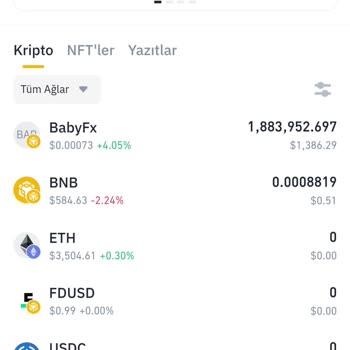
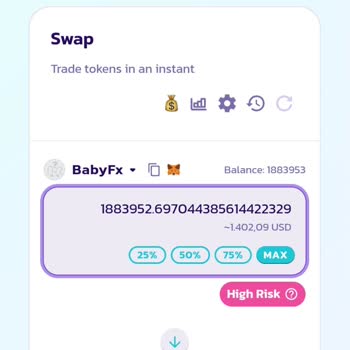
I need assistance immediately. I'm new to making purchases with a Web3 wallet, and I've encountered an issue. I decided ...to take advantage of a link that was shared in a Telegram channel and made a purchase of some coins. Now, I have encountered a problem. I'm eagerly anticipating a resolution.
I just bought Not Coin on PancakeSwap using my Binance account and Web3 wallet. Everything went fine with the purchase, ...but I ran into a frustrating error when I tried to sell - a 'slippage tolerance error.' I tried to fix this problem by changing the tolerance values from 1% to 49%, but unfortunate

I purchased a cryptocurrency called "not" through PancakeSwap via Binance using Web3. Currently, I'm unable to sell it. ...The coin has been listed as suspicious, yet it was sold to us as legitimate. If it's not genuine, I shouldn't have been able to buy it in the first place. Since it was presented as

I bought a cryptocurrency called "not" using PancakeSwap on Binance with the help of Web3. At the moment, I'm not able t...o make a sale. We were sold the coin under the impression that it was legitimate, but now it has been flagged as suspicious. If it's not authentic, I shouldn't have been able to pu
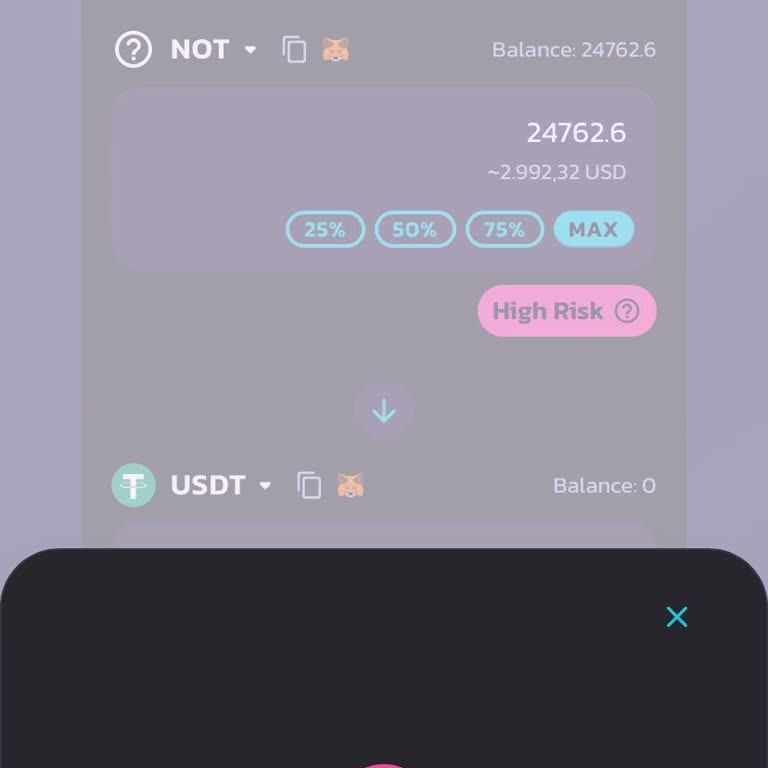
I purchased Not Coin through PancakeSwap on Binance Web3, but I'm currently facing difficulties converting it to other c...urrencies. I'm constantly running into errors. It's quite surprising to encounter such a problem with the Binance app. I expect a prompt solution. It's astonishingly effortless to

I bought a cryptocurrency called 'Not' using PancakeSwap with my Web3 wallet on Binance. I had no problems with the purc...hase, but now I'm having trouble selling the coin. There are some doubts surrounding its authenticity, and even though it was presented to us as genuine, it seems otherwise. If it'
I bought a pre-sale cryptocurrency on PancakeSwap using the Binance app's web 3 tab, but unfortunately, I'm currently fa...cing difficulties in selling it. I wasn't given any heads up about any problems during the purchase; all I was told was that it was a risky investment. Right now, I'm having troubl
I made transactions on both Binance Global and Binance TR. Afterwards, I utilized PancakeSwap V3 to exchange Notcoin for... the purpose of using it in DApps. Unfortunately, I am currently unable to convert Notcoin to BNB or USDT. I've been dealing with these persistent errors since yesterday and I spok
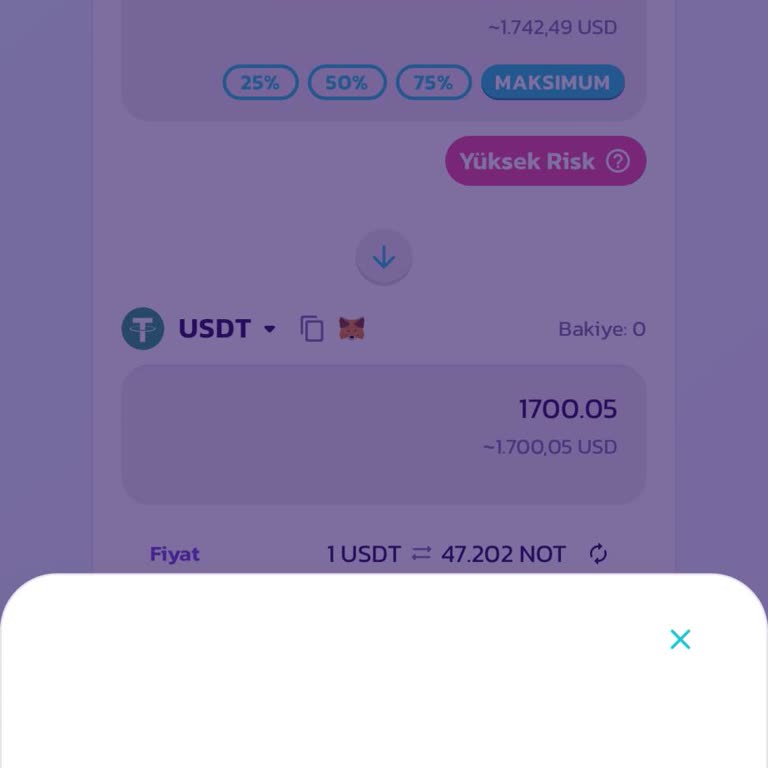
I bought around $2000 worth of Portal Coin from Pancakeswap using Web3 on Binance. Unfortunately, I am not able to make ...a sale at the moment. A group on Telegram called 'Smart Trader' shared details about this coin. After several tries, I'm unable to make any sales, and I keep getting this warning:
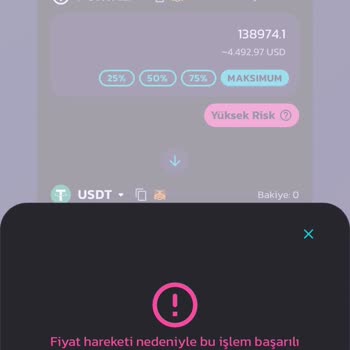
Hello, I tried my hand at investing in a cryptocurrency on Pancakeswap and bought a coin. However, I'm facing some diffi...culties when it comes to selling it. An error message is displayed stating that the transaction cannot be completed due to price fluctuations. Consider adjusting your slippage tole