My OKX withdrawal is stuck on "processing" for days; how can I speed up the transaction?
193 Views
If your OKX withdrawal has been stalled on "processing" for several days, look for OKX messages or announcements about maintenance or network congestion.
Delays can occur as a result of wallet upgrades, increased transaction volume, or security verifications caused by big withdrawal amounts.
Next, log into your OKX account and review the withdrawal information in the "Transaction History" area. Ensure that the withdrawal address and blockchain network you choose are correct.
If everything looks to be in order, open a support request in the OKX Help Center (https://www.okx.com/help) or send an email to [email protected] with your withdrawal information, including transaction ID and timestamp.
If none of the above solutions work, please feel free to share your experience. You can also file a complaint on our website.
Hello everyone. About 40 days ago, a friend of mine transferred Solana (SOL) from their OKX TR account to my Phantom wal...let. Despite numerous attempts to get help from OKX customer service, we still haven’t received a proper solution. The transaction is marked as completed on OKX’s end, but the fund
I transferred funds from my OKX account to my MEXC account, but the funds never recieved in my MEXC account. I contacted... MEXC, and they promptly resolved the issue and returned the funds to OKX. However, OKX has not credited the returned funds to my account. For the past few weeks, I've been asked t
I requested a withdrawal on OKX crypto platform, but the money never arrived in my account. When I check the app, it sho...ws that the transaction was successfully processed, yet my funds are missing. I reached out to customer support, but they keep giving vague excuses and blaming a technical issue.
I deposited money into my OKX account, but the funds never appeared in my balance. However, the amount is also missing f...rom my bank account, meaning the transaction is stuck somewhere in between. I have tried reaching customer support multiple times, but there is no way to communicate with a real r
Since all withdrawals on OKX have been on hold for three days now, to be honest, it is becoming insane. Every time I get... in touch with customer care, they are useless. Over and over they ask for the same things—screenshots, videos, then advise me to "try again." It's like living in a time loop and h
I bought Vana tokens on the OKX Web 3 platform, and shortly after, the value plummeted, rendering my investment worthles...s. I chose not to sell and instead held onto my tokens, even purchasing additional ones to reduce my average cost, with the hope that the price would eventually increase. I didn't
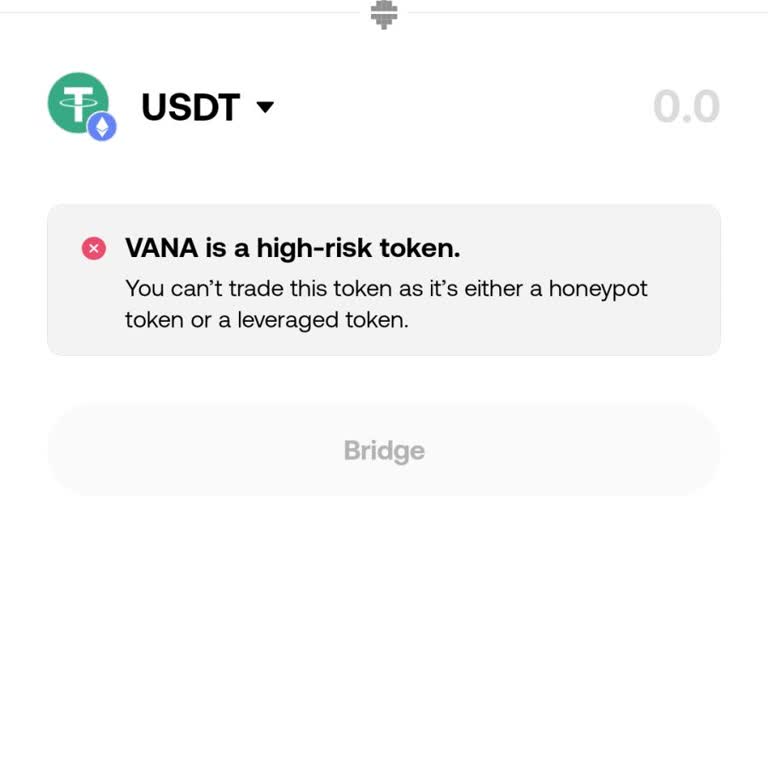
I have been facing serious issues with OKX when trying to exit the system and access my funds. The platform makes the pr...ocess unnecessarily complicated, creating significant roadblocks at every step. Despite repeated efforts, I cannot retrieve the money I deposited, which is highly frustrating and c
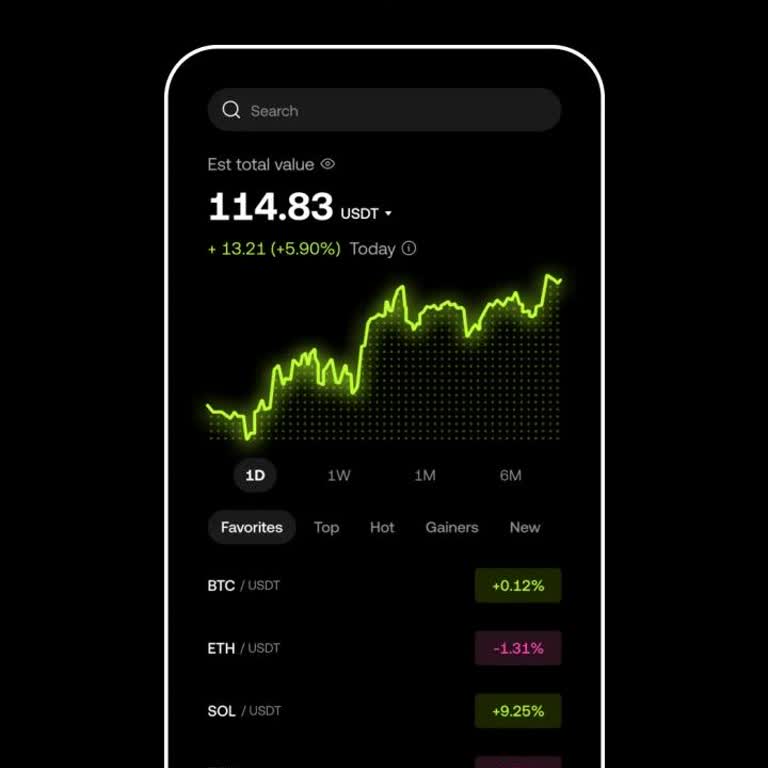
I recently invested in cryptocurrency through the OKX exchange, but I’ve encountered an issue that I find completely unr...easonable. My withdrawal of ₺20,000, which is not an unusually large amount, was flagged for review. This delay is both frustrating and perplexing, as I have never experienced such
I recently attempted to transfer Tether (USDT) from my OKX account to my Gate.io account, but the funds never arrived. T...he transaction was successfully deducted from my OKX account, as shown in the attached documentation. I checked my Gate.io account multiple times over the next 30 minutes, but the
I can see my coins in my OKX account, but when I try to transfer or withdraw them, the balance shows as zero. I’m unsure... if this is a system issue or if I may have unknowingly transferred the coins elsewhere, though I can’t confirm that. This is extremely frustrating, as I have no clarity about the
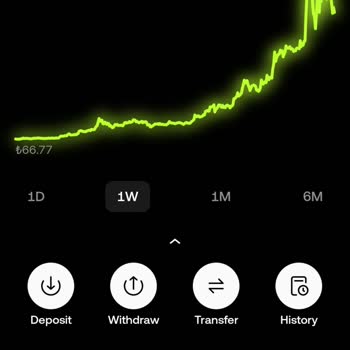
I made a BTC transfer from the OKX app yesterday at 20:07, sending the funds to the correct address provided by OKX. How...ever, the funds appear to be stuck at the address—they haven’t been credited to my OKX account, nor have they been returned. I’m unable to reach customer service, and this issue is
I transferred funds from my OKX account to my Binance account, and despite doing everything correctly, the funds never a...ppeared in my Binance account. I contacted Binance, and they promptly resolved the issue and returned the funds to OKX. However, OKX has not credited the returned funds to my accou
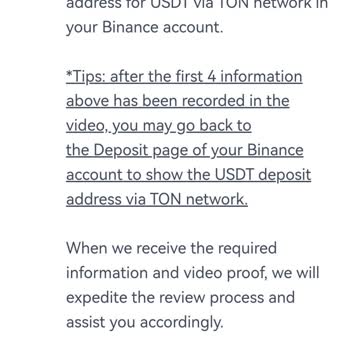
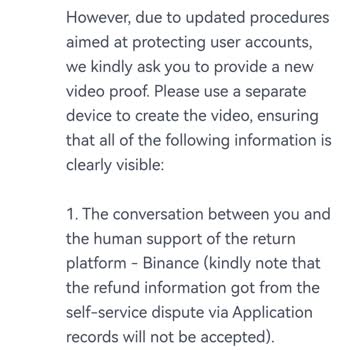
While transferring funds from OKX to my Binance account, I forgot to include the memo code, resulting in the funds not b...eing credited to my account. I created a support ticket, which was resolved positively, but the funds have still not appeared in either my Binance or OKX account. I’ve attached the
Yesterday, I transferred cryptocurrency from my Binance TR account to OKX Global, but the funds still haven’t appeared i...n my OKX account. I’ve been trying to find a way to contact support, but there seems to be no phone number available for assistance, which is frustrating for a business of this siz