I recently upgraded to a new mobile device and want to continue playing Mobile Legends seamlessly without losing my progress. How do I transfer it to another device?
63 Views
Based on the information we gathered, to seamlessly transfer your Mobile Legends progress to a new device, follow these steps:
• For Google Play Games (Android):
- Ensure your game progress is autosaved when signed in with the Google Play Games mobile app.
- On your new Android device, download Mobile Legends and sign in to the same Google Play Games account used previously.
- Your game data should sync automatically, allowing you to continue from where you left off.
• For Facebook or Moonton Account:
- Make sure your Mobile Legends account is connected to either Facebook or a Moonton account.
- On your new device, download Mobile Legends, play through the tutorial briefly, then go to your profile and access account settings.
- Choose the "Switch Account" option and select the method of logging in to your original account (Facebook, VK, Moonton, or Google Play).
- Log in using the chosen method to access your original account on the new device.
• Creating a Moonton Account:
- If not already done, consider creating a Moonton account for easier account management.
- On your current device, go to Profile → Account → Moonton Account, and fill in the necessary details to create the account.
- Remember the account details for future use.
• Logging in with Moonton Account on the New Device:
- On your new device, download Mobile Legends and go to Profile → Account → Switch Account → Moonton Account.
- Log in with the Moonton Account details you created earlier to continue your progress seamlessly.
- Remember to log out of Mobile Legends on your previous device to avoid any complications. These steps should ensure a smooth transfer of your Mobile Legends progress to your new mobile device.
It's crucial to note that software features and user interfaces may undergo alterations during routine updates. For the latest and most precise details, consider contacting the developers through their designated channels.
Have more to contribute? We'd love to hear from you in the comments.
I haven’t been able to access my Mobile Legends account named “müptezell” for about five months. Since I changed my phon...e number, I can no longer log in to my account, and when I try to sign in with Facebook, I face the same phone number issue. The email address linked to my account may be k********
I have been playing Mobile Legends under the username [Dark. Soul] for about two years, originally on my iPhone 7 Plus (...iOS). During that time, I invested heavily in my account, purchasing approximately ₺15,000 worth of diamonds through Google Play. Recently, I switched from iOS to an Android device
I’m beyond frustrated with Mobile Legends right now. I recently switched to a new device and tried logging into my accou...nt, but despite entering all my credentials correctly, I couldn’t get in. The problem? I never receive the verification code, no matter how many times I try. To make matters worse,
I recently switched to a new phone and now I can’t access my Mobile Legends account—even though I linked it to my Moonto...n account and my Google account. I also connected it to my WhatsApp and TikTok profiles for extra security, but none of it helps. Every time I try to log in on the new device, it r
I’m urgently asking for help from the Mobile Legends team. Due to a problem with my phone, I had to reset it—and after t...hat, I discovered that my MLBB account was accessed and taken over without my knowledge. I didn’t share my login with anyone, yet my account was hijacked while I was dealing with m
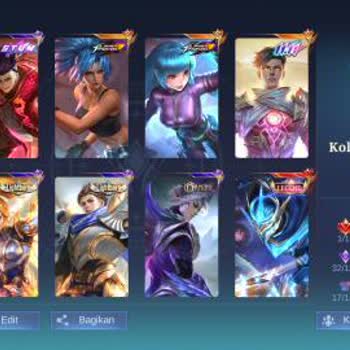
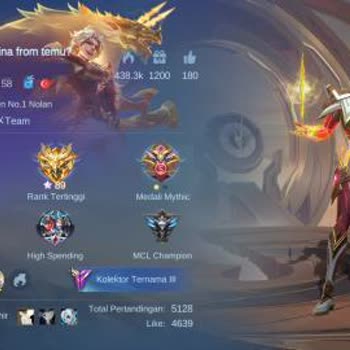
Hello, my phone was damaged after a fall, and as a result, I lost access to my Gmail account and many other linked accou...nts. Unfortunately, I do not remember the passwords or even the email address I used. Because of this, I can no longer log into my Mobile Legends account with the username ‘Samuel
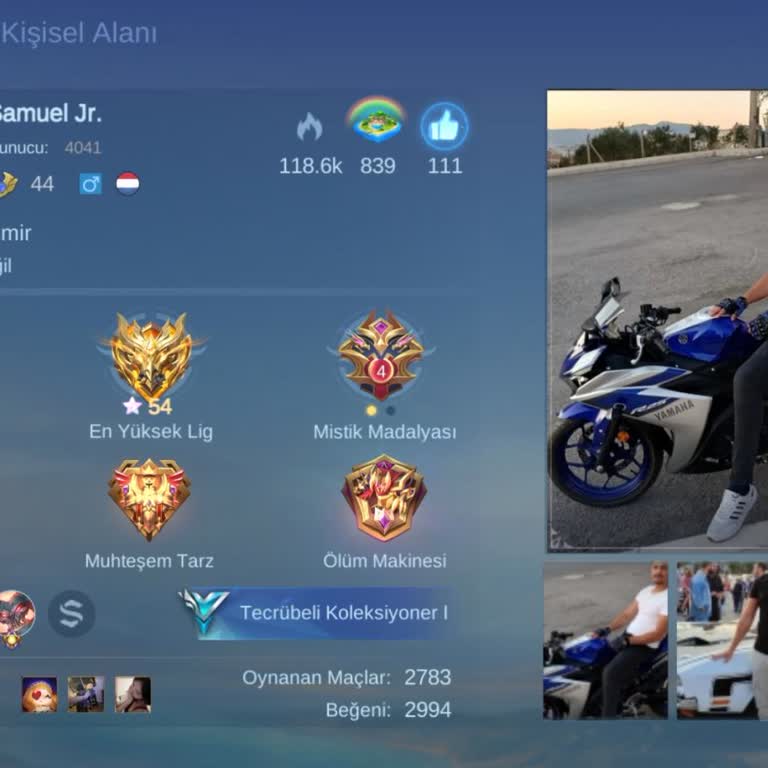
I am unable to access my Moonton email, preventing me from transferring my Mobile Legends account to my new device. When... I originally created the account, the Moonton email was linked to someone else’s name, and now that I no longer have access to that email, I can’t log in on my new phone. I have
Hello everyone, I was banned from Mobile Legends: Bang Bang (MLBB) while using my iPhone 15 Pro. I recently upgraded to ...an iPhone 16 Pro, and even though my device ID has changed, the ban still appears when I download and open the game. I have tried everything—watched countless videos, reset my pho
My Mobile Legends account has been linked to another device without my authorization. As a result, I cannot access my ac...count or switch to another phone. This issue is extremely frustrating, and I need immediate assistance to remove the unauthorized Samsung device linked to my account. I am unable
I recently switched from an Android phone to an iPhone, and now I can’t log into my Mobile Legends account despite knowi...ng all my account details. My original ID is 9 digits long, but the system is now requesting a 10-digit ID. When I try to log in using email, I am redirected to the account switch
I’m trying to log into my Mobile Legends account on my new device due to a phone change, but I’m having trouble. When I ...go to the “Switch Account” section, it asks for the ID address. I enter my old account’s ID (49913031), which is 8 digits long, but the “Confirm” button remains inactive and I can’
I have Mobile Legends Bang Bang installed on my phone, but for some reason, it’s not showing up anywhere. I’ve tried loo...king for it multiple times, but it seems to have disappeared even though it’s still installed. I’m not sure why this is happening and would really appreciate some help in figuring
While playing Mobile Legends, my account suddenly got stuck in a bug, and I haven’t been able to re-enter the game despi...te trying multiple times. I even deleted and reinstalled the game, but I still can’t access my account. It’s been over an hour since this happened, yet when I checked from a friend
No matter what I do, Mobile Legends Bang Bang won’t open. My internet connection is perfectly fine, but the game refuses... to load. I’ve already tried uninstalling and reinstalling the app, yet it still won’t work. I’ve invested 6 years into this game, and I’m worried about losing all my progress. Pl
I would like to disable the security lock in Mobile Legends. Ever since my old device stopped working, I've been unable ...to update my email address. Could you lend a hand? I'm having trouble logging out from other devices as well. Any assistance you can provide would be greatly appreciated. I would l