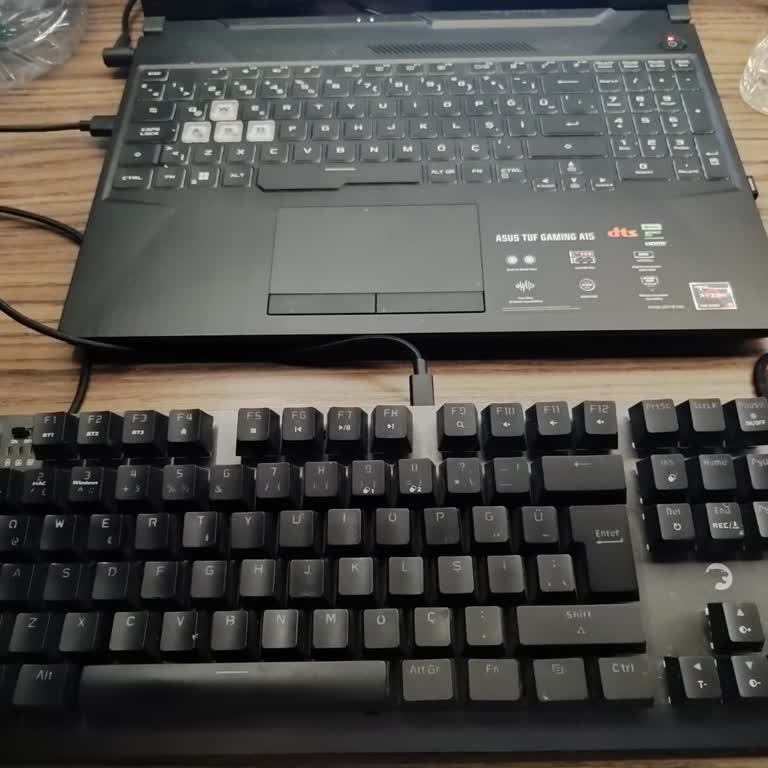
My mouse malfunctioned and Gamepower isn’t responding — how can I activate the warranty with a ticket?
2 Views
If your Gamepower mouse failed and they’re not responding, you can activate the warranty by handling everything via ticket;
• Gather evidence: invoice/proof of purchase, purchase date, model, and serial number
• Describe the issue precisely (double-clicking, sensor issues, disconnections) and attach videos/photos
• Note the troubleshooting steps you’ve tried (different USB port/PC, drivers, reset) to speed up diagnosis
• Save screenshots of your unanswered contact attempts
Ask them to;
• Open a ticket and send you the case number in writing
• Confirm whether the warranty is handled by Gamepower or the seller (and who is responsible)
• Specify RMA requirements: shipping address, label, timelines, and product condition
• Authorize repair/replacement and confirm the resolution timeframe
• Keep the case open until the replacement/solution is confirmed
If the issue persists;
• Reiterate the claim referencing the ticket and reattach the invoice and evidence
• Request escalation due to lack of response and document the dates
• Maintain a chronological record to support the warranty claim
If you’ve experienced a similar issue, feel free to share it. You can also file a complaint on Xolvie.
I purchased a Gamepower Sense TKL RGB Wireless/Bluetooth/Wired keyboard and a Gamepower Kai Titanium Ultra Wireless 360°... Surround Hi-Fi headset through İncehesap. I bought the headset on October 10, 2025, and the keyboard on October 12, 2025. Both products are still under warranty, yet I have starte
I have been using the Gamepower Felix mouse for about a year, but for the past 5–6 months, I have been experiencing a pe...rsistent issue with one of the buttons sticking. When I press the button, it sometimes reacts as if it is still being held down, which causes serious problems, especially while gam
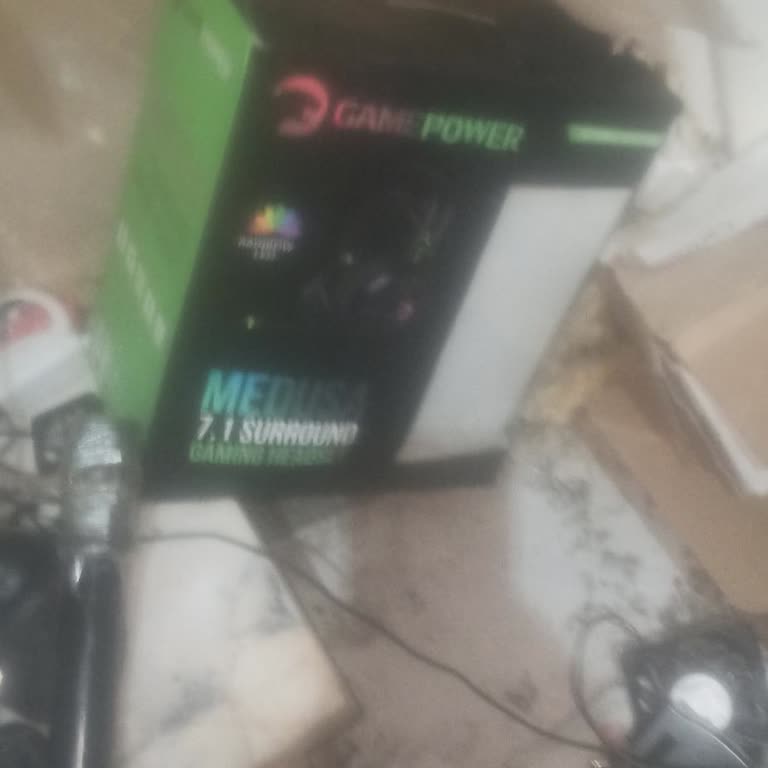
After using my Gamepower Medusa 7.1 headset a few times, I put it back in its box and stored it. Recently, when I tried ...to use it again, I found that it was not working at all. I had used the product without any issues until about 1–2 weeks ago, and experiencing such a failure after very limited use
I purchased my Gamepower Eva 7 keyboard on November 29, 2024, through Trendyol and have been using it with a Windows 11 ...laptop. Since the day I bought it, I occasionally felt a mild electric shock from the keyboard. I didn’t think much of it at first, assuming it was nothing serious. However, about