I initiated a withdrawal from my Binance account, but it's taking longer than expected. How can I solve delays?
446 Views
To verify the status of your withdrawal, sign into your Binance account and go to [Wallet] - [Overview] - [Transaction History]. Should the [Status] display "Processing," kindly exercise patience and bide your time until the confirmation procedure is finished. The state of the network can affect the processing time.
Check to See Whether the Withdrawal Was Completed: If the [Status] indicates "Completed," the money was sent successfully. To view the transaction details, click the [TxID]. Use the supplied TxID to verify that your funds have been received by checking with the receiving exchange or wallet.
Verify that the network you are using and the particular token you are withdrawing are supported by the receiving platform or wallet. To avoid possible asset loss, compatibility must be confirmed. Before starting a withdrawal if you are unsure, get in touch with the wallet or receiving platform.
To avoid delays and other problems, it is critical to be aware of the network conditions and the receiving platform's token compatibility. If you have any questions about the withdrawal status or run into any issues, you should think about contacting Binance customer support for more help. To prevent any issues during the process, make sure you have entered the withdrawal details accurately as well.
You can make your concerns known by sharing your complaint on our website, and the best part is it's free for everyone to view and offer their comments!
Binance has kept my account temporarily disabled under review for over a year. I invested in crypto with a friend, and w...hen we cashed out in 2022, he sent me my share through Binance Pay. When I tried to withdraw my money, I discovered that my account was under review. They asked me to provide a vid
I can’t make a withdrawal and I’m having issues with it. Whenever I try, I get a [Rw00392] Scam Alert (high risk) messag...e, and I am unable to withdraw my crypto from my Binance account. Please, I need help to fix this because I’m confused and don’t know what to do. I can’t make any withdrawals from
I purchased ₺50,000 worth of MemeCoin through a Telegram recommendation and stored it in my Binance Global wallet. Withi...n a day, the coin's value increased 7,000 times, but when I tried to withdraw my funds, I was met with strange conditions. They instructed me to convert a well-known coin into the
I have encountered serious issues while trading on the Binance platform, which has caused great disappointment. First, I... experienced frequent platform freezes and slowdowns during transactions. This issue prevented me from executing buy and sell orders on time and resulted in losses due to sudden ma
Hello, I want to share my experience with Binance, which has been terrible! Since 02/08/2024, my account has been restri...cted from making withdrawals. I used to send small amounts of funds ($20, $30, $40) to a friend and had no issues until one day I sent $30 to his USDT Polygon address. The transact
I made an effort to move my Not Coins from the Ton Keeper app to my Binance account; but, despite the fact that I sent t...hem from the Ton Keeper app, they have not yet arrived in my Binance account. My 4,911 Not Coins are due to be refunded to me.
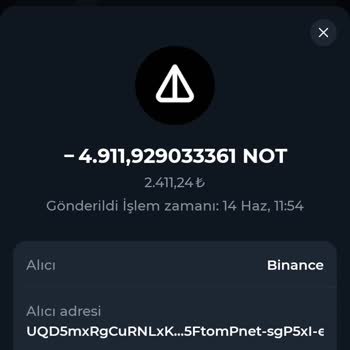
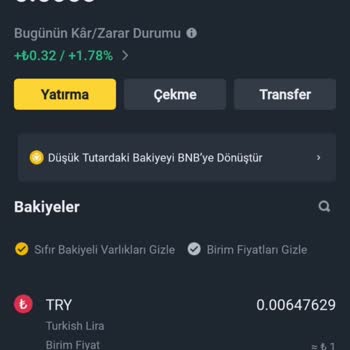
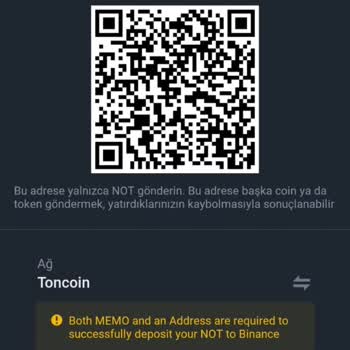
My fund recovery application, submitted on 09.02.2024, is still pending after 54 days. Whenever I reach out to customer ...service, they inform me that the technical team is handling the process and it will require more time. Although the customer service team has been polite and professional, I feel t
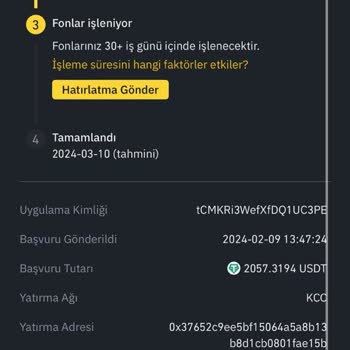
After making a withdrawal to an unsupported network on Binance, my account was placed under review when the withdrawal w...as repeated twice. At first, I was informed that the review process would require a month. Nevertheless, it has been 26 days and I am still waiting for a solution. The live support
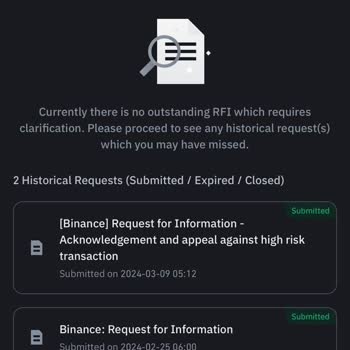
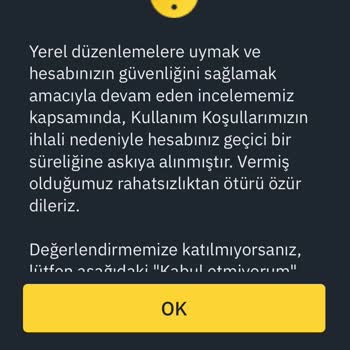
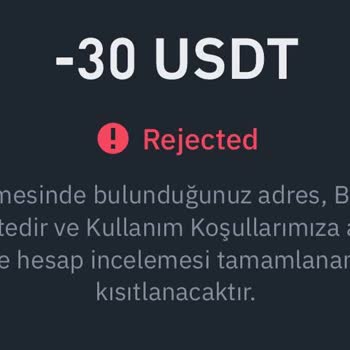
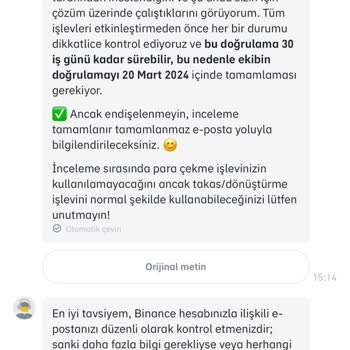
I purchased ETHFI coins with PancakeSwap through Binance. I had no problem depositing the money, but when I tried to wit...hdraw it, I received a warning message, and my money was not deposited into my account. I am lodging a complaint against Binance and PancakeSwap. I cannot comprehend how they overl
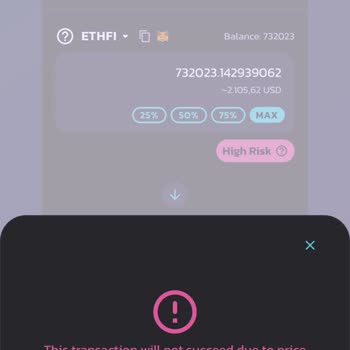
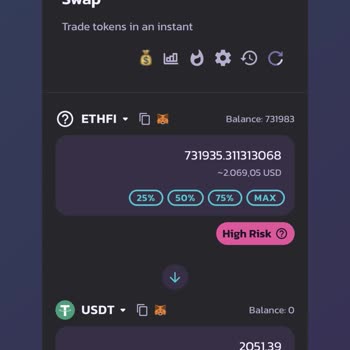
I made a Binance account using someone on Telegram and put money in it. Someone told me to put money into a cryptocurren...cy that was going up in value, so I did what they said. But when I tried to close the trade, they told me I needed to add another $500 to complete the sale, even though I had alrea
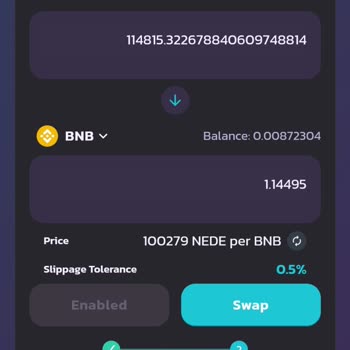
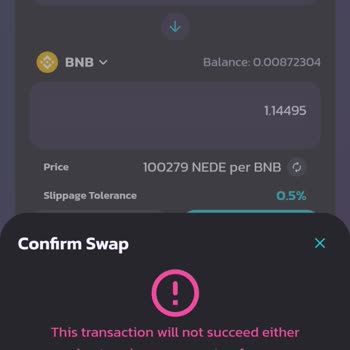
I moved 1430 TL from my Halkbank account to a Binance account at Akbank on July 24, 2023. Unfortunately, the money I sen...t doesn't show up in my Binance TR account, and it hasn't been returned either. I've been to both Halkbank and Akbank, but they say they can't do anything about the problem. My mon
So, this morning at 9:13, I sent some money from my bank account to Binance TR's account on their website. even though ...the money was taken out of my bank account, it hasn't shown up in my Binance TR account yet. I had important stuff to take care of and now it's messed up. Reaching customer line d
I sold 0.22 BNB for around 125 TL. Even though the order shows as "completed" in my history, I haven't received the 125 ...TL balance in my account yet. I'm confused about this difference, sold my BNB and wanted to convert it to Turkish Lira (TL) and get the money in my account right away. But unfortu
I've been waiting for a whole month for Binance to confirm something and their customer service has been totally unhelpf...ul and rude, this is getting ridiculous. They keep bouncing me around to different reps and nobody seems to have any answers. It's like they don't even want to help me out. So, the
it's May 11, 2023, and it's 3:37 in the morning. I'm thinking of taking out some cash from my Binance TR account and mov...ing it over to my reliable VakıfBank account. Piece of cake? Well, not really. I was talking to the customer service peeps at Binance TR. they dropped a bomb on me and said there'
On March 23, 2023, my Binance TR account was locked out for security reasons. However, the funds that resulted in the bl...ockage originated from Binance Global, and they sent a total of 766,312 TL (766,312 Turkish Lira) to their end of the transaction. It's been a week and a day, but my account hasn't
As a customer who depends on quick and easy crypto transfers, I'm very upset that my recent transfer from XLM to Binance... took so long. I did everything that was asked of me and gave the right address, but my funds haven't been processed yet, so I can't get to my money. I'm getting impatient because