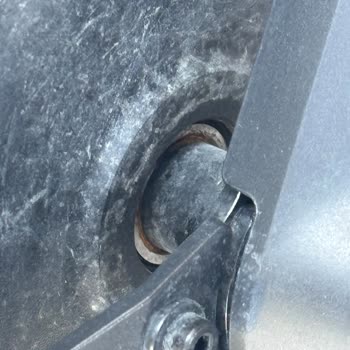
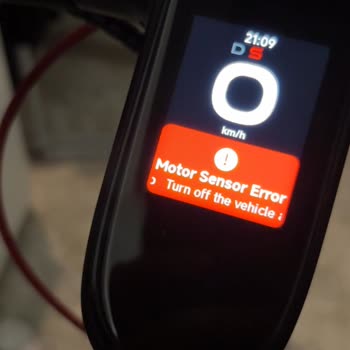
Error codes appear on the Segway-Ninebot electric scooter display. Where can I find their explanations?
2 Views
Segway-Ninebot electric scooters are equipped with a self-diagnostic system that displays error codes on the screen.
🔹 Where to find explanations:
In your scooter’s manual — under the section “Errors and Codes.”
On the official Segway-Ninebot website in the Support section.
In the Segway-Ninebot mobile app (Ninebot App) — when connected to the scooter, it may display the error description.
🔹 Examples of error codes:
E01–E02 — throttle mechanism (accelerator trigger) error.
E03–E04 — brake sensor malfunction.
E07 — communication error between controller and display.
E09 — battery or BMS problem.
E35 — controller or motor overheating.
👉 If an error appears regularly and the scooter does not function properly, you should contact a service center.
❗ If Segway-Ninebot does not provide users with a full explanation of error codes and instructions, 👉file a complaint on Xolvie👈 — this will help make support more transparent and user-friendly.
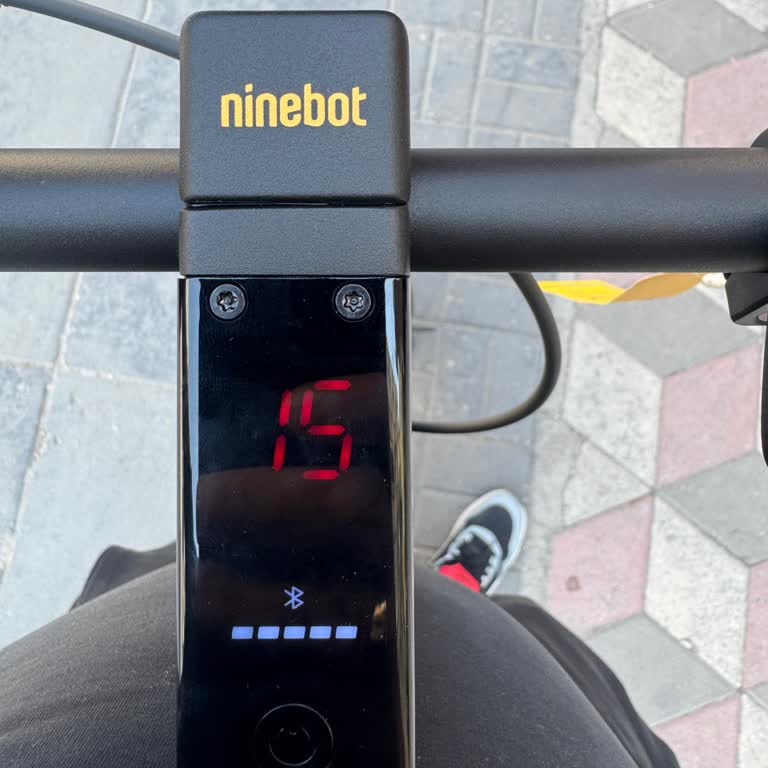
I purchased a Segway Ninebot Max G2 electric scooter from MediaMarkt for ₺30,500, paid by credit card. Shockingly, on th...e first day of use, the scooter’s digital display showed a “Red 15” error, and the device completely malfunctioned. The very next day, I returned to the MediaMarkt store and reque
On July 27, 2025, I purchased a Segway Ninebot F3 Pro Scooter from Vatan Bilgisayar. At first, I was very happy with its... motor performance, comfort, suspension system, and lighting. One of the main reasons I chose this model, however, was because it was advertised as water-resistant. On Segway’s off