Xolvie Resolution Specialist15 Mart 2026 18:26
If MovieStarPlanet locked your account after purchases, you may still be able to recover it by taking these steps:
Check the lock message first;
• Try logging in to see the exact message
• Look for:
– A lock number
– Any explanation about the suspension
• Screenshot the message for evidence
Some locks happen if the system detects unauthorized purchases or refunds, which can automatically suspend the account.
Contact MovieStarPlanet support;
• Go to the Help Center and submit a support request
• Provide:
– Your username
– The lock number shown on login
– A short explanation of the situation
If the lock happened by mistake, support can review the case.
Provide proof of purchase;
Support may ask for:
– VIP or Top-Up receipts
– The email linked to the account
– Payment confirmation
These documents help prove you are the real owner of the account.
Explain the purchase issue clearly;
• Tell support if:
– The purchase was legitimate
– A refund or chargeback happened accidentally
– Someone else accessed your account
If MovieStarPlanet refuses to restore the account or does not respond, consider filing a complaint on Xolvie to escalate the issue.
Vote
Related Complaints
MovieStarPlanet Login Error “Something Went Wrong” Blocks Account Access

February 13 2:04 AM
I have had a MovieStarPlanet account with the username “galatasaraylı prenses” since around 2012. Two days ago, I was ab...le to log in to my account without any issues from my iPad, but shortly after, I was logged out of the game. Since then, every time I try to log back in, I receive an error messag
My Movie Star Planet Account Hacked

April 28, 2024 12:45 AM
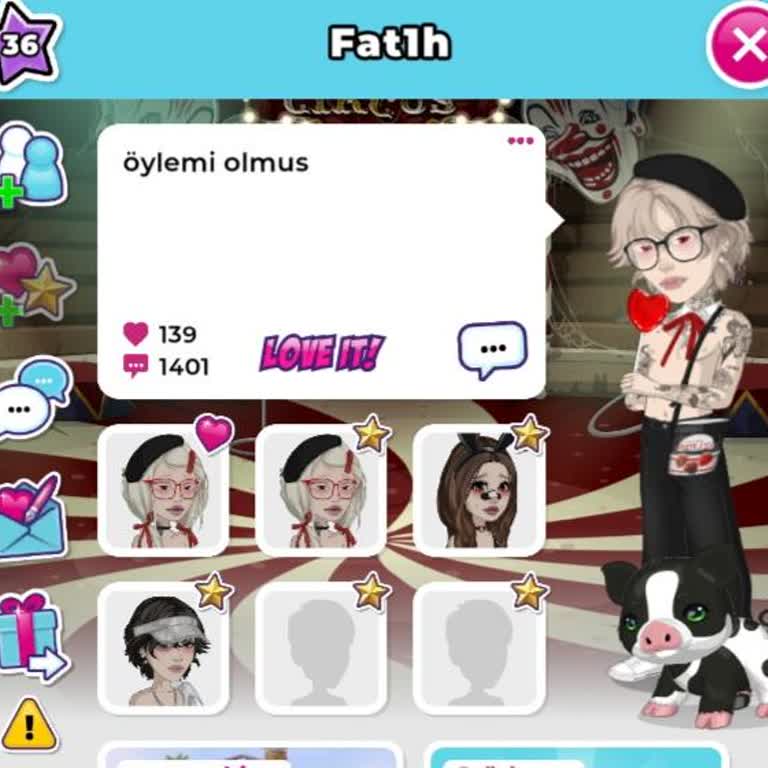
On Movie Star Planet, some users claim to need passwords for a software update. Once they get the password, they spend t...he user's Diamonds and Star Coins and block them from both their account and the game. The usernames involved in these actions are l3springl3 and Fat1h. As Movie Star Planet 2 is a

Movie Star Planet
View All Complaints