My Mobile Legends game keeps lagging! How can I understand if it is my device or the servers?
75 Views
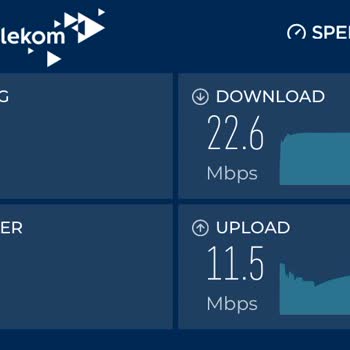
To fix lag problems in Mobile Legends, you should first check how well your device works. Check your Wi-Fi or mobile data connection's speed. You should get at least 5 Mbps of download speed and 1 Mbps of upload speed. Watch out for high ping or packet loss as you check to see if the connection is stable. Close any background apps that you don't need and that could be using up your bandwidth or CPU. Make sure your device has enough storage space and that it doesn't get too hot. If your device is old and doesn't have enough processing power, you might want to think about upgrading.
Next, look at the servers for Mobile Legends. Keep an eye on Moonton's official channels, like their website, Facebook page, or Twitter, for updates about server problems. To find out about server outages in real time, use third-party tools such as Downdetector or IsItDownRightNow. Pay close attention to any in-game alerts that tell you about server problems that are happening in Mobile Legends.
Your active participation in our platform not only helps you but also contributes to a collaborative effort to find solutions, improve experiences, and make a positive impact. Be part of the solution, comment, or complain!
I have been playing Mobile Legends on my Android device for a long time. My player ID is 1751952998, my username is deno...oo, and my name is D** K*******. For about three to four months, I have been experiencing severe connection problems while playing from my home. I suspect that there is a transmit
My Xiaomi 14T Pro phone is not achieving 120 FPS in the Mobile Legends: Bang Bang game, which is incredibly frustrating ...and illogical. I've tested other games, and they run smoothly without any performance issues, confirming that this problem is specific to Mobile Legends. My device features a Dimen
Since the new season started on June 18, 2025, my game has been constantly lagging and causing me to lose when I use the... Alpha Legends skin. This is completely unacceptable! I'm playing on an iPhone 15 Pro Max, a high-end phone, and even on medium settings, the game still lags horribly when this spe
I own a Xiaomi 14T Pro, a phone that should absolutely crush Mobile Legends: Bang Bang at 120 FPS, but I'm stuck at a lo...wer, choppy framerate. This is completely unacceptable! My player ID is 1471615736 (Server: 4426), and my username is baylux. What's even more infuriating is that every other game
I use the Xiaomi 14T Pro, but I’m facing serious issues like FPS drops, Wi-Fi connectivity problems, lag, and high ping ...(MS). The optimization is really poor—I can’t play smoothly at 120 FPS as advertised. This ruins my gaming experience and makes the device frustrating to use. My device specs: Medi
I tried installing Mobile Legends: Bang Bang on my Oppo phone for the first time. My phone handles other FPS games witho...ut any issues, but this game just won’t load. I’ve uninstalled and reinstalled it five times, but every time the loading screen hits 100%, it freezes and doesn’t move forward. It’s

I own a Xiaomi Mi 12T, and ever since the update released on March 26, my gaming experience has taken a huge hit. Prior ...to this update, my device was capable of running Mobile Legends: Bang Bang (MLBB) smoothly at 120 FPS, which is one of the reasons I chose this phone. However, after the update, th
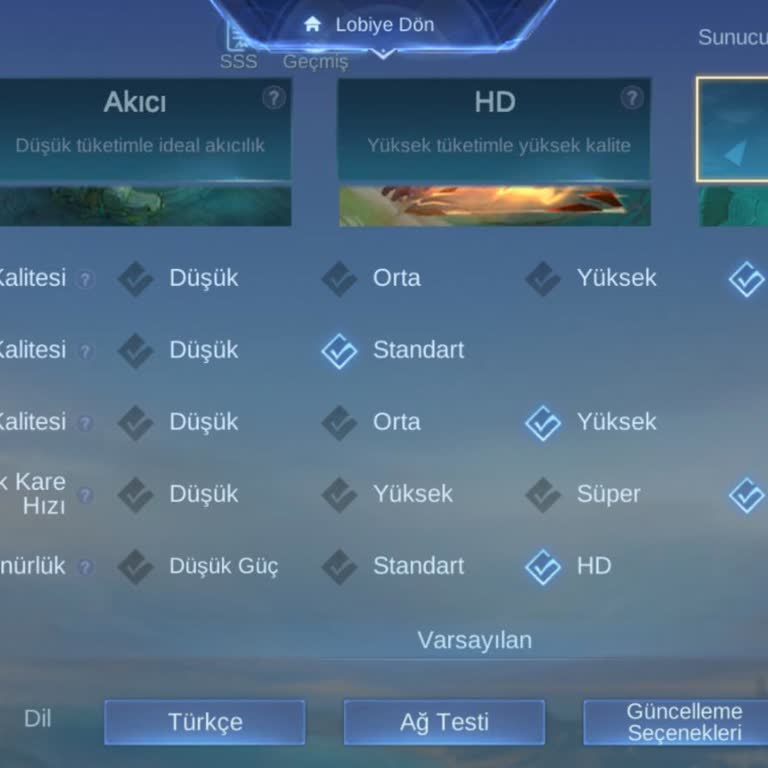
I’m using a Xiaomi 14T Pro with the Dimensity 9300 Plus processor, and I play Mobile Legends. But lately, the game keeps... freezing and my FPS randomly drops to unplayable levels. It’s not a minor lag—it’s completely ruining the gameplay experience. I expected smooth, top-tier performance from a flags
I used to love playing Mobile Legends, but the latest update has completely ruined the experience for me. My Samsung A25... 5G, powered by the Exynos 1280 processor with an Antutu v10 score of 480,000, used to run the game smoothly at 90 FPS. After the recent update, the FPS dropped to 60—and now it ca
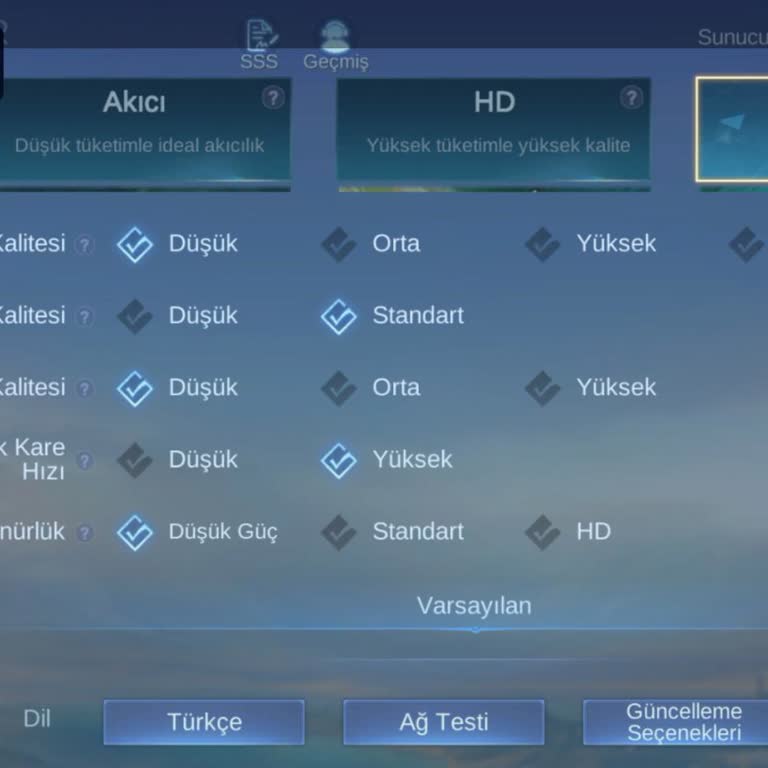
I play Mobile Legends on my Xiaomi 14T Pro, which runs the powerful Dimensity 9300 Plus processor. Despite having this h...igh-end hardware, my gameplay experience is ruined by constant lag and severe FPS drops. The game frequently freezes mid-match or stutters during team fights, and the frame rate ra
Dear Mobile Legends team, I’m using a Xiaomi 14T Pro powered by the MediaTek Dimensity 9300+ processor. Before the most ...recent update, my device was running the game smoothly at 120 FPS, which is what I expect from a flagship phone. However, since the latest patch, the FPS has dropped drastically to
Dear Mobile Legends team, I’ve been a dedicated player for a long time and had no problems running the game—until your l...atest update. After installing it, my Xiaomi 14T Pro now gives significantly lower performance test results. I used to get scores between 170 and 225, but now they’re stuck between
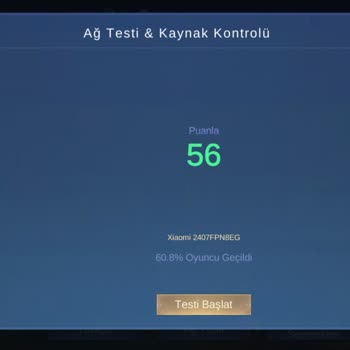
I’ve been playing Mobile Legends for a while now, and I’m incredibly frustrated with a major issue—I'm unable to change ...my server in the game. No matter what I try, there's simply no option to switch servers, which is absolutely unacceptable for a game of this scale. Even worse, I never selected the
I've been experiencing a strange and frustrating issue with Mobile Legends. While my internet connection is stable, the ...main screen of the game becomes unbearably slow, constantly showing a “Loading Data” message. I can’t navigate between sections, check events, or manage my profile—it’s as if the g
I recently downloaded Mobile Legends: Bang Bang, but I can’t get past the character selection screen. No matter which ch...aracter I choose or how long I wait, the game refuses to load further. I even tried switching characters and using a completely different phone—but the same issue happens every sin
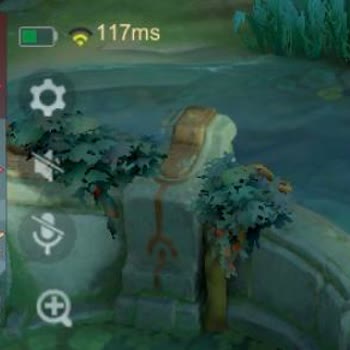
For the past three days, my MS has been stuck above 100 every time I play Mobile Legends. No matter what I do, it never ...drops below 100, making the game completely unplayable. My internet connection is perfectly fine, and I even tried switching to mobile data, but that made it even worse, reaching 2

I’ve noticed a major issue in Mobile Legends that happens repeatedly. Whenever I lose a match, the result is immediately... recorded in the system. However, when I win, the game sometimes doesn’t count the victory, giving me a network error instead. The match ends, but my win never gets registered, whi
I’ve noticed a major issue in Mobile Legends that happens repeatedly. Whenever I lose a match, the result is immediately... recorded in the system. However, when I win, the game sometimes doesn’t count the victory, giving me a network error instead. The match ends, but my win never gets registered, whi
I am extremely frustrated that Mobile Legends Bang Bang does not support 120Hz on my Redmi 14C, even though my device fu...lly supports it. This is a major issue, and I want it fixed immediately. The lack of 120Hz support makes the gameplay feel sluggish and unresponsive, which ruins the overall experi
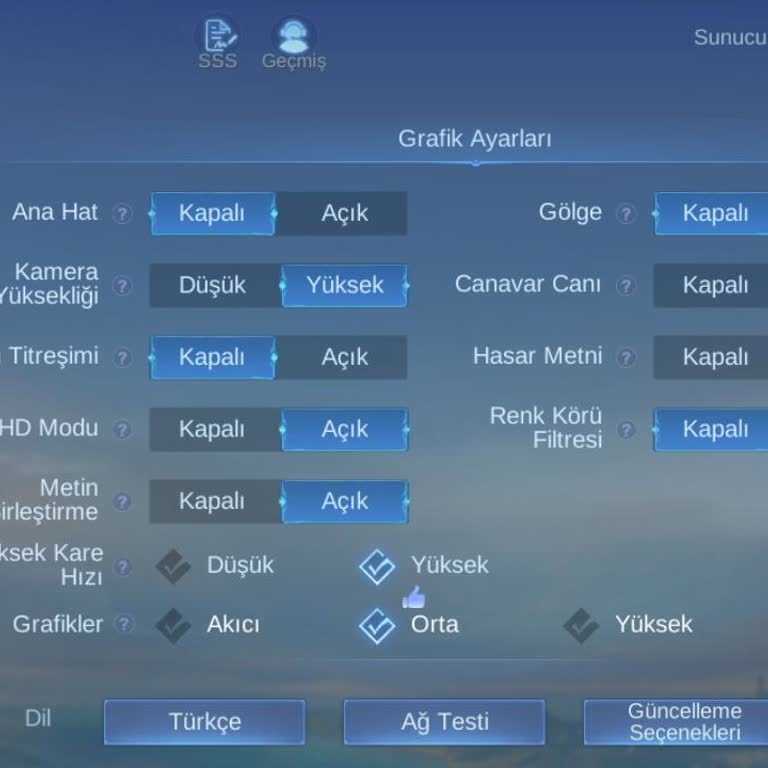
After the latest Mobile Legends update, the game refuses to open. I’ve tried everything imaginable—clearing cache, unins...talling and reinstalling, using APKPure, and ensuring my device and internet connection are in excellent condition. Despite all this, the game still won’t launch. To make matters
I am unable to access my Mobile Legends game due to a persistent connection error, despite having a stable internet conn...ection. The issue began after experiencing lag during a match, and now I cannot log back into the game. I’ve tried multiple times to reconnect, but the problem persists. I don’t u
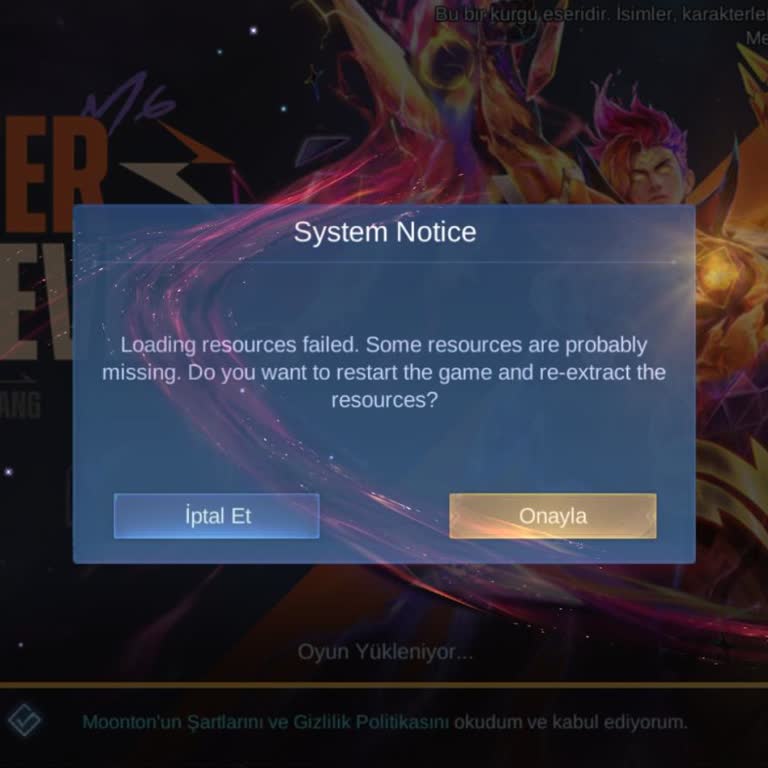
On November 28, 2024, around 2:10 AM, I experienced a connection issue during a match caused by Mobile Legends. This pro...blem has persisted even after the most recent update, showing that it still hasn't been resolved. It's incredibly frustrating to face such disruptions during gameplay, especially w
I recently received a penalty in Mobile Legends where 12 points were deducted from my account, despite not violating any... rules. The disconnection happened because of an unstable internet connection in my area, not because of negligence or intentional AFK behavior. I am not someone who typically goes
I have Mobile Legends Bang Bang installed on my phone, but for some reason, it’s not showing up anywhere. I’ve tried loo...king for it multiple times, but it seems to have disappeared even though it’s still installed. I’m not sure why this is happening and would really appreciate some help in figuring
I’ve been playing Mobile Legends Bang Bang for years, but for the past two years, it’s been frustratingly unplayable due... to constant MS (latency) problems. Customer support is useless, seemingly run by bots. Everyone in-game is complaining about the same issue, and instead of fixing it, they keep gi