I'm concerned about potential losses on my trades. How can I set up a stop-loss order on MEXC to minimize my risk?
322 Views
1 Comment13 Complaint
When you make a new order on MEXC, go to the "Stop-Limit" tab to put in a stop-loss order. Here is where you'll enter the stop price, which is the price at which the order will be filled, and the limit price, which is the price at which you want to sell the cryptocurrency.
On MEXC, there are two main types of stop-loss orders:
• When the stop-loss price is reached, the stop-loss limit places a market sell order. This makes sure that the order is filled, but not always at the exact stop-loss price in fast markets.
• When the price hits your stop-loss level, stop-market sends out an immediate market sell order, putting speed over exact price execution.
To set up a stop-loss order, you must pick the trading pair, choose the "Advanced" order type, and pick either "Stop-limit" or "Stop-market." Set the order quantity and the stop-loss price, and then look over everything before confirming.
We value your input, so please leave a comment to keep the conversation going.
On November 11, 2025, at 10:46, my short position on the LSK/USDT trading pair on MEXC Global was unfairly liquidated ev...en though my liquidation price was 0.3505. The price dropped to 0.3380, yet my position was still liquidated. As a result of this issue, I incurred a total loss of 2833 USDT. Alth
On October 6, 2025, around 3:00 PM, I tried to close my COAI/USDT futures position via the MEXC iOS app. While my positi...on was around -30% to -40%, I repeatedly pressed the “Quick Close” button, but the order didn’t execute, and the system didn’t respond at all. The price was nowhere near the liquid
I have been trading on various exchanges for 10 years, and recently switched to the MEXC exchange because of their promi...se of low transaction fees. However, despite placing stop-loss orders on my trades, MEXC deliberately ignored these orders and liquidated my entire account multiple times. In total
On July 4, 2025, I experienced a serious trading issue with the MEXC exchange's risk control system and order management.... That day, I opened a $100 short position on the GOG/USDT pair due to its rapid price increase. When it seemed the price would continue rising, I closed my position to limit my lo
I opened a long position on ATA in MEXC futures with clear parameters: liquidation at 0.04135 USDT and an add-margin ord...er sitting just one tick higher at 0.04136. The price reached 0.04136, yet MEXC never filled my add order. One second later the market dipped to 0.04135 and the system instantly li
I’ve been using MEXC crypto exchange actively, but I’ve had enough of their irresponsible listing practices. They contin...uously list low-quality and unsupported coin projects that crash in value within hours of launch. It’s become clear that these listings are not vetted properly and serve only one p
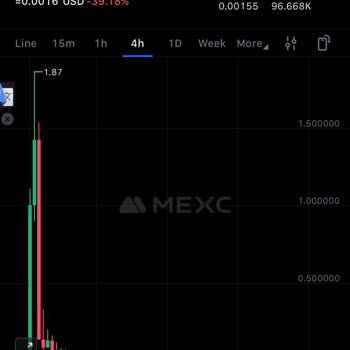
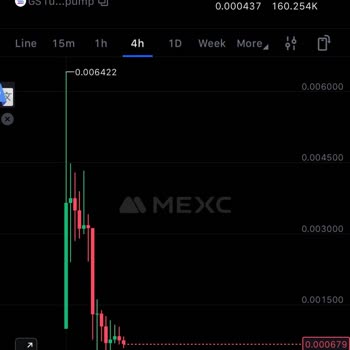
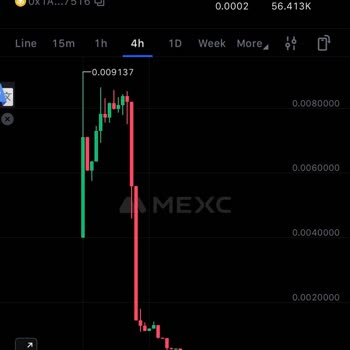
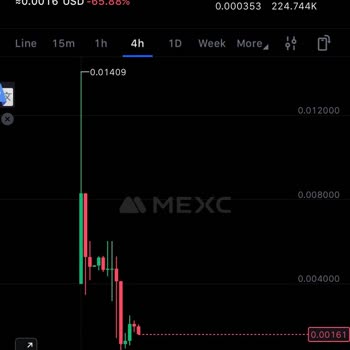
I placed a stop-loss (TP/SL) order on MEXC, but the system completely failed to trigger it. As a result, my position was... liquidated, and I suffered a major loss that could’ve easily been prevented if the platform had honored my stop-loss settings. This is unacceptable. If we can’t trust MEXC’s trad
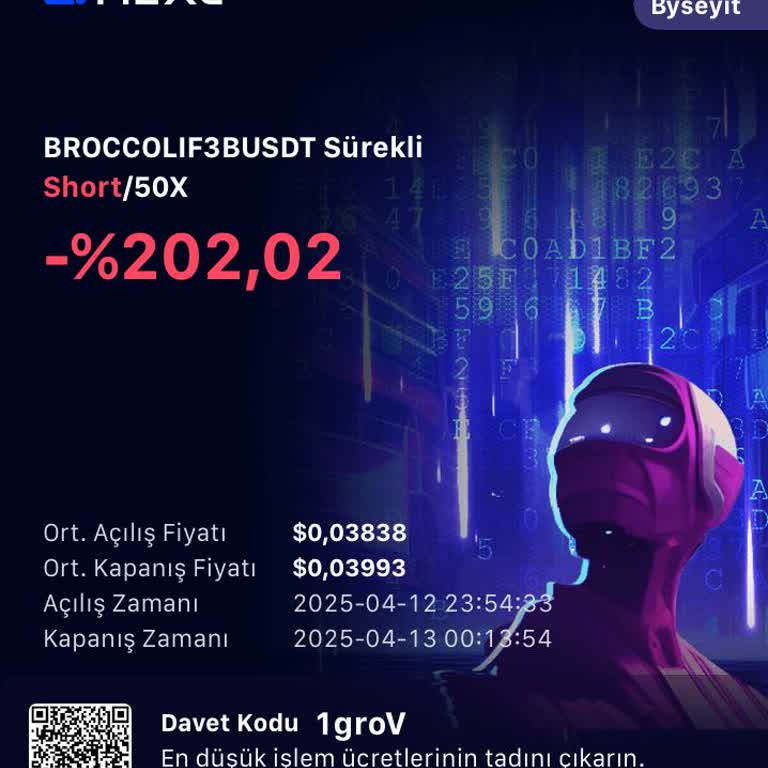
I have been using MEXC Exchange for over a year, but recently, my futures trading section got locked, preventing me from... adding funds or placing a stop-loss. As a result, my position was forcibly liquidated, and I lost my money. This is completely unfair and unacceptable. It seems like MEXC is inte
On 04.09.2024, I opened a 20x leverage trade for CatDog on MEXC at 23:16, with an entry price of 0.00008173. Despite hav...ing set a TP and SL, I was liquidated at 02:16, even though my stop-loss was set at 0.00008192, which is above my entry price. When I contacted customer service to ask how this cou
I'm really sorry for depositing $15,000 into MEXC Exchange. We haven't made any money; it's all controlled by bots. Ever...y time you open a position, regardless of your available funds, the system will automatically liquidate your position. The coins go up and down, all under the control of robots. Ri
The Mexc stock exchange is now trying to blow up the account, it does not see a stop loss, and with its wick movements t...hat do not exist in the stock exchange, it takes 2-3 times the amount you will stop, and most of the time it goes out. I see that the stock market is not a good stock exchange anym
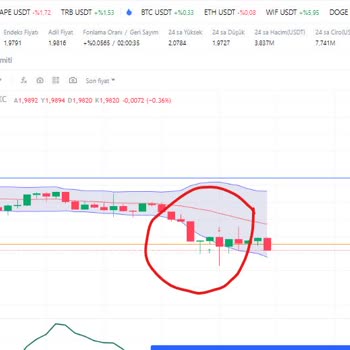
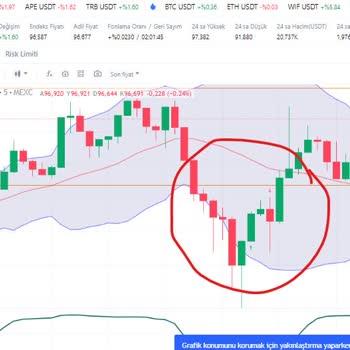
I want to warn everyone about my experience with Mexc Exchange. I think they follow their own set of rules for both futu...res and spot trading. But it feels like you can't really stand up for your rights. I think the risks are like gambling and betting, which can lead to me losing a lot. The customer













1 Comment