Xolvie Resolution Specialist27 Mayıs 2025 13:45
First, go to Kraken's withdrawal fees page and look at the fee schedule to get an idea of what the usual fees are.
Fees depend on the coin and network, and they can change when the network is busy or when updates are made.
Make sure you chose the right network for your withdrawal; using a network that isn't allowed could lead to higher fees or transactions that don't go through.
Also, make sure that the amount of your withdrawal met the minimum requirement. If it didn't, you may have to pay extra fees or have your withdrawal rejected.
To challenge the charges, you will need to get information like the transaction ID, the amount withdrawn, the date, and the exact fee that was charged.
Use the Support Center to get in touch with Kraken Support and give them this information.
Make it clear why you think the fee was wrong or unexpected.
Have a similar problem? Join others who’ve shared their stories and found solutions. File your complaint on Xolvie to bring attention to the issue.
Vote
Related Complaints
Unwanted Kraken Digital Subscription Charge

January 3, 2024 8:30 PM
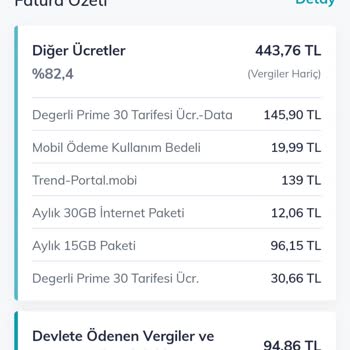
I was billed for a Kraken digital subscription that I didn't approve, and now it's showing up on my phone bill. When I r...eached out to customer service, they informed me that they were unable to cancel it and advised me to get in touch with the company I subscribed with. Unfortunately, there is no wa

Kraken
View All Complaints