Garena Free Fire shows “Failed to Retrieve Version Config: 2”, how can I fix this login issue?
34 Views
2 Comment9 Complaint
If Garena Free Fire shows “Failed to Retrieve Version Config: 2” and you want to fix this login issue;
Check your connection and device settings;
• Make sure you have a stable internet connection (try switching between Wi-Fi and mobile data)
• Turn Airplane Mode on for 10 seconds, then turn it off
• Set your device date & time to automatic
• Disable VPNs or DNS-changer apps if you’re using any
Clear cache and refresh the app;
• Go to Settings → Apps → Garena Free Fire → Storage
• Tap Clear Cache
• Restart your phone and relaunch the game
Update or reinstall Free Fire;
• Open Google Play Store / App Store and update Free Fire to the latest version
• If already updated, uninstall the game, restart your device, and reinstall it
• Log in again after reinstalling
Check server status;
• The error often appears during server maintenance or outages
• Wait 30–60 minutes and try again
• Check Free Fire’s official social media for maintenance announcements
This is the information we have, but if you have more insights from your experience, please share in the comments.
I have a problem accessing my old Free Fire account through my Google account and I would like your help to recover it. ...I have been inactive on Free Fire since around 2022. When I recently tried to log in again using my Google account, I could not access my old Free Fire ID and I receive an error in
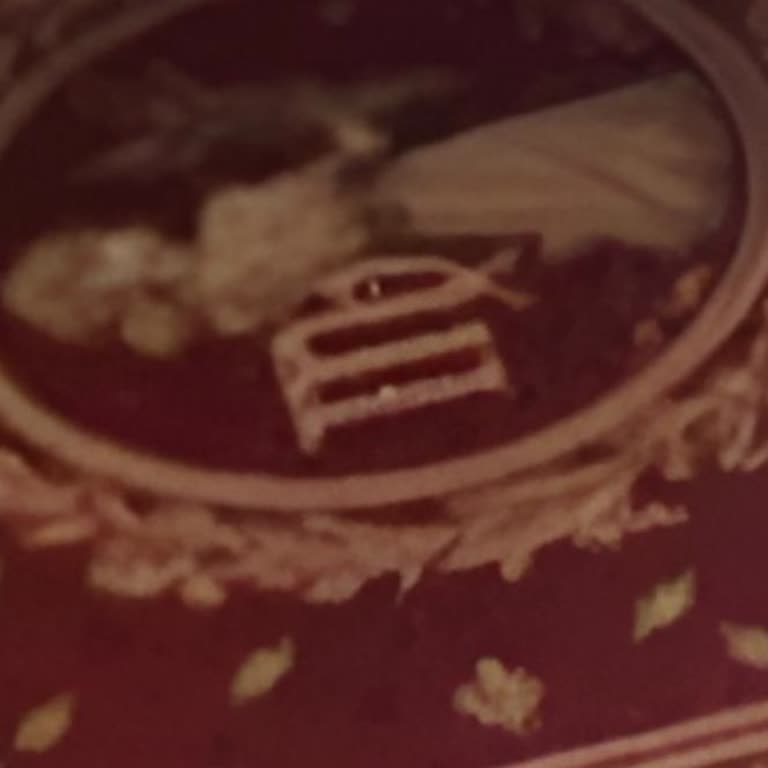
I am a Garena Free Fire player, and I am writing to report a serious concern regarding a recent Booyah Pass theme that I... find offensive to Islamic values. On September 1, 2026, I saw a theme in the Booyah Pass section featuring a carpet with the name “Allah” written in Urdu. Two characters appear to
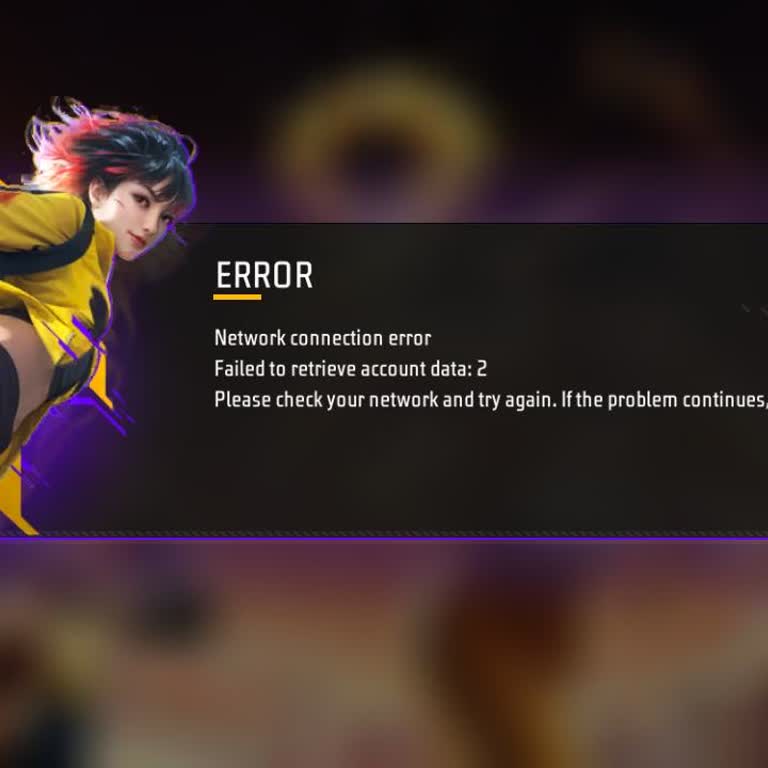
For a long time I have been playing Garena Free Fire on my Android phone, a Vivo Y20. Since 12 July, I have not been abl...e to log in to my account. Every time I try to open the game, a window pops up on the screen saying “ERROR – Network connection error – Faile kid to retrieve account data: 2” and t
I play Free Fire on an Android phone and I am currently unable to log in to my account. When I try to enter the game, an... error window appears saying “ERROR – Network connection error – Failed to retrieve account data: 2” and I cannot get past this screen. This problem started recently and I have tri
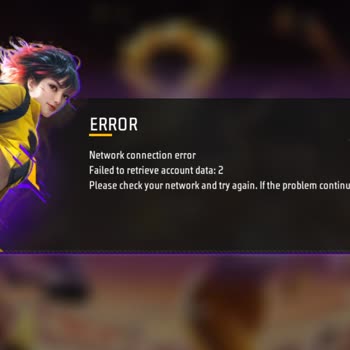
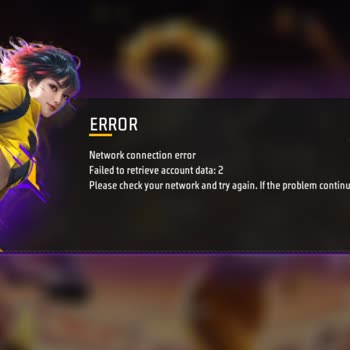
For a long time I have been playing Garena Free Fire on my Android phone, a Vivo Y20. Since 12 July, I have not been abl...e to log in to my account. Every time I try to open the game, a window pops up on the screen saying “ERROR – Network connection error – Failed to retrieve account data: 2” and the
I am an active Free Fire player on Android and I am having a serious problem with my account. My old game ID is 30425591...28 and it is in the old version of the game. When I try to log in now, instead of opening my old account, the game creates and opens a completely new account, so my main ID does no
I am an Android user and I am currently unable to access my Free Fire account. When I try to log in, the game shows the ...error message “failed to retrieve version config:2” and the account does not open at all. This problem started today in the morning and has continued since then. There are diamonds
I am a Free Fire player on an Android device and my account was logged out and I have not been able to access it again s...ince yesterday. Every time I try to log in, I cannot enter my account and I am completely locked out of it. I contacted Free Fire support about this problem, but I have not receive
I had a Free Fire account that I had worked hard on for a long time. I had made significant progress — my rank was Diamo...nd I with 2 stars. My old account name was *karanlık _ay. On February 15, 2026, when I logged back into the game after an update, I realized that my account was gone. There had be









2 Comment