Xolvie Resolution Specialist14 Nisan 2026 08:34
If G2A banned your account after a purchase,
Act quickly and understand the situation;
• Why accounts get banned:
– Suspicious payments, chargebacks, or unusual activity
– VPN usage or multiple IP logins
– Security checks or verification issues
• Important:
– G2A security decisions can block access until verified
Contact G2A Support immediately;
• Go to:
– https://supporthub.g2a.com
• Submit a ticket:
– “My account was banned after a purchase. I need access and my order restored.”
• Be ready to provide:
– Order ID
– Payment proof
– ID verification (sometimes required)
Recover your account;
• Follow instructions from support:
– They may ask for identity verification
– Complete all steps carefully
• Important:
– Your account can be restored after verification in many cases
Secure your order;
• If you regain access:
– Check “My Purchases” and download your key
• If still locked:
– Ask support to:
– Deliver the key via email
– Or issue a refund
If the issue continues, raising it publicly on Xolvie can often trigger a faster response.
Vote
Related Complaints
My G2A Account Permanently Closed After Purchase

June 28, 2024 9:07 PM
I made a purchase on my G2A account, but my account was permanently closed shortly after. Within the same day, I tried t...o repurchase the product 3-4 times. Although the money was deducted from my account, I never received the code for the product because my account was blocked before I could access
G2A Blocks Account After iTunes Purchase

December 22, 2023 5:04 PM
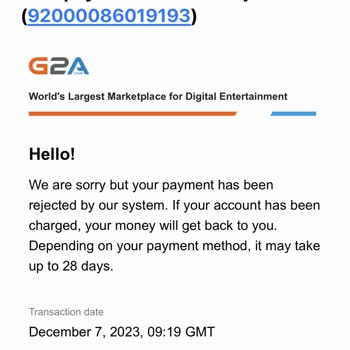
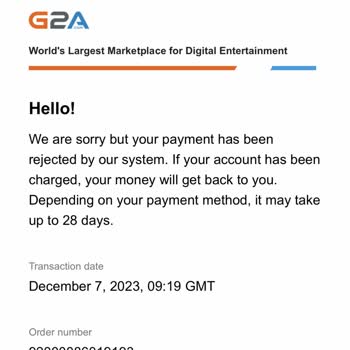
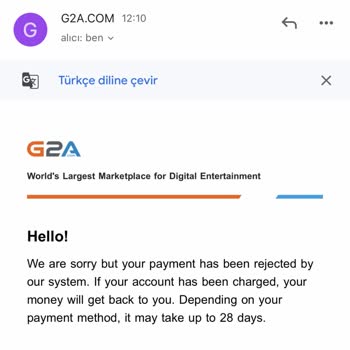
Hi there! I bought three iTunes cards from G2A and my account ended up getting blocked. I was informed that my account h...ad been blocked. I reached out to customer support with proof of the issue and asked for a refund. It's been 28 days, and I'm still waiting for my refund. Even after sending numero

G2a.com
View All Complaints