Xolvie Resolution Specialist4 Mart 2026 06:17
If Fitify charged you after you canceled and you want your money back;
Check your cancellation first;
• Open Fitify app → Account / Subscriptions
• Confirm:
– Cancellation was successful
– Subscription status (Canceled / Active)
• Screenshot the cancellation confirmation
Verify the charge;
• Check your bank/card statement
• Note:
– Charge amount
– Date
– Merchant name
• Screenshot the charge
Check email (including Spam);
• Search for:
– “Fitify subscription”
– “Cancellation confirmation”
– “Receipt”
• Screenshot any relevant messages
Confirm cancellation date vs billing date;
• If cancellation was after the billing cycle started,
you may have been charged before it took effect
• Screenshot subscription screen showing cancellation date
Contact Fitify Support;
• Use in-app support or official email
• Explain:
– You canceled but were still charged
• Provide:
– Username/email
– Charge screenshot
– Cancellation screenshot
• Ask for:
– Refund
– Cancellation confirmation on their end
If unresolved or they refuse an appropriate refund, consider filing a complaint on Xolvie to pursue a resolution.
Vote
Related Complaints
Fitify Refund Request After Annual Subscription Was Canceled Immediately

December 6, 2025 1:41 PM
I purchased an annual subscription to the Fitify app on December 5, 2025, but I canceled the membership on the same day.... Despite canceling it immediately, $16 was charged to my debit card as a lump-sum payment, and I have not received any refund. I canceled the subscription through Google and also
Fitify Refund Delayed for Weeks Even Though Google Accepted It

July 22, 2025 4:05 PM
It’s been about one to two months, and I still haven’t received my refund from Fitify, even though Google has already ap...proved it. I honestly don’t know what else to do anymore. You’ve listed the payment as split into installments, but the full amount was charged upfront, leaving me with no remaini
Fitify Refund Not Received Even After Google Confirmation
July 22, 2025 9:24 AM
It’s been over one to two months, and I still haven’t received my refund from Fitify. Even though Google approved the re...fund request, the money has not been deposited into my account yet. I honestly don’t know what else to do at this point. The payment was divided into several installments on their
Fitify Charged Me Without Consent – Never Subscribed, Yet Payment Taken

August 18, 2024 6:42 PM
I downloaded Fitify, explored the app, and when I reached the payment plan section, I decided to check online reviews fi...rst. After reading numerous negative complaints, I chose not to proceed and exited the app without subscribing or authorizing any payment. I even deleted the app immediately. Desp
Fitify Canceled My Membership in 3 Days but Still Charged – No Refund

June 20, 2024 9:48 AM
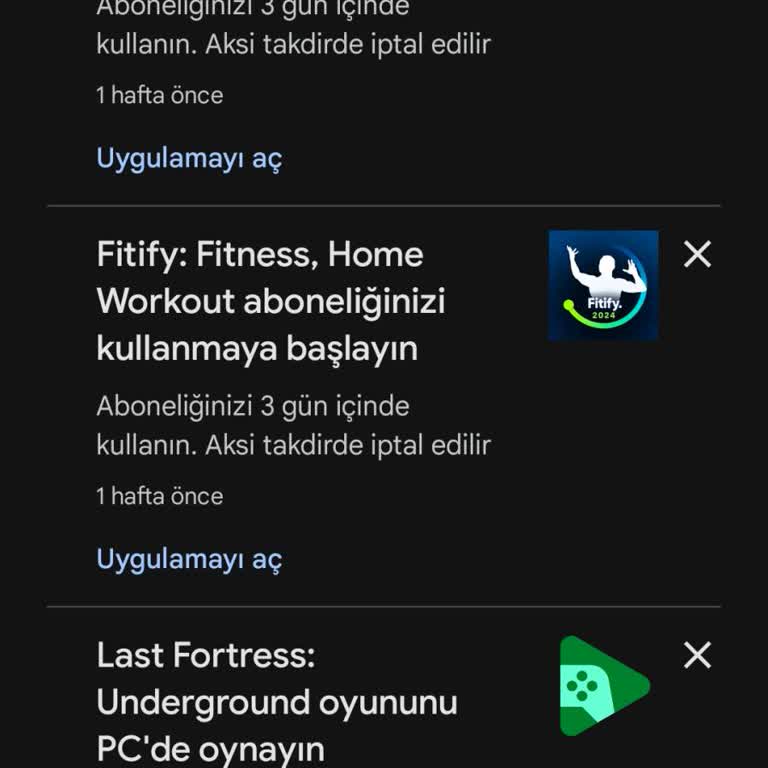
I purchased a Fitify subscription, but because I didn’t log in within the first three days, my membership was automatica...lly canceled. Despite this, Fitify still charged me ₺800 and has not refunded my money, even though my membership is no longer active. I paid for a service that I didn’t even get

Fitify
View All Complaints