crypto.com locked my DeFi Wallet without explanation, and support is unresponsive; how can I regain access now?
22 Views
If you can't figure out why your crypto.com DeFi Wallet is locked and support won't help, try reinstalling the app and restoring your wallet using your 12-word password phrase.
This process changes your password, which should help you get back in. Keep your escape phrase safe, because you'll need it to get back into your wallet.
There are more steps on the Crypto.com Help Center (https://help.crypto.com).
If this doesn't work, you can chat with Crypto.com Support in the app or email them at [email protected].
If you need help faster, you can use their official social media page on X (@cryptocom) where their team is often active.
If the problem keeps happening, you might want to file a complaint with Xolvie to raise awareness about the issue and inform others.
I am extremely annoyed by the way Crypto.com mit mir umgeht und mein Konto plötzlich eingeschränkt hat. Am 15.04.2026 ge...gen ca. 16:55 Uhr wurde mein Konto in der Crypto.com App ohne vorherige Information eingeschränkt, nachdem ich beim Versenden eines Tokens einen kleinen Eingabefehler bei der Zahl
I invested around $21,000 USD into my Crypto.com Onchain wallet, planning to hold it as a long-term investment. But with...out warning, my funds were redirected into a “mining reward program.” The app claimed I could earn 1 ETH if I deposited an additional 1 ETH, but after doing so, they kept demanding
I deposited $140 into my Cryptoia.com account, used it for arbitrage, withdrew it successfully, and then reinvested. But... when I tried to withdraw again, the platform suddenly blocked the transaction and flagged it as “suspicious.” They told me I needed to deposit an additional $300 to unlock my fund
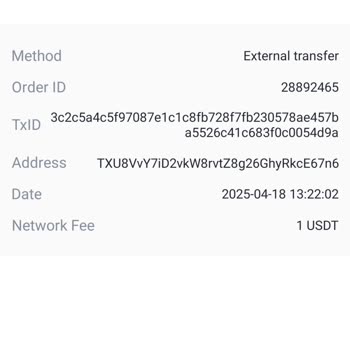
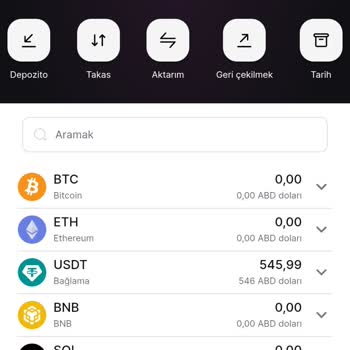
The moment you deposit money into crypto.com, you’re at a 7% loss. They charge extremely high fees but claim they don’t ...take commissions. I saw the news that they recently entered the Turkish market and decided to give it a try. I sent ETH from another account and started using it. When buying, they
I've been a loyal user on your crypto.com exchange for five years and recently completed the account verification proces...s with utmost security. Unfortunately, I received a message informing me that I am unable to become a customer of yours. The message was sent to my personal and registered email ad
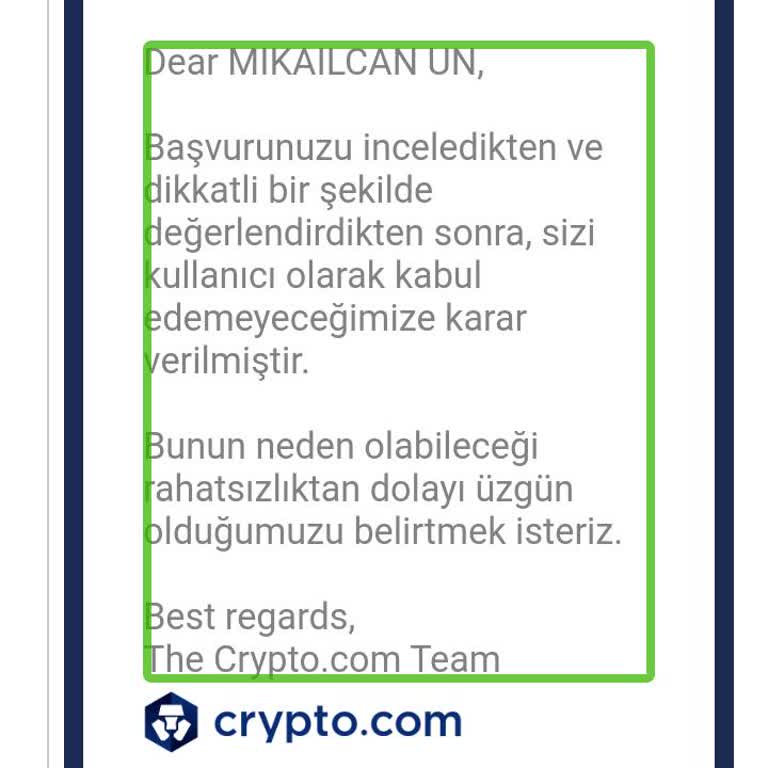
I have been a registered user of your exchange for five years and have successfully completed the account verification p...rocess securely. However, I received a message at my registered email address stating that I can no longer be your customer. No explanation has been provided regarding this matter.
Hello, I installed the DeFi Wallet and initially had no issues earning a daily profit of 2%. My account balance rose to ...$950, but one day, without my knowledge, my balance was withdrawn and blocked. I was informed that I had "earned" 1 ETH and needed to deposit a certain amount of money to access th
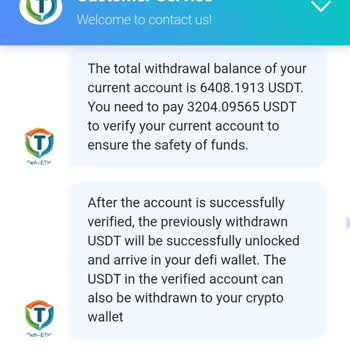
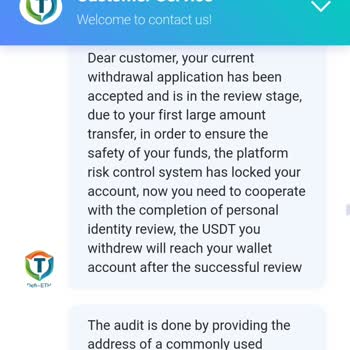
Crypto.com has put a hold on $36,000 of my funds in my Defi Wallet. In order to lift the obstruction, they are requestin...g an extra $16,000. I contacted customer service at Crypto.com for help, but every representative I spoke with provided me with conflicting information. I've already put down $500
I've been unable to access my Crypto.com account for a whole month now. I've sent 10 emails to customer support, but it ...seems like no one has been able to assist me. I've also tried reaching out to them on Twitter, but all they say is that they can't assist me. I'm really annoyed and let down by th