I am unable to access my Bitget account after reinstalling the app; how can I recover my account safely?
132 Views
Follow these steps to get back into your account:
1. Make sure you have the right login information: Make sure you're typing the right email address or username and password for your Bitget account.
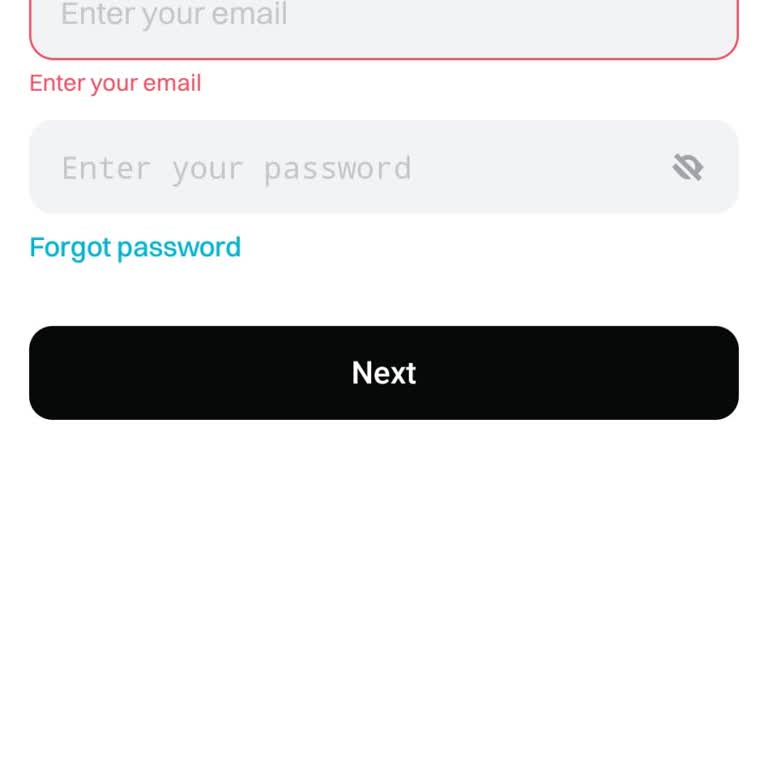
You can change your password by clicking "Forgot Password" on the login page if you've lost it. In order to do this, you will usually get a restart link in your registered email.
2. Two-Factor Authentication (2FA): If you had 2FA turned on, restarting the app might have messed up your setup.
If this happens, you may need to restart your Google Authentication or turn it off. Bitget gives mobile app users a full guide on how to reset or turn off Google Authentication.
Do you have another way to solve it? We'd love to hear from you in the comments.
After entering the wrong password three times (I forgot the password), my Bitget app got locked. As the message instruct...ed, I uninstalled and reinstalled the app. Now I need to recover my existing wallet without losing my money. I have my 12-digit recovery code, but I’m not sure how to proceed. Plea
I was trying to log into my Bitget account from my computer. The moment I entered the security codes sent to my email an...d phone, all the coin assets in my account were immediately transferred out! Only after this devastating incident, when I reviewed my emails and messages, did I realize that those
I’ve been using the Bitget exchange app for over a year without problems, but now I suddenly can’t log into my account a...t all. I enter all my login details correctly, and I do receive verification codes on both my phone and email. But when I enter the code, I get an error message saying “User exit.”
I’ve been completely locked out of my Bitget account because the Google Authenticator verification code isn’t working. I... followed every recovery step exactly as instructed, multiple times, but the system keeps throwing an error. Nothing works. What’s worse, I can’t reach anyone from customer suppor
My account has been suspended, please help me. This is truly my account, but I can’t log in because I lost access to my ...Google Authenticator. Please help me recover it, admin. I want to log back into my Bitget account and use it again.
I am unable to transfer my funds on Bitget due to a persistent Google Authenticator verification code error. Despite met...iculously following all steps, the issue continues without resolution. To make matters worse, contacting customer service has been impossible—no responses, no support, just closed
I used to have an account on Bitget. I am having trouble accessing my email and as a result, I am unable to log into my ...bitget account. I need assistance. I had to repeat my answers multiple times because they kept asking me a lot of questions. It is frustrating when they constantly give me a hard t
Hello, My Bitget account suddenly disappeared from my phone. I reinstalled the app, but now it won’t accept my password ...or verification codes, and I can’t access my account. I have both coins and funds in my account, and I’m unable to reach them. Customer support has been unhelpful and hasn’t resolv