Why doesn’t my ASUS laptop turn on, or why does it only turn on when the charger is connected?
7 Views
If the device does not respond to the power button, the most common causes are a fully discharged or faulty battery, damage to the power circuitry, or a malfunctioning charging port.
Start with the simplest checks: make sure the power adapter is working properly, the cable is not damaged, and the connector is firmly plugged into the laptop. Try a different power adapter if one is available.
If the laptop turns on only when the charger is connected, the battery has most likely lost its capacity, shut down due to wear, or there is an issue with the battery controller.
On some ASUS models, a power reset can help: unplug the charger, hold the power button for 15–20 seconds, then reconnect the adapter and try turning the device on again.
Also check the indicator lights on the case—blinking or missing lights may indicate problems with the battery or power circuit. If the battery is removable, try removing it and turning the laptop on using only the power adapter. If it works, the issue is with the battery.
If the laptop shows no signs of life at all, there may be a fault with the motherboard, power connector, or charging controller. Such cases require professional diagnostics at a service center.
Following these steps helps identify the source of the problem and determine whether professional repair is needed.
I purchased the Asus G513QM HQ358T Gaming laptop (Serial No: M8NRKD038902339) in 2022, expecting high quality and long-t...erm performance. I specifically chose Asus, paying a significant amount, because I trusted the brand for professional design work. Unfortunately, from the day I bought it, it has b
I bought this laptop from your company because I'm a big fan of your products. The warranty for my laptop is valid until... 2025. I sent it to your repair center in Istanbul, but they told me I have to cough up $800 for the repairs and replacements. They said there was a problem with the motherboard, b
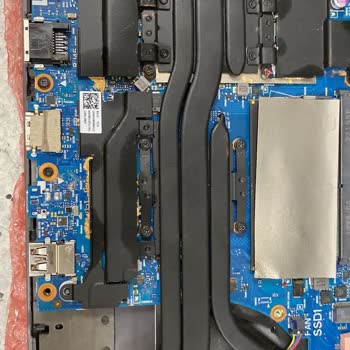
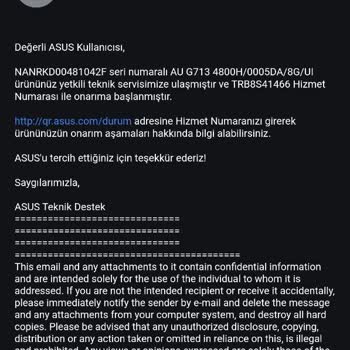
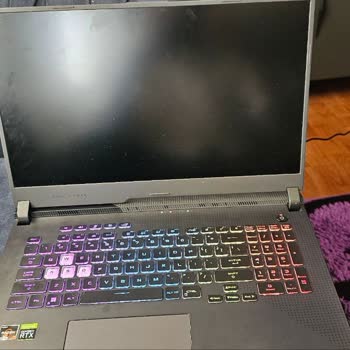
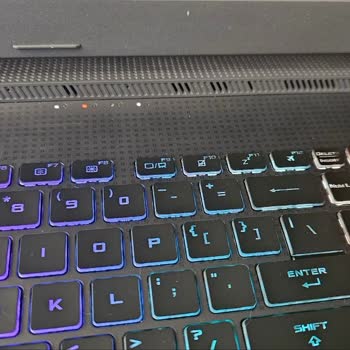
I always wanted an Asus TUF Gaming A17 AU FA706IC Laptop, and now my child finally has one. But, when I sent it in becau...se of a problem with the keyboard, the laptop came back with a new battery and some new problems: the fans don't work and there are issues with charging. I returned it, but the ser