Xolvie Resolution Specialist26 Ağustos 2025 13:04
If your Airalo eSIM says "already installed," that means the profile is already on your device and can't be used on another one.
Most eSIMs can only be used once, so you'll need to delete the current profile from your phone's settings before you try to install it again.
Apple iOS users should go to Settings > Cellular > eSIMs, pick out the Airalo card, and then delete it.
To delete your Airalo eSIM on an Android phone, go to Settings > Network & Internet > Mobile Network, tap it, and then delete it.
Once you're done, go back to the Airalo app and find My eSIMs. Then, tap Install eSIM/Resume Installation to make a new QR code or set up scheduled installation.
❗ If the profile still won’t reinstall, consider filing a complaint on Xolvie to seek a resolution.
Vote
Related Complaints
I Bought the Airalo South Asia Package but It Won’t Activate and Need a New eSIM

April 15, 2025 3:15 PM
I am extremely frustrated with my experience using Airalo. I purchased the South Asia package and followed every single ...instruction carefully to activate it. I even tried the additional troubleshooting steps suggested by the live support bot, such as turning airplane mode on and off and restarting m
I Bought Airalo 3GB for Serbia but eSIM Didn’t Activate on My iPhone 14 Pro

April 3, 2025 9:35 AM
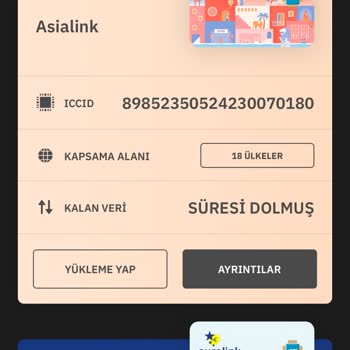
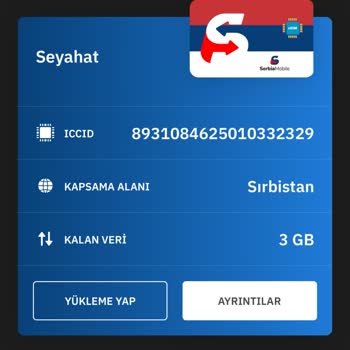
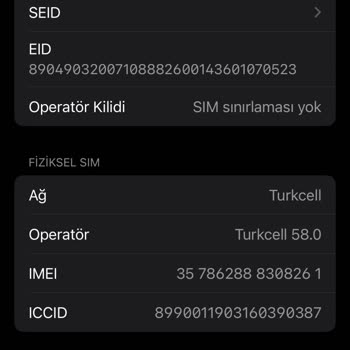
I purchased a 3GB Airalo eSIM package for Serbia and followed all the setup steps exactly as instructed. However, the eS...IM never activated on my iPhone 14 Pro. The issue seems to be with the ICCID number—my phone still displays the ICCID from a previous Asia-based package, and there’s no way to upda
I Bought Airalo for Belgrade Trip but It Never Activated Despite Setup Success

March 17, 2025 2:57 PM
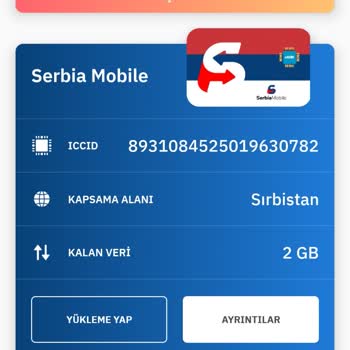
I purchased an Airalo eSIM for my visit to Belgrade, Serbia, expecting a smooth experience based on their “successful se...tup” confirmation. Unfortunately, the activation never worked—even though we followed every step exactly as instructed and ensured everything complied with their guidelines. Throu

Airalo eSIM Didn’t Activate on My Phone

October 25, 2024 7:29 AM
I purchased an eSIM from Airalo to use in Vietnam, buying it on my phone but installing it on my spouse’s device. I had ...previously used an Airalo eSIM on this phone without any issues, but this time, it failed to activate. Customer support gave me multiple troubleshooting steps, but none of them wo

Airalo
View All Complaints