My Yalla Ludo account got banned without warning, what steps can I take to appeal it?
123 Views
If your Yalla Ludo account was banned without warning and you want to appeal it;
• Check your in-game messages and email (including spam) to see if any ban reason or notice was sent
• Review Yalla Ludo’s Terms of Service and Community Rules for common ban reasons (cheats, mods, VPN use, multiple accounts, abusive chat, chargebacks)
• Confirm whether the ban is temporary or permanent
• Stop trying to log in repeatedly or creating new accounts, as this can worsen the situation
Prepare your appeal carefully;
• Gather account details: player ID, username, linked login method (Facebook/Google/phone), device model, and OS version
• Collect proof of normal gameplay if available (screenshots, purchase receipts, match history)
Contact Yalla Ludo support with a clear appeal;
• State that your account was banned without prior warning
• Provide your player ID, username, and linked account method
• Ask for the exact reason for the ban and the duration
• Politely request a manual review of your account
Ask them to;
• Reconsider or lift the ban if no clear violation occurred
• Restore access or explain what steps (if any) are required
If support gives an automated reply or does not respond;
• Keep all correspondence and file a complaint on Xolvie to report an unexpected Yalla Ludo account ban and request a fair review or reinstatement
I am writing regarding the ban placed on my Yalla Ludo account linked to the email address bakarjutt***@gmail.com. When ...I tried to log in, I received a message stating that my account was banned until 2108‑11‑01 for “unauthorized sale of Diamonds/Golds/Account.” I do not accept this decision and I w
I am a Yalla Ludo user and I am having a serious problem with microphone access and an unfair ban in the game. My mic is... not being accepted and I am unable to speak as I normally would. In addition to this, I received a ban notice in the app that says my account is restricted until the year 2118 due
I am an active Yalla Ludo user on Android, and my in‑game profile name is “Kp Anmol” with ID 766***. Recently, my chat r...oom access was banned for 80 days and the game shows a warning stating that the account is restricted until 2108‑10‑16 13:29:28 (GMT+3) due to “unauthorized sale of diamonds/coins/
I have been an active Yalla Ludo user for the last four years and I always enjoyed using the app. My account is register...ed through Google Play. On Sunday, 23.08.2026, my account microphone and chat functions were restricted due to a violation related to unauthorized selling of diamonds or discussing
My Yalla Ludo ID has been blocked, and it has been more than 30 days. How can I complain about this? My ID number is 138...18574***. Please, Yalla Team, open my ID. My ID and account have been hacked. Please unban my account. Thank you, Yalla Team, for your good work.
My Yalla Ludo account has been locked after unauthorized access, and I am requesting that it be reviewed and restored. M...y Player ID is 42666*** and the email address linked to my account is muh***[email protected]. On 01/08/2026 at around 3:24, someone who knew my password logged into my account w
I would like to request your kind reconsideration of the ban imposed on my Yalla Ludo account. My account, registered wi...th Google login, was banned on 14/07 after another person accessed it and misused it by offering to “sell diamonds” without my knowledge or personal consent, by exploiting my login
I have been using a Yalla Ludo account linked to my Gmail address “aris***[email protected]”. Around 6–7 months ago, this ac...count was suddenly banned without any clear explanation. I did not receive or understand any specific reason for this ban, and I have been unable to access my account since then. T
I am writing about an unfair situation I am experiencing on Yallaludo. My Yalla Ludo ID 24384418397 is continuously rece...iving false and malicious mass reports even though I do not violate any rules and only stay in my personal room. The problem appeared suddenly while I was playing the game, and I s
I am a Yalla Ludo user on an Android phone in Oman and my in-game account with the nickname “Jenny” and Yalla ID 2292889...8852 has been locked. Since 26 July 2026 I have not been able to open or access my Yalla Ludo account at all. I do not know why my account was locked and I did not receive any clea
This morning, about three hours ago, my Yallaludo account was hacked. Although my email address is still receiving the Y...allaludo verification codes, I cannot access my own account anymore. Before this happened, a person contacted me on Yallaludo and said he would buy a package for me in exchange for
I am writing about a serious problem I experienced with my Yalla Ludo account, where 3,941 diamonds suddenly disappeared... and my balance dropped to zero, and my account was then locked. My Yalla ID is 47614540***. Until the evening of 19 July 2026, I had 3,941 diamonds in my account. On 19 July 2026
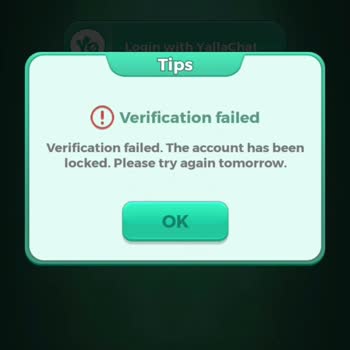
I would like to request your kind reconsideration of the ban imposed on my Yalla Ludo account. My account was banned on ...14/07, after another person accessed it and misused it by offering to “sell diamonds” without my knowledge or personal consent, by exploiting my login data. I acknowledge that I ma
I am a Yalla Ludo player from Pakistan, and I am writing about an issue with my game account with ID 6001766***. On 11 F...ebruary, my account was banned, and I understand that this happened because I gave my ID to a friend and, by mistake, he used it to post a sticker to sell diamonds and coins. I now
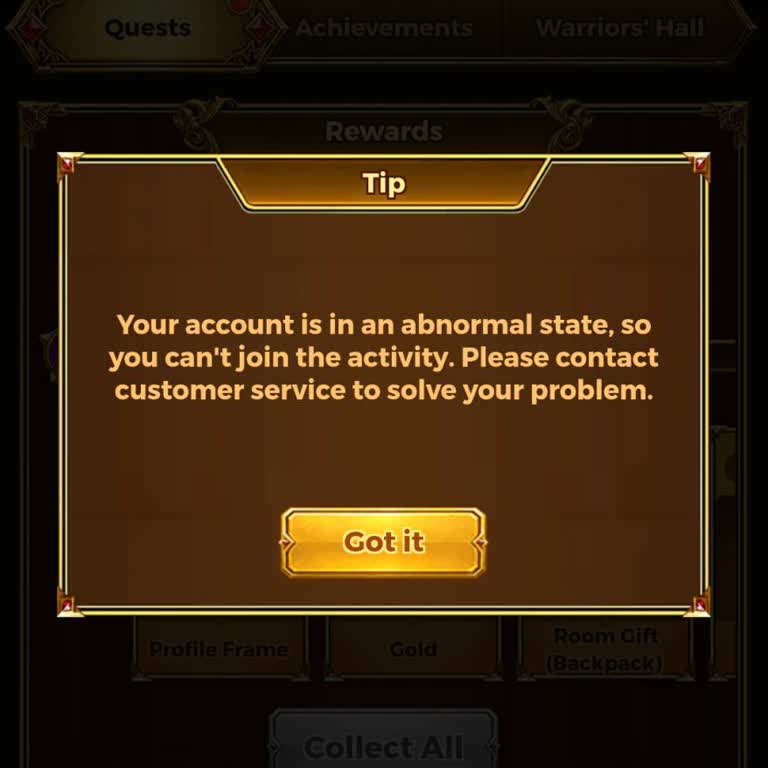
I have been playing Yella Ludo on my Android device, and from the very beginning of my account I have been facing an unj...ust restriction. My in‑game ID is 33116883683. Whenever I try to participate in events, a message appears saying that my account is in an abnormal state and that I cannot join the
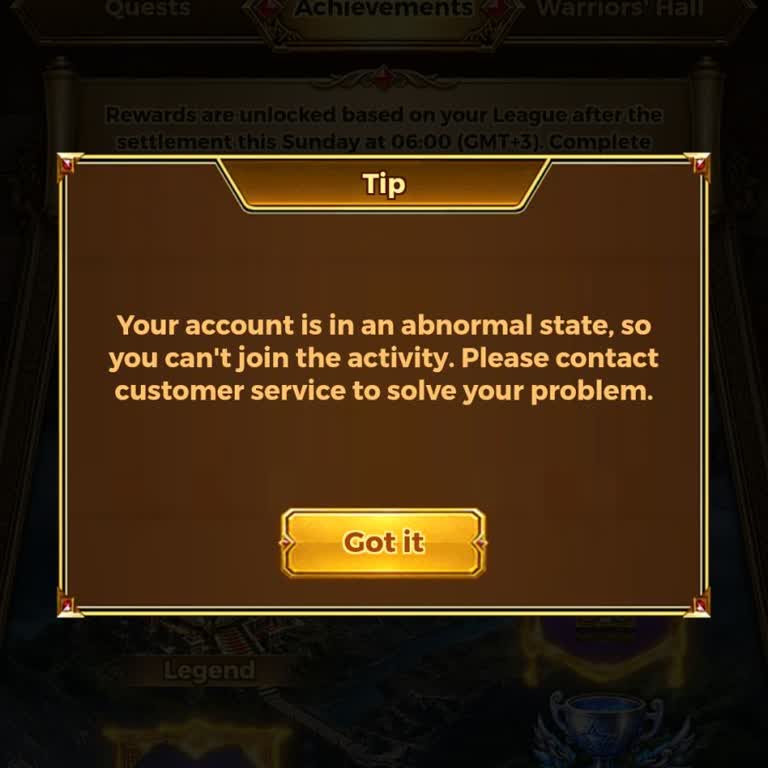
I have been experiencing a serious problem with my Yalla Ludo account on Android for more than six months. Whenever I tr...y to participate in the “Warriors' Legend League Challenge” and other activities, an error pop‑up appears saying that my account is in an abnormal state and that I cannot join the
My Yalla Ludo account on my Android phone was banned on 20 June with the reason shown as “cheating.” I do not accept thi...s situation and I want my account to be checked again. I request that my account be reviewed in detail and that the ban on my ID be lifted, as I want to continue using my account n
I am a Yalla Ludo player using an Oppo A18 device, and my Account ID is 32362404***. My microphone and text chat have be...en restricted until 31 July 2108. I have never sold, bought, or traded any account, diamonds, or gold. My appeal was rejected and no evidence was provided. I request a manual revie
I have been using a Yalla Ludo account with the username “₁₁₂₂✮̶⃝🇿,k❤️” (account ID: 27426072***) to chat, hang out and... play games with my friends. On 16 June 2026 at around 16:49, I noticed that I could no longer talk to my friends or use the account as before, and it appears that my account has b
I am writing about my account on Yalla Ludo which was banned two days ago without any clear reason. The banned account I...D is 17436819762. At the time of the ban, I was active and fixed inside a voice chat room and using the application in a normal way. I have already contacted your support team abou
I am a user of Yalla Ludo and I am writing to report abusive behaviour in the voice room by the user with ID 10571870***.... Today this user abused me in the voice room and their behaviour made me very uncomfortable. I request that you review this user’s activity for today in the voice room and, if you
I am a Yalla Ludo player from Pakistan and I am writing about a problem with my account. My username is “Dai-iChi🍄” and... my user ID is 45539357879. Two days ago my account was banned after I mistakenly purchased fake diamonds outside of the official Yalla Ludo channels. I do not use the mic or chat
My Yalla Ludo account with ID 25357268688 has been wrongly banned for alleged diamond/gold sales. I have never violated ...any of the game rules, and I believe this ban is a mistake. This is my personal account, and it is also linked to my YallaChat. Some time ago, a friend used my account without my p
My Yalla Ludo account has been banned for alleged unauthorized sale or trading, and I believe this decision is unfair. I... play Yalla Ludo on an Android phone, and my banned account username is “Vip khan.” The ban was applied on 2107،13:12:46۔19 according to the information shown to me. I did not inte
I am a regular Yalla Ludo user and my account has been unfairly blocked due to an issue involving fake diamonds. My Yall...a ID number is 27857172***. On 9/5/2026 my account suddenly went into blackout after the system detected fake diamonds. I would like to clearly state that I did not personally purc