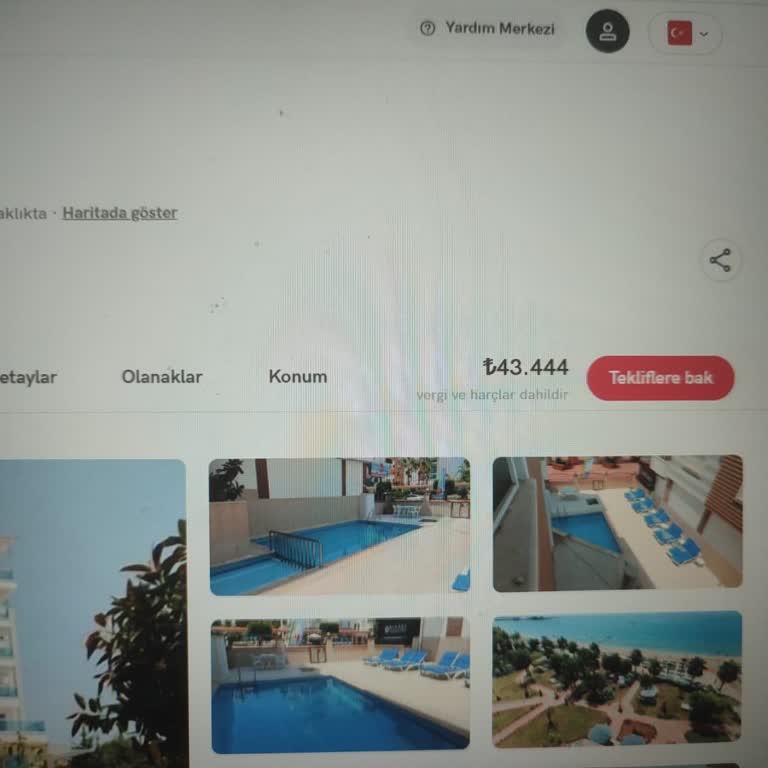
Stayforlong changed the final price by adding ‘taxes.’ How can I request compensation?
4 Views
If Stayforlong changed the final price by adding “taxes” or additional charges, you can request a review of the amount by following these steps:
• Check the reservation confirmation email and the total price shown when you paid
• Verify whether the taxes appeared included or separated in the price breakdown
• Save screenshots of the initial price and the final amount charged
• Check whether the hotel charges local taxes payable upon arrival
Contact Stayforlong first:
• Provide your reservation number, stay dates, and the price shown when booking
• Attach screenshots of the initial price and the final charge
Ask them to:
• Confirm which taxes correspond to the hotel and which to the platform
• Explain why the final price differs from the price initially shown
• Review whether there was an error in billing or currency conversion
• Process a refund or compensation if the charge was incorrect
• Assign you a case number for follow-up
Many people have shared their issues here and found resolutions. If you have one, feel free to reach out to Xolvie.
Stayforlong has been a complete letdown. They don’t even bother speaking with customers over the phone, and the so-calle...d assigned representative feels like an automated bot. I requested a date change for my reservation and was shocked to receive an extra charge of ₺14,500 on top of what I already p