I’m trying to log into Kiss Kiss, but the app freezes while loading. How can I find out when the problem will be fixed or how to log in?
31 Views

Check your internet connection
– Try switching from Wi-Fi to mobile data or vice versa.
Clear app cache and data
– On Android: Settings → Apps → Kiss Kiss → Clear cache.
– On iOS: delete and reinstall the app.
Check for updates
– Install the latest version from the App Store or Google Play.
– Sometimes older versions stop working properly.
Server-side technical issues
– The problem may be on Kiss Kiss’s side (a server error). In this case, you won’t be able to log in until the developers fix it.
You can check the status via:
Kiss Kiss’s official website,
the company’s social media,
customer support.
Contact support
– Write via the feedback form or email, specifying your device model and OS version.
💡 Usually such errors are fixed within a few hours, but if the issue lasts longer — it’s a sign of serious outages.
❗ If the Kiss Kiss app regularly “freezes” on loading and the developers provide no explanation — 👉submit a complaint on Xolvie👈 so the company resolves technical errors faster.
I have been unable to log in to my account for a long time. Even though I enter my password correctly, the system shows ...a “wrong password” error. When I try to reset my password and request a verification code, I receive an error again and the process does not go through. When I try to log in using
My Kiss Kiss game account was linked to my Facebook profile, but recently the Facebook login option was completely remov...ed from the app. Since then, I have been unable to access my account in any way. I reached out to support, but instead of providing a real solution, they gave irrelevant responses
I have been a dedicated Kiss Kiss player for years, and my account nickname is sencer. I currently hold VIP8 status. How...ever, for the past two days, I have been completely unable to log in through Facebook on my computer. It appears that Facebook login has been blocked/removed, and because my accou
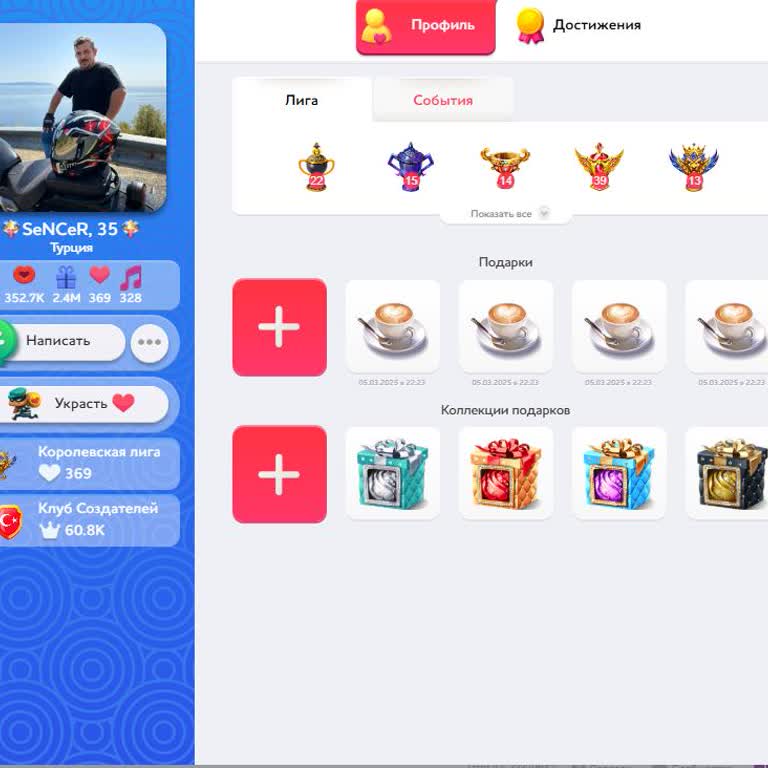
For the past few days, I have been unable to access my Kiss Kiss account because every time I try to log in, I get the s...ame error message: “Failed to download game resources, please try again later.” No matter how many times I retry, the issue does not go away. I even deleted and reinstalled the ap
Hello, I’ve been a Kiss Kiss player for many years. Since December 11, 2024, I have been completely unable to log into t...he game. My nickname is “orbay.” Out of nowhere, the game blocked me without providing any reason or explanation. I have not violated any rules, and I never received a warning bef
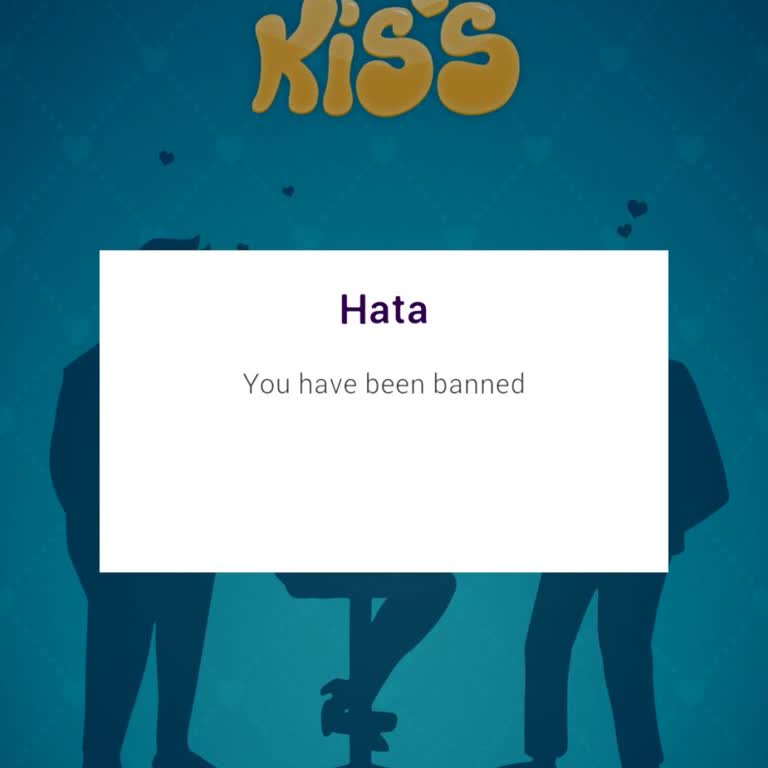
Hello, I’ve been playing the Kiss Kiss “Spin the Bottle” game with the username tcserdar, logging in through Facebook. Y...esterday, I suddenly discovered that my account had been banned without any reason or explanation. I have not violated any rules, and I never received a warning, suspension notice
Hello, I cannot log into Kiss Kiss from my mobile device. The app loads up to 27% and then freezes every time. I tried d...eleting and reinstalling the game, but the same error keeps happening. I don’t understand the reason for this issue, and it has been very frustrating. No matter how many times I t