IMVU Access Issue: Connecting Options and Troubleshooting Tips

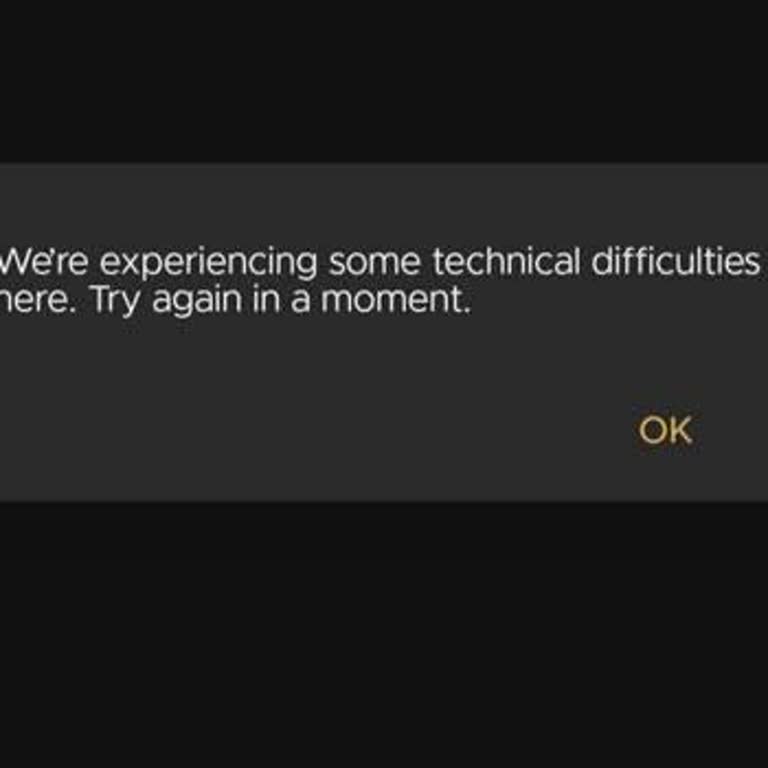
If you are facing access issues with IMVU, particularly in Turkey with Türk Telekom internet, here are some troubleshooting steps that may help resolve the problem:
Change DNS Settings: Update your DNS to 8.8.8.8 and 8.8.4.4 for better connectivity on a PC.
Use GoodbyeDPI Tool: Follow the guide provided at this Technopat link to install and run GoodbyeDPI. This tool helps bypass restrictions and runs automatically on Windows startup.
Use a VPN: Connecting via a VPN is another reliable solution, and it does not pose any risk of account bans.
IMVU users experiencing connectivity problems can try these steps to regain access without interruptions. If issues persist, contact IMVU support for further assistance.