Xolvie Resolution Specialist17 Temmuz 2025 15:26
If Busuu downgraded you to the free version even though you paid, here’s how to fix your premium access issue:
• Check your login:
Make sure you're logged into the same account you used to purchase Premium. Log out and back in using the same login method (email, Google, Apple, or Facebook).
• Verify your payment:
Check your bank, App Store, or Google Play purchase history for a successful charge. Take a screenshot for proof.
• Restore purchase:
– On iOS: Go to Busuu → Profile → Settings → “Restore Purchase.”
– On Android: Reopen Busuu using the account linked to your Google Play purchase.
– On Web: Try logging out and back in.
• Contact Support:
Use the Help Center in the app or visit help.busuu.com. Share your order number, purchase date, and a screenshot of the payment.
❗ If support doesn’t restore your Premium:
👉 Write a complaint on Xolvie 👈 to make your case public and increase your chances of a fast resolution.
Vote
Related Complaints
I Lost My Busuu Premium Access After Referring Friends Who Subscribed

July 14, 2025 5:51 PM
I’m extremely disappointed with Busuu and how they handled the Premium access I was promised. I shared my referral link ...with two friends, both of whom purchased Premium memberships, just like the app instructed. As a result, I was told I would receive one year of Premium access — this was clearly ad
Busuu Deleted My Premium Account Without Consent and Now Wants Me to Pay Again

April 29, 2025 8:02 PM
I had a 1-year Premium membership with Busuu, and without any warning or my consent, they deleted my account. I still ha...d 4 full months left on my subscription when this happened. Now, instead of restoring my existing account and remaining Premium access, Busuu is asking me to start over by creating
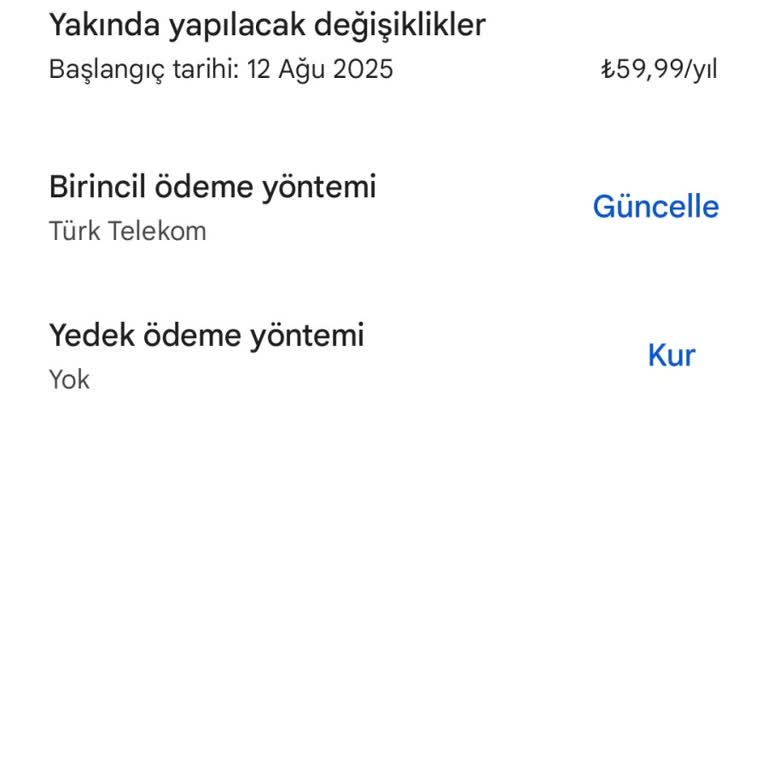
I Paid for Busuu Premium But My Account Still Shows as Free Membership

April 18, 2025 7:19 PM
On April 18, 2025 at 6:21 PM, I purchased a 1-year Busuu Premium subscription for ₺300. The payment was successfully pro...cessed—my card was charged, and the subscription appears as active on my Apple account. However, when I log into my Busuu account, it still shows me as a free member. Even worse, t

How to Cancel Busuu Premium – No Cancellation Button Available

February 16, 2025 11:39 PM
I have been trying to cancel my Busuu Premium subscription, but there is no cancellation button anywhere! I followed the... help section instructions, clicked on the subscription settings, but all it does is show that I am a Premium member—there is no option to cancel. Thinking this might be an issue
Busuu Canceled My One-Year Membership Without Notice

September 8, 2024 11:32 AM
A week ago, I purchased a one-year membership on Busuu and completed the payment. However, today, I noticed that my memb...ership was canceled without any notification or explanation. This unexpected cancellation is frustrating and has left me feeling disappointed. I’d like to understand why this happ
Unexpected Busuu Premium Membership Cancellation – No Refund Issued

September 5, 2024 8:48 AM
I purchased a one-year Busuu Premium membership, and the payment was successfully deducted from my account. Yet, today I... discovered that my Premium status has been canceled without explanation, and I haven’t received a refund. To make matters worse, I keep getting ads asking if I want to upgrade to
Double Charge for Busuu Premium Subscription – Requesting Refund for Duplicate Payment

August 16, 2024 12:31 PM
Despite purchasing a Premium subscription on Busuu, my membership wasn’t showing up, so I had to subscribe again. Now, I... have two 12-month Premium subscriptions charged just two days apart because of the “Upgrade to Premium” prompt, even though I was already subscribed. I’ve sent multiple emails to

Busuu
View All Complaints