After updating my iOS system, the colors on my Apple iPhone screen got washed out. Not just the backgrounds but the entire operating system is affected. How can I bring back the regular colors?
728 Views
In this context, "washed-out colors" refer to a visual issue where the colors displayed on the iPhone screen appear faded, pale, or lacking their usual vibrancy and richness. If you've encountered the issue of washed-out colors on your iPhone screen following an iOS update, it can be quite disconcerting. However, there are steps you can take to remedy this problem and bring back the vibrant and accurate colors you're accustomed to.
• Restart Your iPhone: Commence by performing a restart on your iPhone. Occasionally, minor software glitches can be resolved through this straightforward action.
• Inspect Display Preferences: Verify that your display's brightness and contrast settings align with your personal preferences. Access the Settings app and navigate to Display & Brightness for any required adjustments.
• Deactivate True Tone: True Tone is a functionality that automatically adapts your iPhone's display white balance according to the surrounding light conditions. In well-lit environments, this feature may contribute to the appearance of washed-out colors. To disable True Tone, access the Settings app, proceed to Display & Brightness, and switch off the True Tone option.
• Restore Display Settings: Should the issue persist, you have the option to reset your iPhone's display settings to their default configurations. This process can be initiated within the Settings app under the General section. Scroll down to locate "Transfer or Reset iPhone," select "Reset," and opt for "Reset All Settings."
Hello, since updating to iOS 18, my photos have disappeared without me deleting them, and they’re not even showing up in... the "Recently Deleted" folder—they’ve completely vanished. I’m certain I didn’t delete them, and even if I had, they should still be in "Recently Deleted." Has anyone else experie
Hello, since updating to iOS 18, my photos have disappeared without me deleting them. My hidden items are gone, and they...’re not showing up in the "Recently Deleted" folder either—they’ve completely vanished. I’m certain I didn’t delete them, and even if I had, they should be in "Recently Deleted." H
As a dedicated Apple user, I purchased the 9th Gen iPad for my studies, carefully maintaining it in a case for the past ...two years. Recently, I decided to upgrade to a newer iPad model and was shocked to find that, once I removed the case, the tablet’s casing color had faded. This wasn’t expected fro
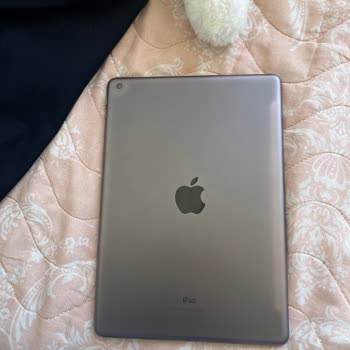
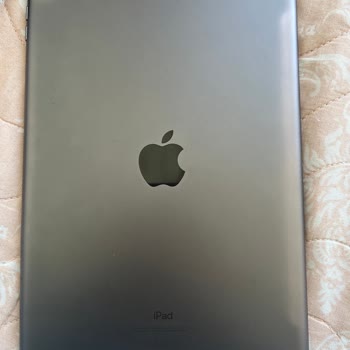
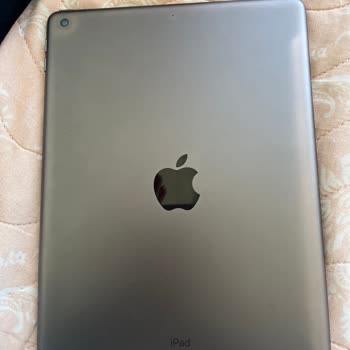
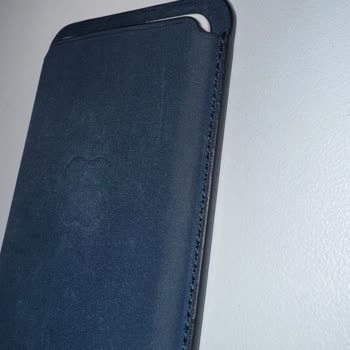
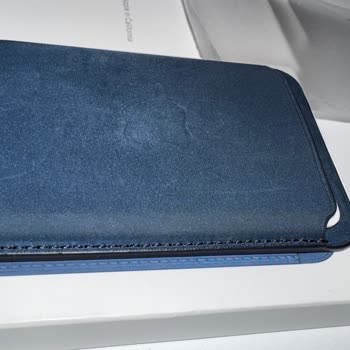
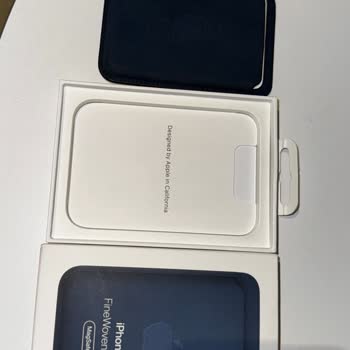
I just got an Apple MagSafe Wallet, and after only one day of using it, I saw that the color was already starting to war...p. Considering the steep prices of Apple products in Türkiye, I was really hoping for a higher quality experience. I contacted Apple Türkiye for support, but they were completely u
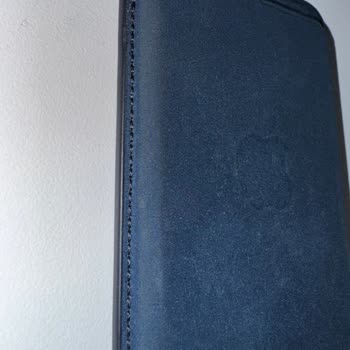
I purchased an iPhone 15 in May, and within just 2 months, the casing around the phone completely lost its color. When I... took it to the service center, they labeled the issue as a user error, which does not align with the quality service standards I expect from a brand like Apple. It has been surpri
Since purchasing my iPhone 14 Pro Max from Apple, I've experienced constant freezing, camera malfunctions, and unexplain...ed discoloration on the device's body without any physical impact. I sent the product for servicing, but they refused to cover it under warranty. The week I bought it, I contacted
I purchased the iPhone 15 on January 23rd and made sure to update all the necessary components. However, as someone who ...is new to the iPhone experience, I must admit that I am feeling a sense of regret regarding my decision. One problem that I've been facing is the persistent camera reflections in l
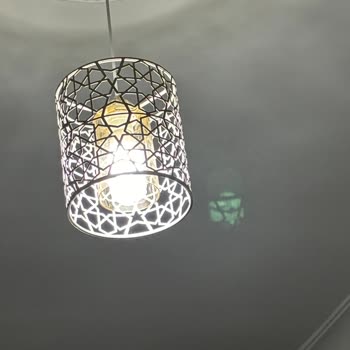
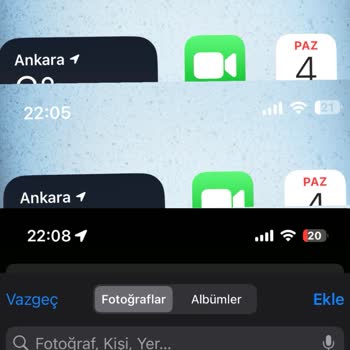
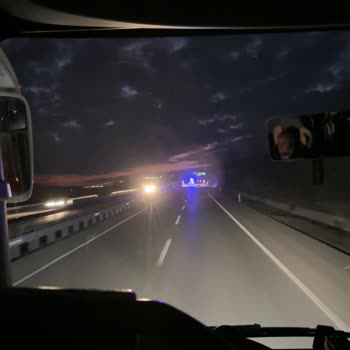
I recently purchased an iPhone 13, and it's running on iOS 17.2.1. I've noticed a constant flickering, almost like scree...n waves, lasting about 2-3 seconds, happening at intervals. It's more noticeable on white screens. This issue wasn't present before the latest update. If it's a software problem, I
Hey there, At first, I was really impressed with my iPhone 11. However, I've had some frustrating experiences with it la...tely. A shadow emerged on the screen next to the frame, and despite the authorized service replacing the screen under warranty, the issue resurfaced within six months. As an indivi

When I save the photos I took with the iPhone 14 Pro, not only does it lower the quality of the photos, but it also make...s the light way too bright and blurs the faces so badly that the photos don't focus at all. Unfortunately, the problem didn't go away and got worse over time, even though I careful
Hello. On June 23, 2023, I purchased an iPhone 13 128 GB from the Gurgencler store. After a few days, I noticed fluctuat...ions in the screen brightness, as if a faulty light was flickering. It's like an electrical surge happening on the screen, and then it stops after a few seconds. I took it to the t
My iPhone screen got scratched so bad! It fell from just a tiny height onto a soft surface and now it has thick, noticea...ble scratches all over it. If it weren't for my careful usage, I wouldn't even believe that I did this myself! How is it possible for a $40 billion phone to look like this after ju