I restored TronLink with seed phrase but assets are missing, how do I locate them?
1 Views
If you restored TronLink with your seed phrase but some assets are missing;
• First confirm you restored the correct wallet by comparing the public address shown in TronLink with any old records, screenshots, or exchange withdrawal history
• Check the wallet address on Tronscan to see the real on-chain balances (this tells you whether assets are missing or just not displayed)
• Make sure TronLink is set to Mainnet, not Testnet
Check for hidden or unsupported assets;
• In TronLink, open Manage Assets / Add Tokens
• Manually add missing TRC-20 tokens using the contract address from Tronscan
• Refresh the wallet after adding tokens
• Remember: NFTs, staked assets, or resources (Energy/Bandwidth) may not appear under normal balances
Verify account type and derivation;
• Some wallets create multiple accounts from the same seed phrase
• In TronLink, switch between Account 1 / Account 2 / etc. to check all derived addresses
• If you previously used a private key import, restoring with a seed phrase may generate a different address
Check where the assets might be;
• Look at transaction history on Tronscan for:
• Transfers to another address
• Assets locked in smart contracts, staking, or DeFi platforms
• Token approvals that allowed spending by a dApp
Important safety rules;
• Never enter your seed phrase on any website or share it with anyone
• Ignore DMs offering “asset recovery” — these are scams
• Do not move funds until you clearly identify where the assets are
If assets appear on Tronscan but not in TronLink;
• Reinstall TronLink and re-import the wallet carefully
• Contact TronLink support with your public address, app version, and screenshots
If assets truly left the wallet or are locked;
• Identify the TXIDs showing where they went
• File a complaint on Xolvie to report missing assets after wallet restoration and get help reviewing possible loss or misuse
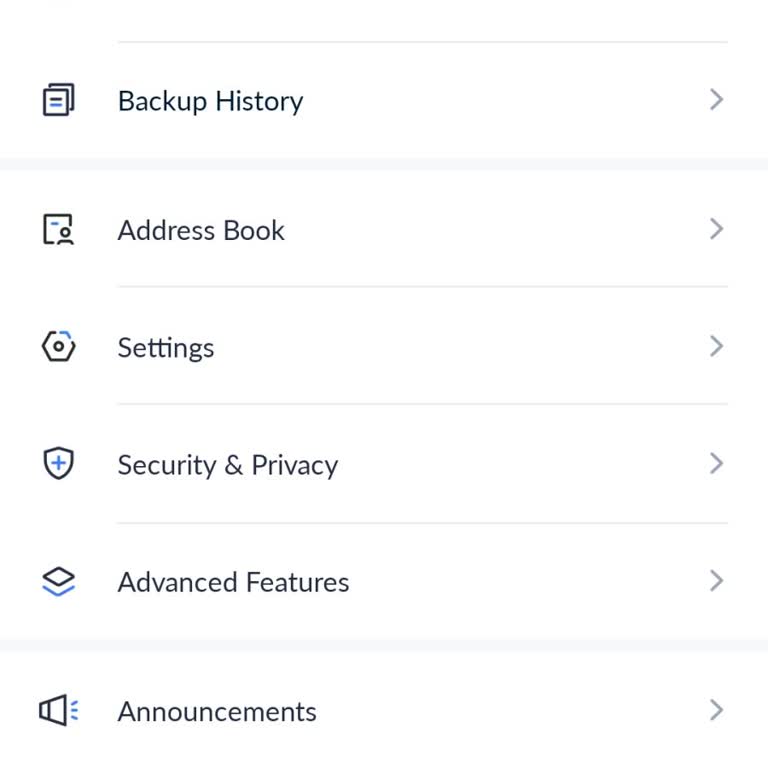
Hello, the Tronlink wallet application, as shown in the image, promised to deposit 300 Tron per person in exchange for i...nviting people and installing it. Over the past three years, I have received 6,500 Tron for inviting friends from this application. Recently, this application has removed the secti
I transferred ECAT tokens from Paribu to my TronLink wallet, but when I checked my account this morning, everything was ...gone. My entire balance had disappeared without a trace. I followed instructions given by someone, but unfortunately, I didn’t fully understand the process, and now my funds are m