Xolvie Resolution Specialist22 Ağustos 2025 12:46
If your phone stopped receiving banking SMS after an update, you can demand a solution by following these practical steps:
• Check SMS settings: go to Messages → Settings → Text Messages (SMS) and confirm that your active SIM allows receiving and that no numbers are blocked.
• Contact your bank: ask them to check for blocks or changes in their sending format. Request a test SMS and keep it as evidence.
• Test with another SIM: insert your card into another phone to confirm whether the problem is with the device or the line. If it works elsewhere, highlight this to the manufacturer.
• Demand a warranty fix: if the issue started after an official update, it is covered as a software fault. Request a restoration or corrective patch at no cost.
📌 If you don’t get a response within 7 days, document the case and file your claim on Xolvie to put pressure and make the issue visible.
Vote
Related Complaints
My OnePlus Nord 3 Battery Drains Rapidly After Update

November 20, 2024 6:46 PM
I have been using my OnePlus Nord 3 smartphone for approximately 6-7 months, and until recently, I was extremely satisfi...ed with its performance and quality. However, after the latest software update, I've encountered severe battery drainage issues. Even though I carefully maintain my battery level b
My OnePlus 9 Pro Isn't Receiving Updates—Software Stuck

July 21, 2024 11:40 AM
I'm frustrated because my OnePlus 9 Pro isn't getting software updates anymore! The device is permanently stuck on an ol...d version, even though it's supposed to receive regular updates. I've tried everything possible—checking manually, restarting, and reaching out for support—but nothing has helped.
OnePlus 9 Pro Network Indicator Missing After Update – How to Fix?

June 24, 2024 4:53 PM
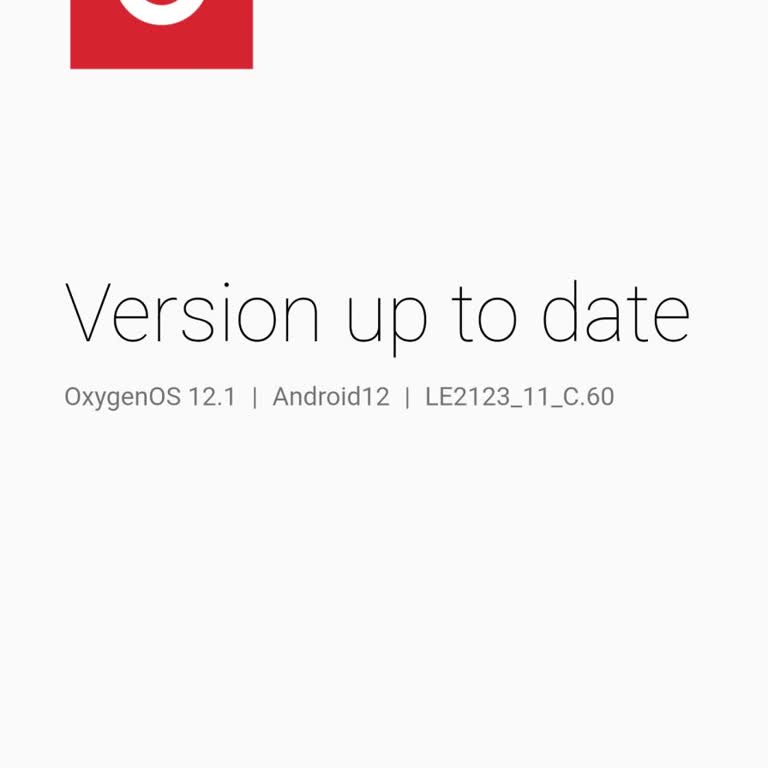
After updating my OnePlus 9 Pro, I noticed that the network signal indicator disappeared from the screen. While I can st...ill make calls and use the internet, the signal strength does not display, which is frustrating and inconvenient. I have tried basic troubleshooting, including restarting my devic

OnePlus
View All Complaints