MSI B650 Gaming Plus Wi-Fi Motherboard BIOS Won’t Display with Kingston RAM

profile
Ali
November 19, 2024 1:29 pm
31

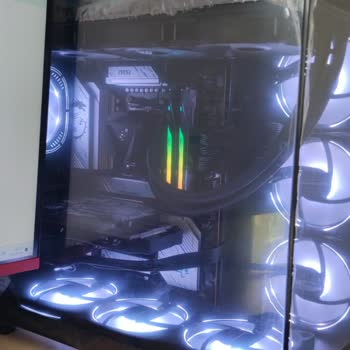
I recently purchased a brand-new MSI B650 Gaming Plus Wi-Fi motherboard (LGA 1718 socket), but the BIOS fails to display any output. I initially used Kingston KF560C30BBE-32TR 32GB Beast D5 6000 MHz CL30 RAM, but no display appeared. Assuming the RAM might be faulty, I purchased another identical RAM stick, yet the issue persists—still no BIOS output.

Interestingly, I did not face this problem with my previous motherboard, an Asus Prime B650M-K, using the exact same RAM. This suggests the issue lies with the MSI motherboard. I am extremely disappointed and expect immediate support from MSI to resolve this. A brand-new product should not have such critical compatibility issues. Please address this promptly.


profile-icon
To be able to comment, or .

Comments

Be the first to comment

Similar Complaints

1
Tunahan is completely dissatisfied with the result

MSI Refused to Reimburse for the Defective B-650 Pro Motherboard

profile
Tunahan
July 14, 2023 2:57 pm
58

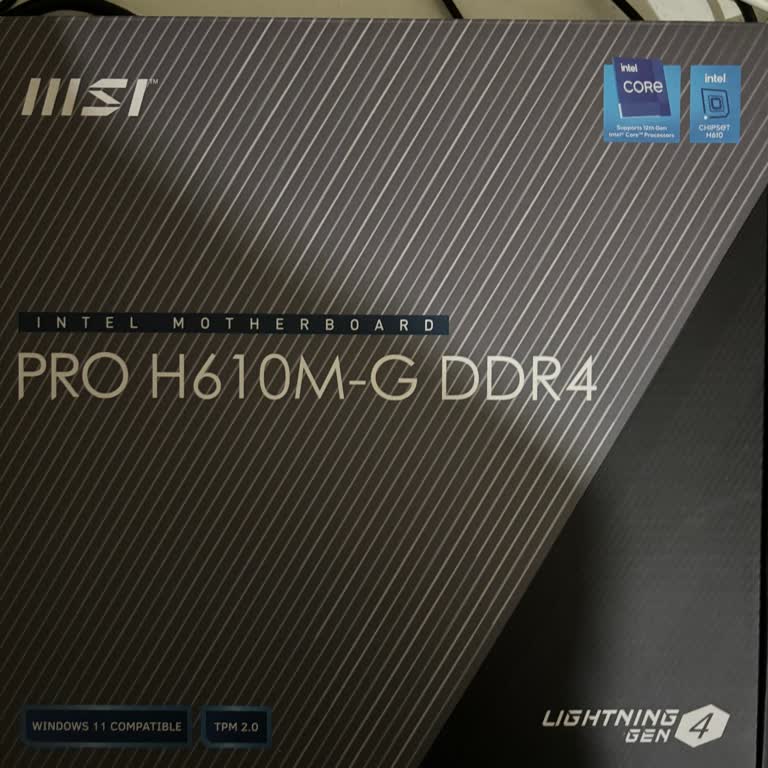
MSI Pro H610M-G DDR4 BIOS Update Made My Motherboard Unusable

profile
Ozan
December 23, 2024 9:24 pm
54
MSI Pro H610M-G DDR4 BIOS Update Made My Motherboard Unusable

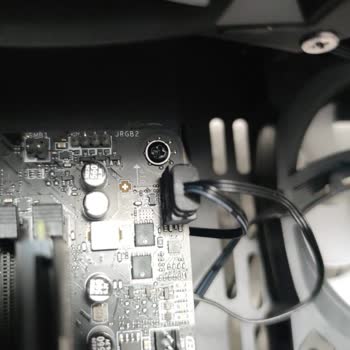
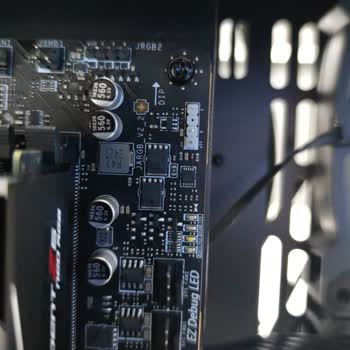
MSI Coreliquid 360r V2 Cooler Rgb Not Working Despite Correct Connections

profile
Özkan
December 09, 2024 12:55 pm
48
MSI Coreliquid 360r V2 Cooler Rgb Not Working Despite Correct Connections

Unable to Activate TPM 2.0 on My MSI Thin Laptop for Windows 11 Upgrade

profile
Enes
November 11, 2024 8:35 pm
82

Video Complaints

Report a Similar Issue