I Can’t Get Past the Character Selection Screen in Mobile Legends
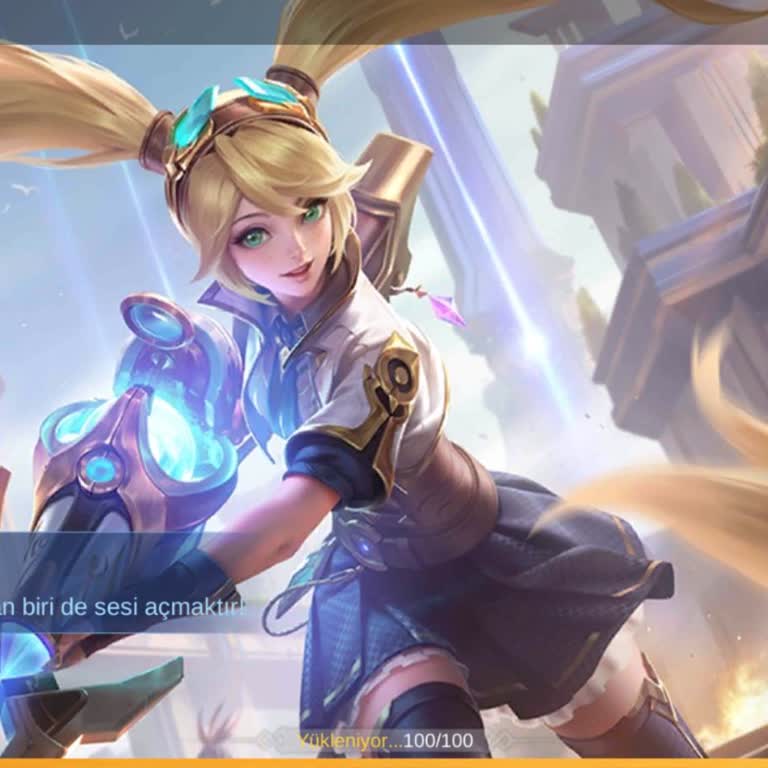

I downloaded Mobile Legends: Bang Bang and was excited to play, but I’ve been completely stuck on the character selection screen. After picking a hero, nothing happens — I’ve tried multiple characters, waited over 30 minutes, and still, the game refuses to load any further.
I even attempted to reinstall the game and tried logging in from another phone, thinking maybe it was a device issue. But no, the same exact problem happens there too. It’s been a full day of troubleshooting and frustration, and I’m still locked out of even starting the tutorial.
I’m asking the MLBB development team to urgently address this bug. Please push a fix or offer guidance — this is not the experience new or returning players should face. I really want to play, but your app won’t let me even begin. Please respond and help resolve this ASAP.


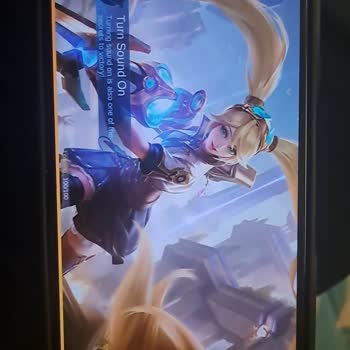


Friends, if the character selection screen freezes 100/100 when creating a new account, do the following: settings, applications, delete mobile legends data, then delete google play services data, then delete mobile legends and reinstall it, activate all permissions from the settings before entering the application, download a VPN, I connected to the Philippines, you connect to it, enter the application and it enters.