I Can’t Get Past Character Selection Screen in Mobile Legends No Matter What I Try

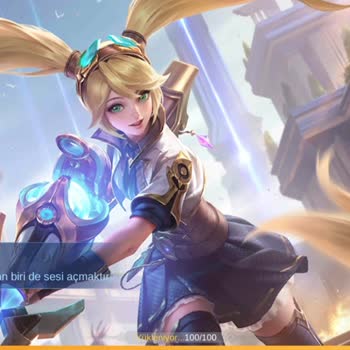

I’m extremely frustrated with Mobile Legends right now. I downloaded the game, but after reaching the character selection screen, it completely freezes. No matter which character I choose, the screen just stays stuck. I even waited for half an hour, thinking it might load eventually, but nothing happened.
I didn’t stop there—I tried installing and playing the game on a different phone, and the exact same problem occurred. So clearly, this isn’t an issue with my device. It’s a problem with the game itself after the latest updates or setup process.
I’ve been struggling with this issue since yesterday, and no matter what I do, I can't get past the character selection screen. Mobile Legends team, you need to fix this urgently. I’ve already spent my time and even ₺ trying to get this to work properly. Players deserve a smooth experience, especially after investing time and resources. Please address this immediately so we can actually enjoy the game we downloaded.

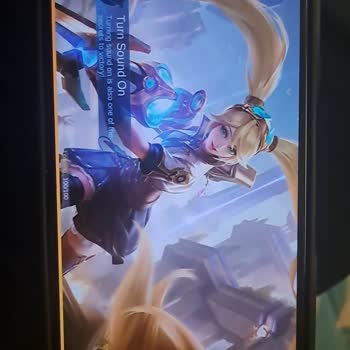
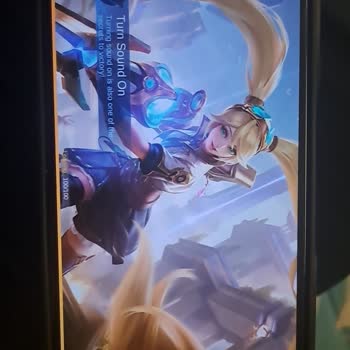


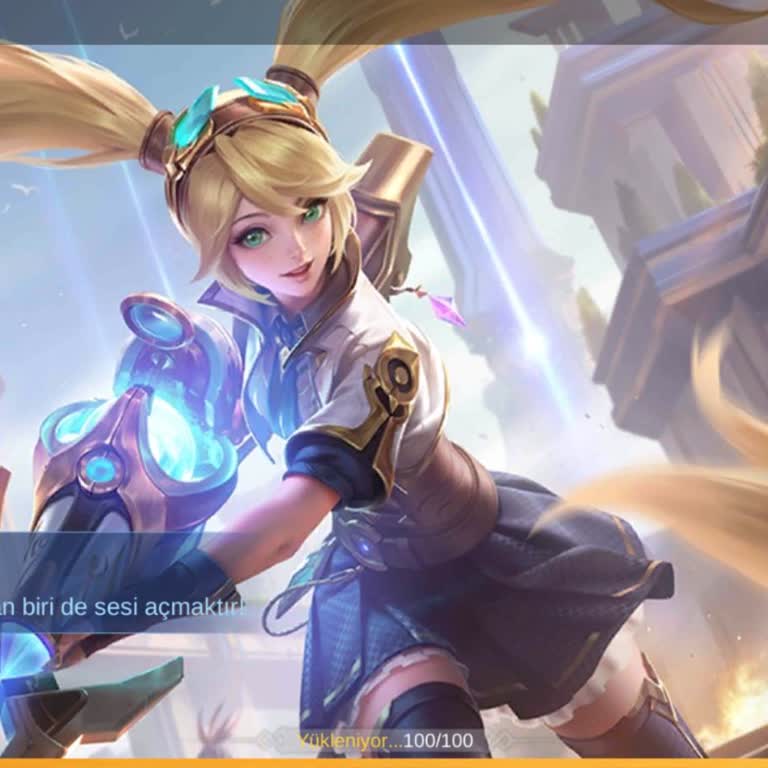
Friends, if the character selection screen freezes 100/100 when creating a new account, do the following: settings, applications, delete mobile legends data, then delete google play services data, then delete mobile legends and reinstall it, activate all permissions from the settings before entering the application, download a VPN, I connected to the Philippines, you connect to it, enter the application and it enters.