LBank Support hasn’t replied and my withdrawal is stuck — how can I escalate this issue?
3 Views
If LBank support hasn’t replied and your withdrawal is still stuck, start by checking official withdrawal status and reasons:
Delays can be caused by network congestion, maintenance, or system queuing and may auto-resolve in 8–24 hours; use the Assets → Withdrawal History page and look up any TxID on a blockchain explorer to see if it’s been broadcast.
Follow up through the official in-app ticket system (Personal Center → My Support Tickets) and escalate within the ticket rather than sending new emails, as consistent follow-ups show your issue is unresolved.
You can also email the official support address ([email protected]) with your order number, TxID, screenshots and a clear request for escalation — and mention that prior messages were unanswered to try to get risk control or higher-tier review.
If the exchange still won’t respond after reasonable waiting, consider filing a complaint on Xolvie to seek a resolution.
I want to share my experience with LBank so that others do not fall into the same trap I did. I was introduced to this p...latform by a lady who told me it was a way to earn “financial life income” and that I could make a lot of money. Trusting her words and having high hopes, I invested a total of 7,0
An acquaintance of mine opened a leveraged position on LBank with 400 USDT and later added another 400 USDT to the same ...position. However, LBank Futures made additional adjustments on its own, which ultimately caused the position to be liquidated. When I reviewed the transaction history, I was shock
What is going on with LBank? Everyone seems to be having issues. I bought Bicity coin, which is listed on three exchange...s. I tried to consolidate all my coins onto one exchange, but I can’t transfer my coins out of LBank. I receive the email verification code, but Google Authenticator keeps saying t

I am unable to withdraw my funds from LBank, even though I am entering the correct Google Authenticator and email verifi...cation codes. Every time I try, I get the Error 20097, preventing me from accessing my money. I contacted LBank support via email, but no one has responded. This is incredibly frus

I am unable to withdraw my funds from LBank due to their Google Authenticator requirement, which prevents me from access...ing my money. This system does not work properly, and I have been completely locked out of my own funds. Despite multiple attempts, I cannot complete the withdrawal process, and th
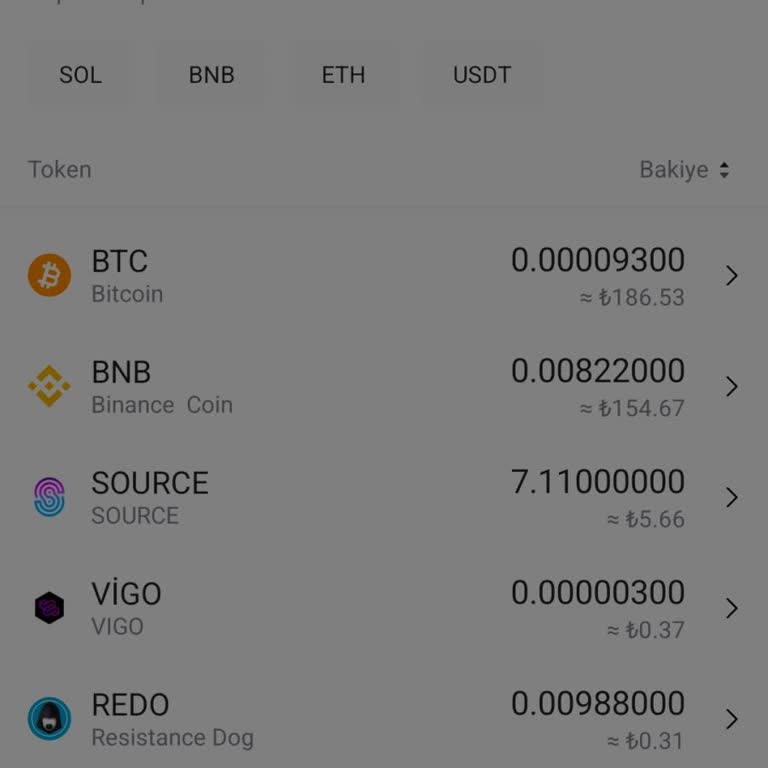
I transferred 148 USDT from KuCoin to my LBank account, but even after three hours, the funds still haven’t appeared in ...my balance. The transaction was successfully completed on KuCoin's end, yet LBank has not processed or credited my deposit. I tried to contact customer support, but there is no re