I can't log in to my Facebook account, even though I enter the correct password. What can I do?
74 Views
You may try the following steps:
1. Make sure you are typing correctly
Make sure the Caps Lock key is turned off.
2. Try a different login method
If you log in using a phone number, try using email and vice versa.
3. Reset your password
Go to the Facebook password reset page.
Enter the phone number or email associated with your account.
Follow the instructions to reset your password.
4. Check your internet connection
Try connecting via mobile internet or another Wi-Fi network.
5. Try logging in from another device or browser
If you are having problems in the app, try logging in through your browser at www.facebook.com.
Clear your browser cache (in browser settings → Clear cache and cookies).
6. Check to see if your account has been blocked
If Facebook considers your account suspicious, a blocked or suspended message may appear.
Go to Facebook's help page and follow the instructions.
7. Disable your VPN or proxy
If you're using a VPN, try disabling it and logging in without one.
Many people have already shared their problems here and found solutions. If you have any problem, feel free to contact Xolvie.
Hello Free Fire Support Team, I request the transfer of ownership of my Free Fire account because the Facebook account l...inked to it has been permanently banned, and I can no longer log in. Here are the details of the lost account: UID: 358734391 Name: SH BRAHIM Old login method: Facebook (permanentl
I have been unable to log in to my Facebook account for approximately a week. After my spouse and I changed our phones, ...we were unable to access my account because the recovery email address linked to my account belongs to my spouse. We have tried logging in from both our new phones and a computer,
I have been playing Free Fire for a long time and my in‑game name is TAMIM GAMIMG. My Free Fire account was linked only ...to my Facebook account. Around 30–31 September 2021 my Facebook account was disabled, and since then I have completely lost access to my Free Fire account. Because the Facebook acc
My Facebook account linked to the phone number 9309570*** was hacked and then disabled on 12 September 2026. Since that ...date, whenever I try to log in I receive a disabled account message and I cannot access my profile or any of my information. I did not request for my account to be disabled and I b
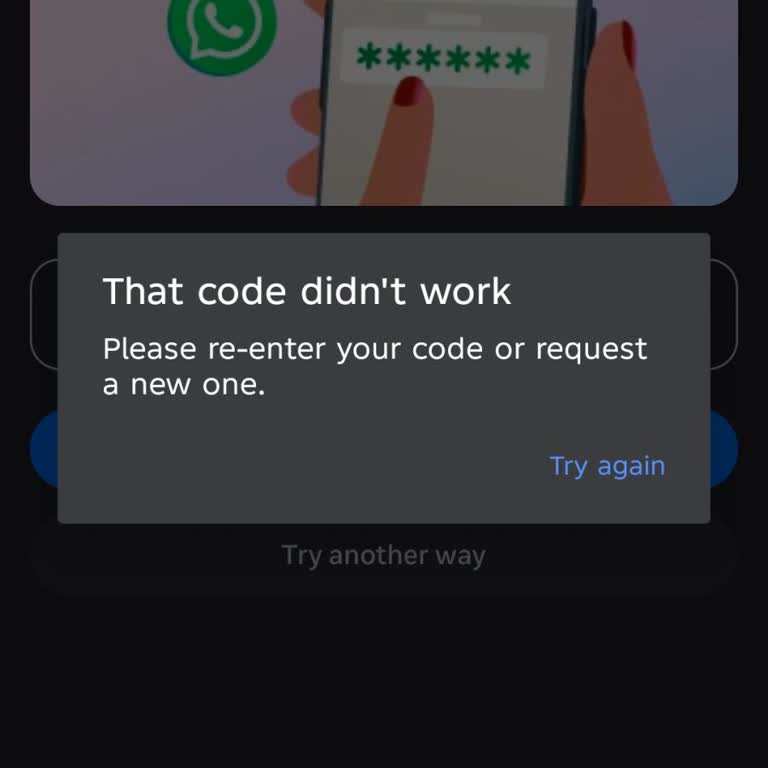
My Facebook account linked to the e‑mail address “ronyk***[email protected]” is connected to my page named “MD alamin”. For... the last 3–4 days I have not been able to access this page. When I try to log in and reset my password, Facebook sends me a verification code, but when I enter the code the system
I have been playing PUBG on my own account for a long time. For approximately 3–4 days, I have been unable to access my ...PUBG account linked to my Facebook account. When I try to log in through Facebook, the system says that my password is incorrect even though I am entering the correct password, so
My personal Facebook account has been inaccessible for almost two months. Every time I try to log in, I am shown a messa...ge saying that I have to download some information, and I am unable to get past this screen or use my account in any way. I have not been given a clear reason why my account has be
I a Free Fire MAX player and my g e account was linked to my Facebook profile. On 21 February 2025 my Facebook account w...as hacked and I lost access to it, and as a result I can no longer access my Free Fire MAX account that was bound to this Facebook ID. I have some screenshots of my previous in‑g e
My Facebook personal profile was hacked around 2022. After this unauthorized access, the hacker changed the email addres...s linked to my account, so I completely lost access and could no longer log in to my profile. My Free Fire account, which is linked to this Facebook profile, has the UID 1348677743
My Facebook account with ID number 3037423805 has been hacked and I have been unable to access it for about 3 years. I c...annot log in and I believe someone may have taken control of the account without my permission. I request that my identity and ownership of this account be verified through the con
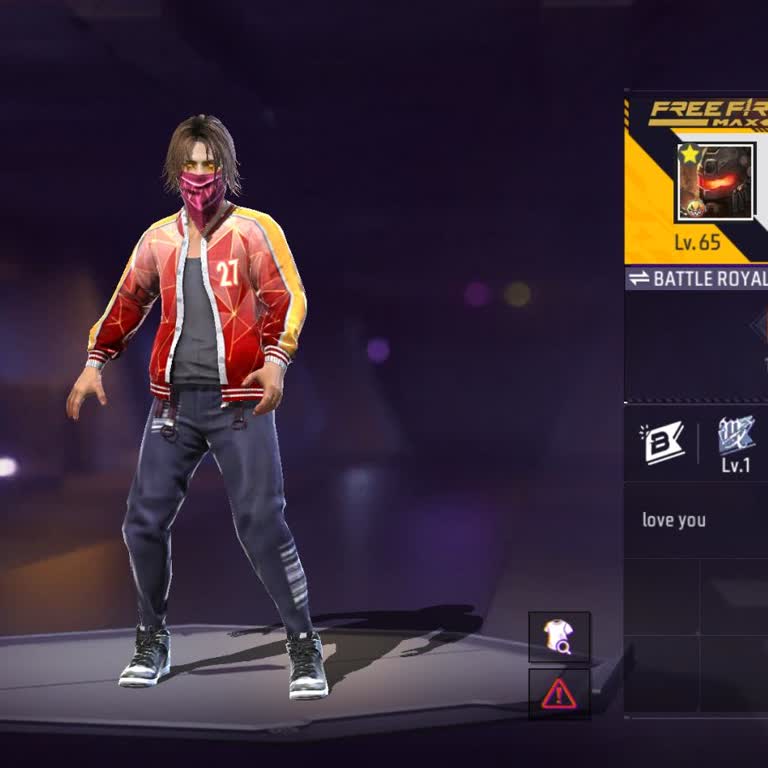
Dear Support Team, I am writing because I need help to recover my Free Fire account that is linked to my Facebook profil...e “Anthony L***” (facebook.com/anthony.l***i.1). About one year ago, I tried to sell my Free Fire account. I gave my Facebook password and my game password to a friend so that he c
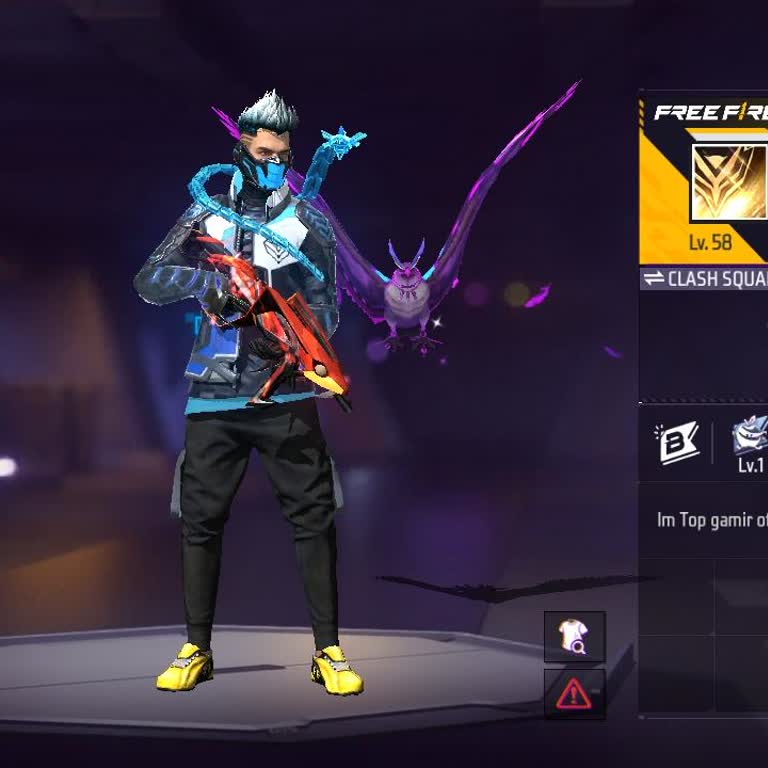
I am writing about a problem with my Free Fire account with UID 3398168524, profile name "Lg Pappu, level 62, which was ...linked to my Facebook account. I lost access to this game ID about two years ago and since then I have not been able to log in to this account again. At the time I lost the account
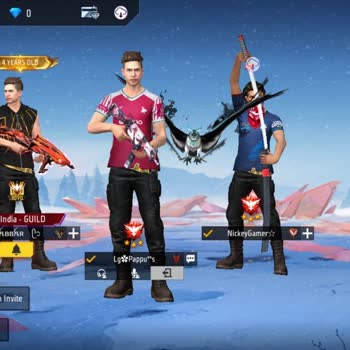
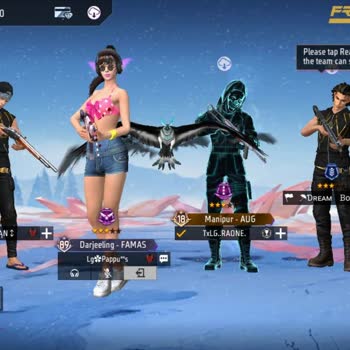
Three days ago, I realized that my Free Fire account linked to my Facebook profile had been hacked and I can no longer a...ccess it from my Android phone. I am requesting that my account be recovered and that my access be reinstated as soon as possible. I would also like my account to be secured so tha
I am writing about my personal Facebook account, which has been banned several times without me understanding the reason.... The account is registered with the phone number 0776403***. For about four months I have not been able to access my account and I keep receiving messages that it violates communi
My Free Fire account with UID 5656604624 and in‑game name FFPLAYER91 is connected to a Facebook account that I can no lo...nger find or access. When I try to recover or log in with my phone number 8808777***, Facebook shows that the account cannot be found and I am unable to get back into my Facebook p
I am writing about my Facebook business page, which has been hacked and is now completely out of my control. The page wa...s originally named “Mickey 1m”. I was offline for 3–4 days because I was busy, and when I came back and opened Facebook, I saw that my page and access were totally gone. The hacker
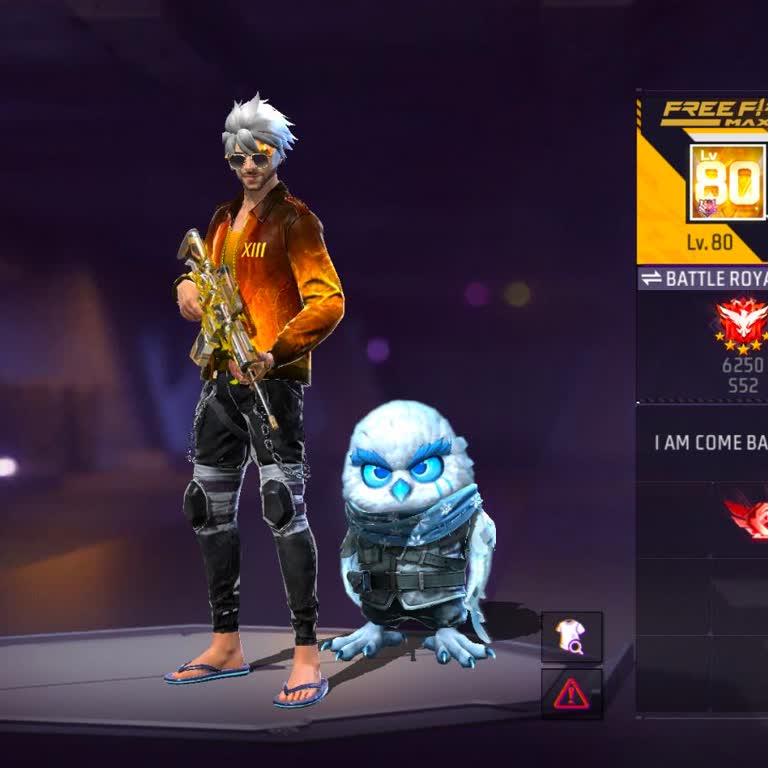
Hello Meta Support, I am respectfully requesting your help regarding my disabled Facebook account. My Facebook account d...etails are: I believe that my account was disabled by mistake, and I would sincerely appreciate it if my situation could be checked again. This account is very important to me beca
My Facebook account, which I access from my Android device, was hacked about 1 day ago. Since then, I have not been able... to log in to my account at all and my access is completely blocked. Because of this hacking incident, I am worried about how my account may be used and what kind of actions may be
I am writing regarding a problem with my Facebook account that I lost access to on my Android phone sometime after June ...2022. I believe my account was hacked, and since then I have not been able to log in. When I try to sign in, I receive a wrong password message, and I suspect that the hacker has c
I am writing because I can no longer access my Free Fire account that is linked to a Facebook account which I permanentl...y deleted about 4–5 years ago. The account’s UID is 894870899. Since the Facebook account was deleted and I have also lost the SIM card that was linked to it, I am unable to reset
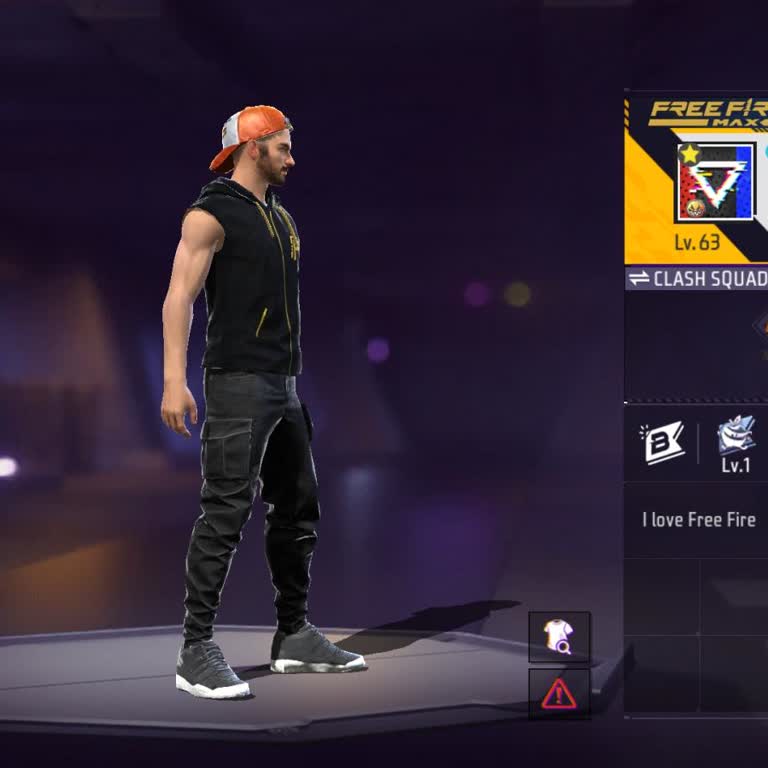
Since 6 August I have been unable to log in to my normal Facebook profile because I do not receive the SMS verification ...code required for login. Each time I try to sign in, Facebook asks me to confirm via SMS, but no code ever arrives on my phone. I have clicked on “Resend code” many times and waite
I use my Kwai account @josimillerinf for my work and I have been without access since 11 August. When I try to log in vi...a Facebook on my Android phone, I receive an “Error – Application is inactive” message saying that the application is currently not accessible. I no longer remember the email addre
I am writing regarding my Free Fire account with ID 2292991426, linked to my Facebook account. My in‑game name on this I...D is “LA@END”. I am playing from my own country and this ID belongs only to me. Since 10/08/2026 I have not been able to access this account. When I try to log in, the ID does not
I have an issue with a Facebook account that was connected to my Free Fire game ID. I have been using this Free Fire ID ...for around 6 years and always logged in directly through Facebook, at a time when there was no in‑game binding system. Around 3 years ago, when I tried to log in with Facebook, I s
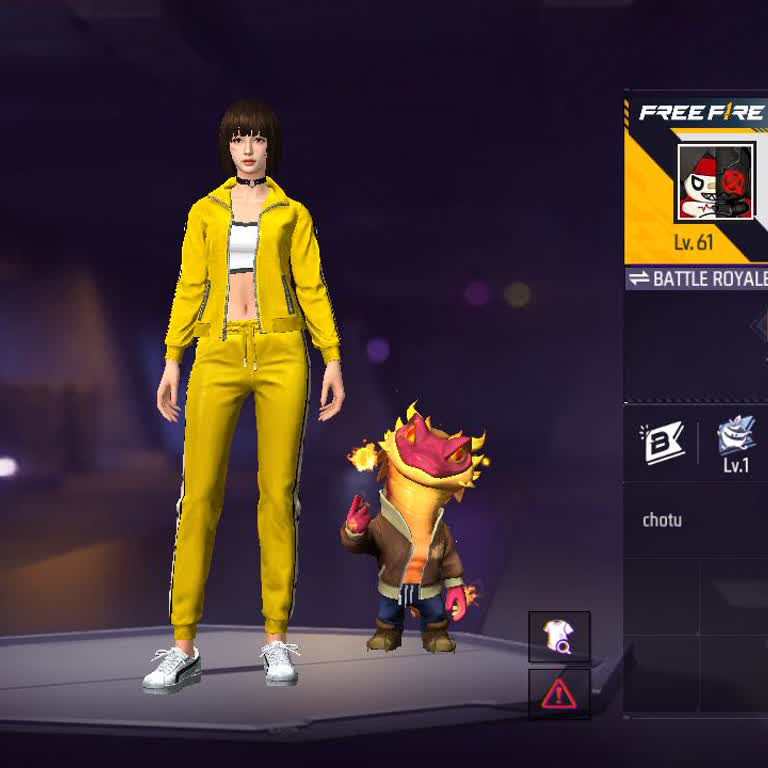
I was using an Android phone to log in to my Free Fire account through Facebook. My Free Fire UID is 3117512450. I gave ...my account to a Hindi friend to play, and he changed the email on the Facebook account linked to my Free Fire. After that change, I lost access to the account completely. For about