My Dyson Air Purifier which was easily connected during the initial setup process is all of a sudden experiencing Wi-fi disconnection issues. How can I connect it to Wi-Fi?
2 Views
To troubleshoot your Dyson air purifier's Wi-Fi connection:
Verify the router connection: Start by placing your Dyson air purifier near your Wi-Fi router. WiFi signals have a limited range, so placing your purifier far from the router can cause issues. Also, remove any physical barriers between the air purifier and the router to avoid signal interference.
Verify Wi-Fi Settings: Make sure your Dyson air purifier's Wi-Fi is on. The purifier's control panel or mobile app, depending on model, allows this. Make sure you chose the right Wi-Fi network. Choose the right network name because devices may try to connect to a neighboring network with a similar name.
Use a compatible network: Connect your Dyson air purifier to 2.4GHz Wi-Fi. Many modern routers offer both 2.4GHz and 5GHz networks, but Dyson devices work better with 2.4GHz. Try to connect to the right frequency.
Also, the user manual or Dyson customer support may help resolve the Wi-Fi connection issue if it persists.
If you find that the provided information isn't sufficient to resolve the issue, keep in mind that you're not alone in facing this problem. By sharing your experience, you can engage with the company and provide assistance to others in similar situations.
I purchased a Dyson HP1 air purifier in Türkiye and started experiencing a serious issue with the device in less than 14... days. When I set a target temperature, for example 21°C, the device heats until it reaches that value, then correctly switches to cooling mode and slows down. This part works as e
I haven’t been able to communicate properly with Dyson’s WhatsApp call center for the past three days. The AI-powered me...ssaging platform is so time-wasting that it’s impossible to reach a human representative. What’s more frustrating is that there’s no option to bypass the chatbot and speak directly
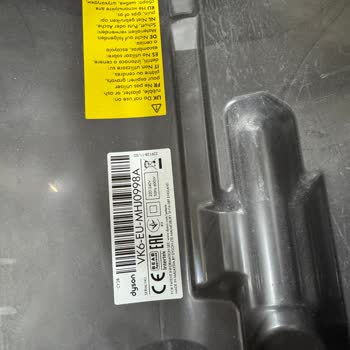
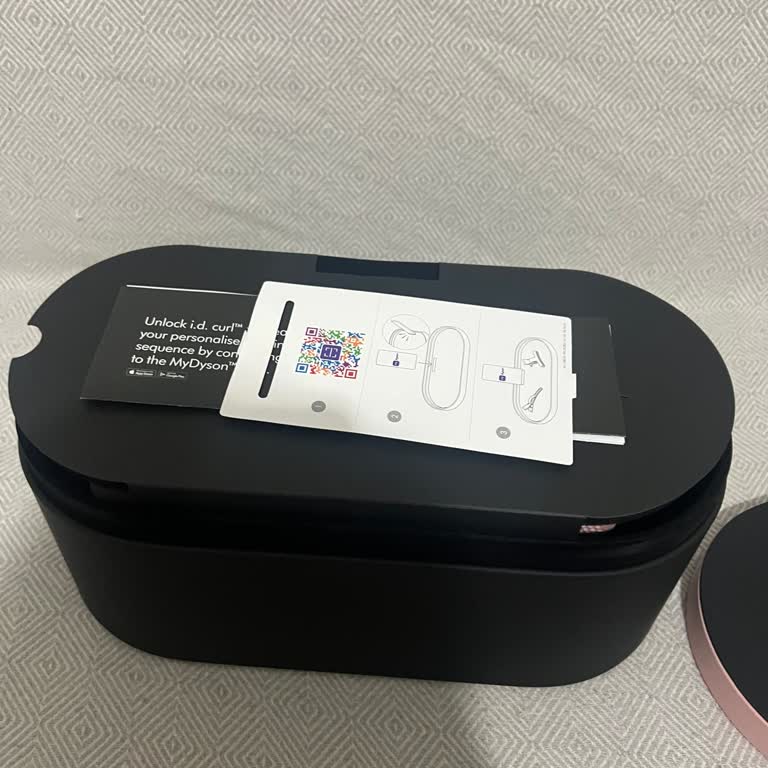
If you want to be disgraced with your money, shop from Dyson. I had a bluetooth connection problem with my newly purchas...ed Dyson Airwrap. When I sent it to the warranty, they said that the product would not be repaired and that I could exchange or return it. First of all, I thank you for the solutio
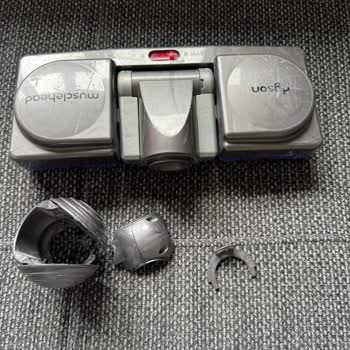
I purchased 2 Dyson V12 vacuum cleaners from the Dyson Turkey Store on December 22, 2022. Both vacuum cleaners are under... warranty until December 27, 2024. The furniture adapter part of one of the vacuum cleaners malfunctioned, and I contacted the technical service in September 2023. An email was sen
I purchased the Dyson Hot and Cool Air Purifier at the end of November 2023. After 2 weeks, an exclamation mark appeared... in the triangle. Customer service said it needed a software update. After a week of trying and calling at least four times, they came and picked it up. When I called customer serv