DeepL isn’t accepting my login after payment, how can I recover access to my account quickly?
10 Views
First, make sure that your login information is right and that your payment went through.
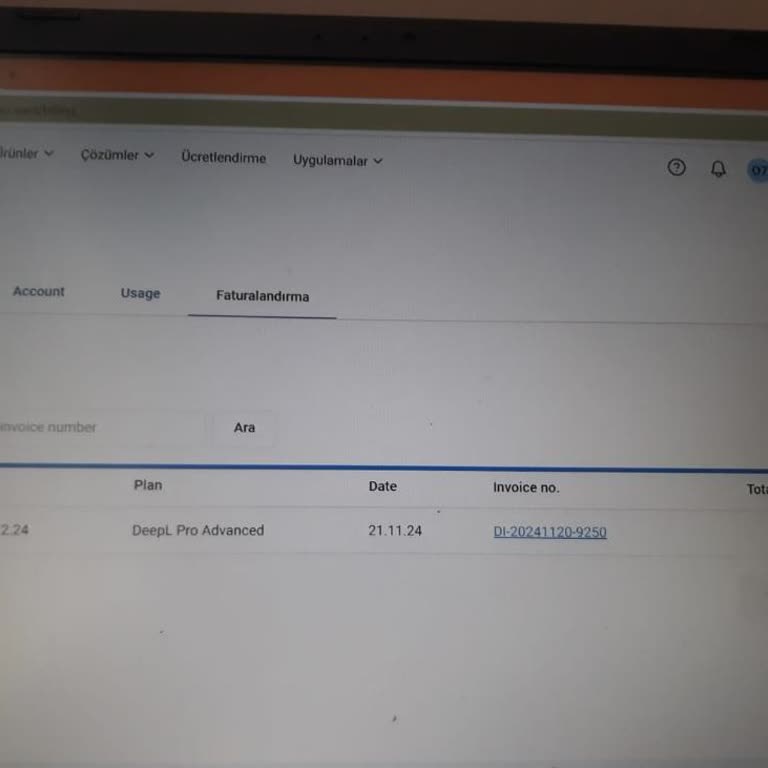
Sign in to your DeepL account and look at the "Billing" area to see if the payment has been made.
If the payment state says "PAID," the deal went through successfully. If you're still having trouble logging in, try a different browser or clear your computer's cache and cookies.
Sometimes, browser add-ons or firewall settings can make it impossible to log in to DeepL.
Do not let your browser or firewall stop domains like challenges.cloudflare.com and clearance.deepl.com, as these are needed for DeepL's security checks when you log in.
The problem might be fixed by turning off ad blockers or changing the settings on your router.
Send a request to DeepL Support through their Help Center at support.deepl.com if the problems don't go away.
Give a lot of information about the problem, such as any error messages you've seen and the steps you've already taken to fix it.
If the issue persists, share your experience and consider filing a complaint on Xolvie to seek a resolution.
DeepL claims to offer a 30-day free trial but requires credit card details upfront. After providing my card information,... the system logged me out and stopped granting access to the free translation services. Even when it did work briefly, it repeatedly removed me from the subscription. To make matt