Quotex rejected my ID verification twice—how can I verify my account successfully?
88 Views
Most of the time, Quotex doesn't accept ID verification because the papers being sent are blurry, out of date, cropped, or don't match the account information.
You can fix this by uploading a color picture of a passport or driver's license that is clear and shows all four corners, along with a selfie of you holding the same ID up to your face.
Check to see if your name, date of birth, and address are exactly the same as they are on your Quotex page.
Instead of scanning papers, take pictures of them with a high-resolution camera outside in natural light, making sure the file size doesn't go over the limit for uploading.
If the rejection keeps happening, go to the "Verification" area of Quotex and ask for help. Support staff usually gets back to you within 24–48 hours.
Once you're accepted, your account will say "verified," which will let you make withdrawals and trade with higher limits.
If the problem remains unresolved, consider filing a complaint on Xolvie to raise awareness about the issue and find solution.
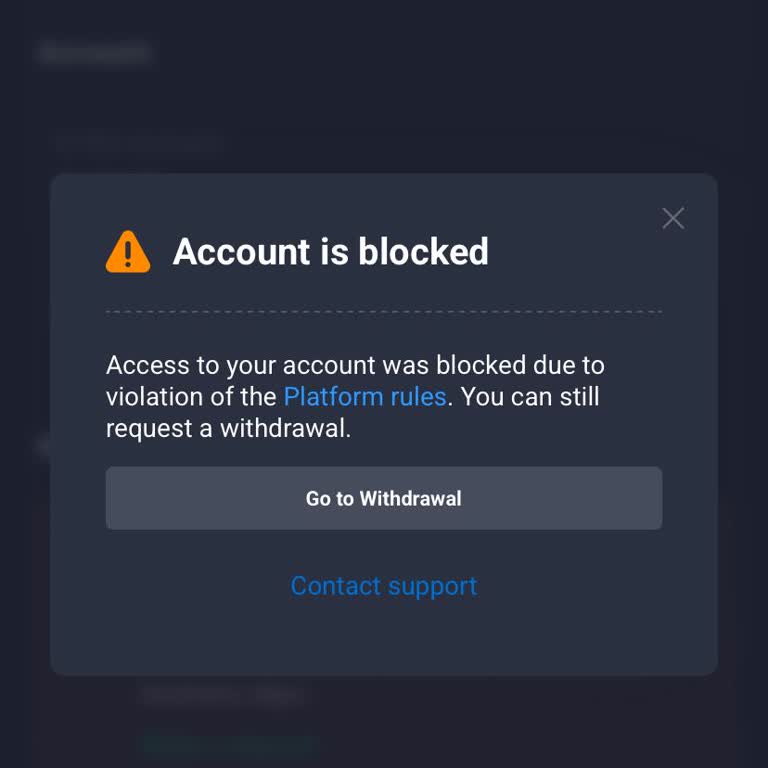
I recently created a new account on Quotex and attempted to verify it using my digital NIN slip. For about 30 minutes th...e status was showing as verifying, but then the process suddenly failed and my account was immediately blocked. When I now try to access my account, I receive a message on the Quot
I attempted to open a trading account with Quotex and completed the selfie verification on 9 February 2026. Since then, ...I have repeatedly uploaded my selfie as requested, but I have not received any update or progress information after the pictures were submitted. I contacted Quotex customer support
I am experiencing a serious problem with my Quotex account. For about a week, my KYC has not been verified. At the same ...time, the app shows that an invitation link was sent to me, but I never received such a link. When I try to complete my KYC verification, the process does not work properly, and my