PancakeSwap keeps failing my transaction even after I increase slippage, how can I fix it?
113 Views
1. Use Odd Slippage Values: Set a custom slippage like 0.1%, 1.1%, or 4.5% instead of round numbers, as this can bypass automated bots that front-run transactions.
2. Switch to "Exact Output": In the swap interface, change from “Exact Input” to “Exact Output.” This allows PancakeSwap to adjust the input amount based on liquidity changes.
3. Enable Expert Mode: If you’re comfortable with risk, enable Expert Mode in settings to bypass some restrictions, but proceed cautiously.
4. Check Token Restrictions: Visit BscScan to ensure the token contract isn’t locked or under restricted trading. Some tokens have transfer limits or sell-blocking mechanisms.
5. Try Another Browser or Wallet: Clear your browser cache, switch browsers, or try another wallet like MetaMask, Trust Wallet, or WalletConnect.
6. Network Fees and Gas Settings: Ensure you have enough BNB for gas fees and consider setting a higher gas price in your wallet to expedite transactions.
Do you have another way to solve it? We'd love to hear from you in the comments.
On January 25, 2026, at 10:17 PM, I initiated a transfer of approximately $30,300 from my cold wallet to my Binance acco...unt (TRY balance) via the TRC20 network. However, even after two days, the transaction is still showing as “pending,” and the funds have not been credited to my Binance account. W
On 03.09.2025, I joined the PTB presale through PancakeSwap using BNB via Trust Wallet. Although the tokens still appear... in my wallet, every attempt to sell them fails and no transaction goes through. I have tried multiple times since the purchase, but the issue persists. I contacted both PancakeSwa
I purchased CS Coin through the Binance app using the Web3 wallet. During the transaction, the token's symbol was displa...yed, and the purchase was completed successfully. However, when I attempted to sell the token on Pancakeswap, I repeatedly encountered errors, making it impossible to trade. Like
I purchased CS Coin through the Binance app using the Web3 wallet. During the transaction, the token's symbol was displa...yed, and the purchase was completed successfully. However, when I attempted to sell the token on Pancakeswap, I repeatedly encountered errors, making it impossible to trade. Like
I recently purchased a token called CS Coin through the Binance app using the Web3 wallet feature. During the transactio...n, the token’s symbol was displayed, and the purchase was completed successfully. However, when I attempted to sell it on the PancakeSwap platform, I encountered repeated errors an
I purchased Lyoz coin through Binance Web3 Pancakeswap based on a recommendation from a so-called crypto analysis expert.... After seeing a small profit, I attempted to swap the coin for BNB or USDT, but I encountered an error that made the transaction impossible. Despite the minor amount, I feel scamm
I purchased $PUF coin through Pancakeswap using the Binance Web3 wallet. However, I’ve been trying to sell it for two da...ys, and every attempt results in an error. Despite repeated efforts to resolve this, I’ve had no success. I even contacted Pancakeswap’s live support through Instagram, but their r
I purchased VANA coin through Pancakeswap using my Binance Web3 wallet, but I am unable to sell or withdraw it. Every at...tempt to complete a transaction fails without any clear explanation. If I am making an error, I expect proper guidance on how to resolve this issue. This situation has left me fru
I purchased Usual coin on Binance Global through Pancake Swap before it was listed. However, after the coin was listed, ...I attempted to transfer it but found that the transaction would not process. It is highly frustrating that a company like Binance would allow such an issue to occur. As a user, I
I purchased a token called CS Coin through the Binance app using the Web3 wallet. The transaction went through smoothly,... and the token's symbol appeared correctly. However, when I tried to sell it on the PancakeSwap platform, I kept getting error messages, and the sale couldn’t go through. I’m stuck
I contacted Pancakeswap through Instagram, but their live support response is extremely slow. I purchased $PUF coin thro...ugh the Pancakeswap W3 wallet inside the Binance app, and now I’m trying to sell it, but I keep encountering errors. No matter what I do, I can’t sell my coins. I've been trying ev
I purchased a cryptocurrency called "PUFF" on PancakeSwap, but now I'm unable to sell it. Both Binance and PancakeSwap a...re fully responsible for this issue. The coin's contract address isn't appearing in Binance's Web3, and I want to trade or convert it to spot value through the app. I expect a revi
I purchased the Web3 coin "Secure CS" through Binance using BNB, but I'm unable to sell it. Despite increasing the slipp...age tolerance to the maximum of 49.9%, the transaction still doesn't go through, even with the risk of losing nearly half of the value. This coin cannot be converted back to BNB or
I purchased the 'CS' cryptocurrency on PancakeSwap, but I'm currently unable to sell it. The coin is listed as suspiciou...s, even though it was obtained from the app's listings. If it's not legitimate, why is it listed? Binance and PancakeSwap are fully responsible for this issue. The coin, which is
I purchased a cryptocurrency called "Not" from Pancakeswap on Web3 via Binance and I am currently unable to sell. Tradin...g in suspicious coins on major exchanges such as Binance and Pancakeswap is a serious security vulnerability. This coin was listed as suspicious and sold to us as real. If it's not
I need assistance immediately. I'm new to making purchases with a Web3 wallet, and I've encountered an issue. I decided ...to take advantage of a link that was shared in a Telegram channel and made a purchase of some coins. Now, I have encountered a problem. I'm eagerly anticipating a resolution.
I bought a cryptocurrency called 'Not' through PancakeSwap using Web3 via Binance, and now I can't sell it. The coin is ...listed as suspicious and was sold to us as if it were legitimate. If it’s not real, I shouldn’t have been able to buy it. Given that it appears to be real and a contract address wa

I just bought Not Coin on PancakeSwap using my Binance account and Web3 wallet. Everything went fine with the purchase, ...but I ran into a frustrating error when I tried to sell - a 'slippage tolerance error.' I tried to fix this problem by changing the tolerance values from 1% to 49%, but unfortunate

Through Binance on Web3, I purchased a cryptocurrency called "Not" from Pancakeswap, and now I am unable to sell it. It'...s a serious security flaw for suspicious coins to be traded on major exchanges like Binance and Pancakeswap. This coin has been listed as suspicious and sold to us as genuine. If i
I purchased a cryptocurrency called "not" through PancakeSwap via Binance using Web3. Currently, I'm unable to sell it. ...The coin has been listed as suspicious, yet it was sold to us as legitimate. If it's not genuine, I shouldn't have been able to buy it in the first place. Since it was presented as

I bought a cryptocurrency called "not" using PancakeSwap on Binance with the help of Web3. At the moment, I'm not able t...o make a sale. We were sold the coin under the impression that it was legitimate, but now it has been flagged as suspicious. If it's not authentic, I shouldn't have been able to pu
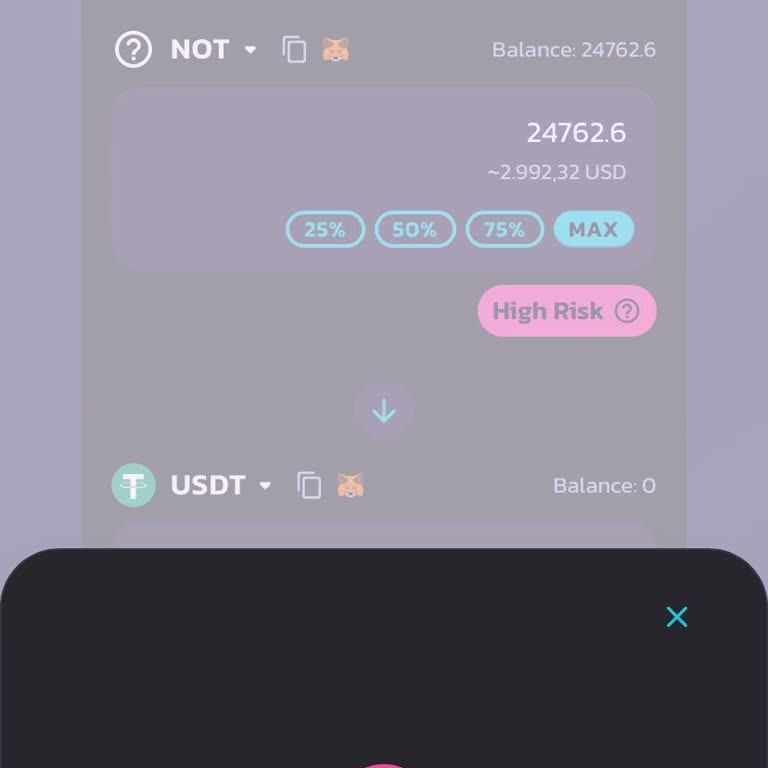
I'm having trouble selling a coin I bought from PancakeSwap v3. Despite my attempts to sell in both BNB and USDT, I cons...istently encounter errors that prevent me from completing the sale. Despite raising the limit to account for tolerance errors, I'm still unable to finalize the sale. I kindly reque
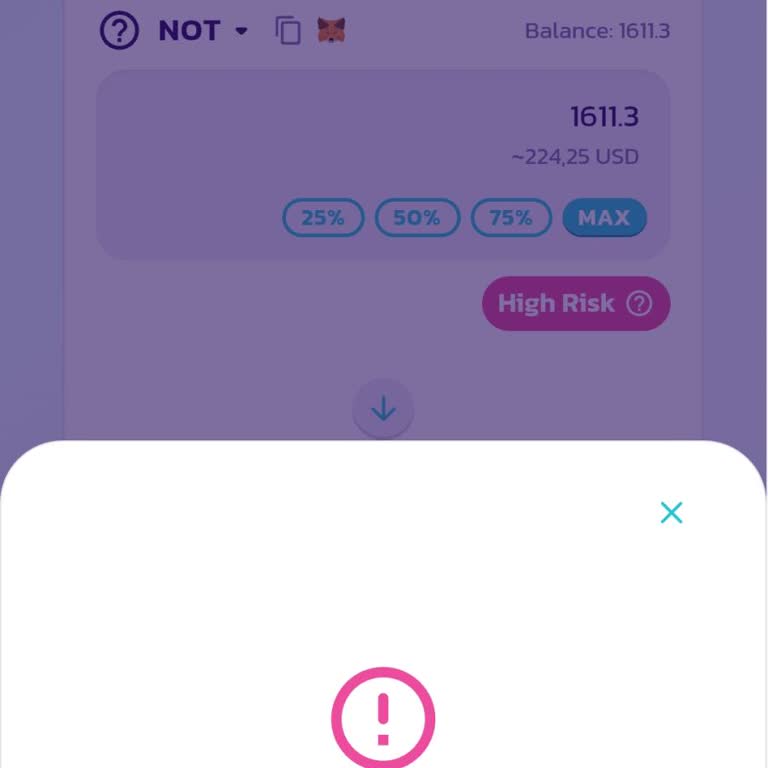
I purchased Not Coin through PancakeSwap on Binance Web3, but I'm currently facing difficulties converting it to other c...urrencies. I'm constantly running into errors. It's quite surprising to encounter such a problem with the Binance app. I expect a prompt solution. It's astonishingly effortless to

I made transactions on both Binance Global and Binance TR. Afterwards, I utilized PancakeSwap V3 to exchange Notcoin for... the purpose of using it in DApps. Unfortunately, I am currently unable to convert Notcoin to BNB or USDT. I've been dealing with these persistent errors since yesterday and I spok
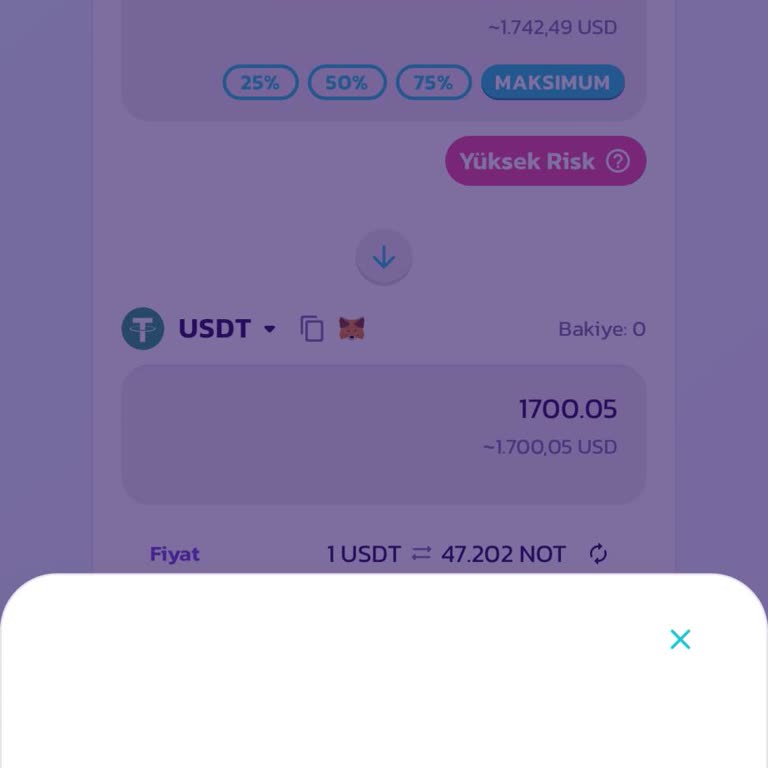
I'm unable to sell my "Blabs" cryptocurrency, which I bought on PancakeSwap using the Binance Web3 wallet. I trusted Pan...cakeSwap because it is accessible via Binance, and I purchased Blabs tokens directly from the Binance app. Now the coin is classified as suspect, and I believe it was sold to me un