Olymp Trade delayed my payout for days with no update — how can I escalate the issue?
5 Views
If Olymp Trade delayed your payout for days with no update and you want to escalate the issue;
Contact Olymp Trade support with a clear escalation;
• State that your withdrawal/payout has been delayed beyond the expected processing time
• Provide your account email/ID, withdrawal amount/currency, withdrawal method, date/time of request, and transaction ID/reference
• Attach screenshots of the withdrawal request, status screens, any error messages, and your bank/statement if applicable
• Note how many days it has been delayed and whether you’ve already contacted support
Ask them to;
• Confirm whether the withdrawal is still being processed or stuck
• Explain why there’s a delay (compliance check, payment processor, documentation issue, internal review)
• Provide a clear timeframe for when your payout will be completed
• Tell you exactly what you need to provide or do if additional info is required
• Escalate your case to their payments/operations manager if first-line support can’t resolve it
If the problem remains unresolved after contacting support, consider filing a complaint on Xolvie to raise awareness and pursue a resolution.
I am writing regarding a 5,000 LE withdrawal that I requested on 30/04/2026 from my Olymp Trade account (request name/ID...: nom nom olymptrade 448098705, account ID: 54730466) to my Orange Cash wallet registered under the mobile number 012233193**. Until today, the amount has not been credited to my O
I am an Olymp Trade user from India, and I requested a withdrawal of 889.52 from my trading account on 02/01/2026 via IM...PS. It has now been 15 days, and the withdrawal has still not been credited to my account, even though my previous withdrawals from the same trading account were always processed s
Olymp Trade Deposit & Withdrawal Delays and Missing Bonus Issue Both the deposit and withdrawal processes on Olymp Trad...e are extremely slow. It takes far too long for transactions to be processed. In addition, the $10 bonus that I was promised never arrived in my account. I’m very dissatisfied wit
I requested a $110 withdrawal from Olymp Trade, but it has now been 10 days, and my money still hasn’t arrived. This is ...extremely frustrating and unacceptable. I don’t understand how this company is allowed to operate in Turkey when they process deposits instantly but delay or refuse withdrawals. T
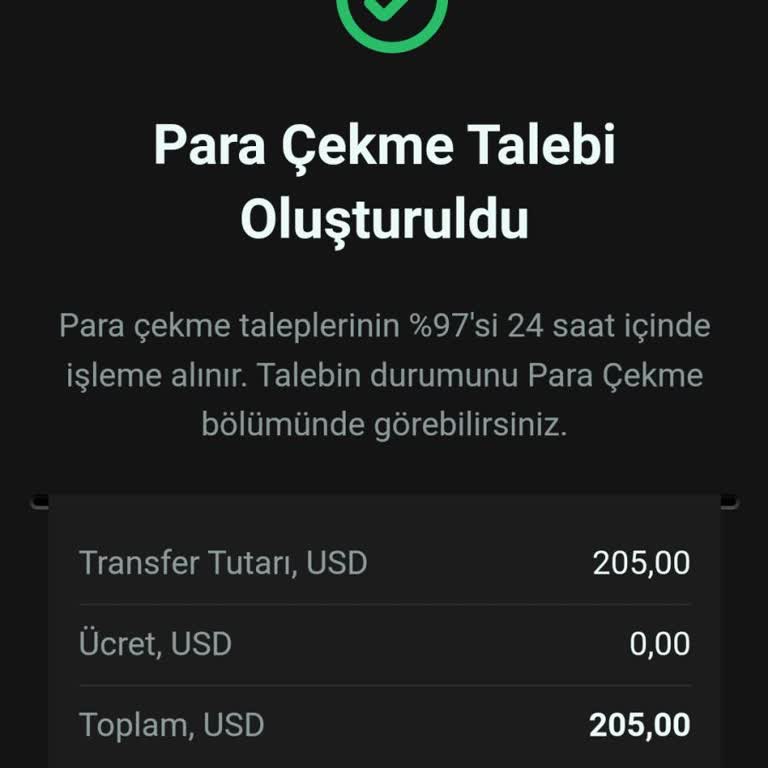
I requested a withdrawal from Olymp Trade 10 months ago, but I still haven’t received my money. They claim the transfer ...was completed, yet my account never received the funds. They asked for my bank transaction history, which I provided. However, since my bank doesn’t issue statements in PDF format
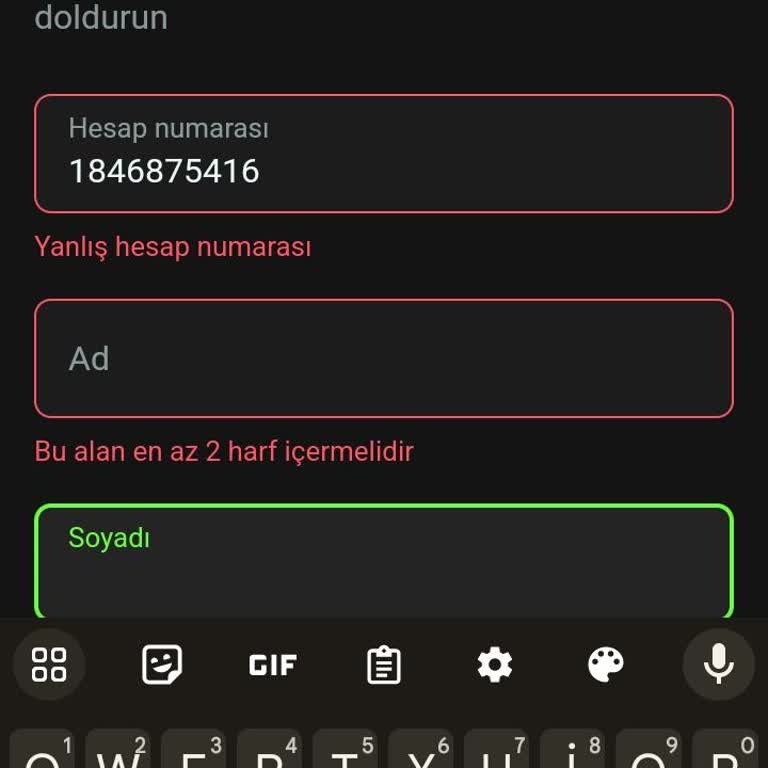
I am trying to withdraw money from my Olymp Trade account using Payfix, but the platform won’t accept my Payfix account ...number. No matter what I do, it keeps rejecting it. I contacted customer support via email to report this issue, but they haven’t responded at all. This is unacceptable! I need acc
I lost $1000 on Olymp Trade, and I demand my money back immediately. My funds disappeared without any explanation, and I... have received no proper response from the platform. I will file complaints everywhere to ensure this issue is addressed. This platform seems to be taking people’s money without a