I've lost access to my device with the two-factor authentication linked to my Konami account. How do I recover my Konami account?
345 Views
If you lose access to your Konami account's two-factor authentication device, try the following:
• If you backed up your data using a KONAMI ID or Game Center account, you're good to go. Data transfer using these accounts saves game progress and data for situations like this.
• If you get a new device or accidentally delete the app, you can still recover your Konami account. Data backup using a KONAMI ID or Game Center account is key.
• Please note that using a Game Center account for data transfer has limitations. Switching OSes prevents account restoration. If you switch from iOS to Android, your Game Center account won't help you recover.
• To recover your Konami account, install the game on your new device or re-download the app. Choose data transfer during setup or login and enter your KONAMI ID or Game Center account.
• Contact Konami's customer support if you encounter any issues during the recovery process, such as forgotten credentials or other complications. They can offer personalized advice.
If you find these helpful let us know in the comments or you think there is more to be heard, file your complaint!
I am an eFootball player from India and I am currently unable to access my account on my new mobile device. My game was ...linked with my Google account and Konami ID, and now I am stuck at the two-step verification stage. I no longer have access to my old mobile phone, so I cannot receive or use the p
I was using a Koonami account linked to the email address monzooale***@gmail.com, protected with two-step verification. ...On the morning of March 14, my phone suddenly shut down and stopped working. Since I had not set up a recovery email, I am now unable to receive any verification codes or complete
Since November 1, 2025, I have been unable to access my eFootball 2025 mobile account (username: ağır_4941). My account ...was hacked and I cannot log in despite trying all steps including password reset. I was unable to contact KONAMI customer service, so no solution has been offered. My account had i
My KONAMI eFootball mobile account was hacked last night. I had made in-game purchases totaling ₺209 — one for ₺20 and a...nother for ₺189. My account also included the player Burak Yılmaz. The account was linked to my Google account (Yu**************@gmail.com)**. When I tried to log in last night, I
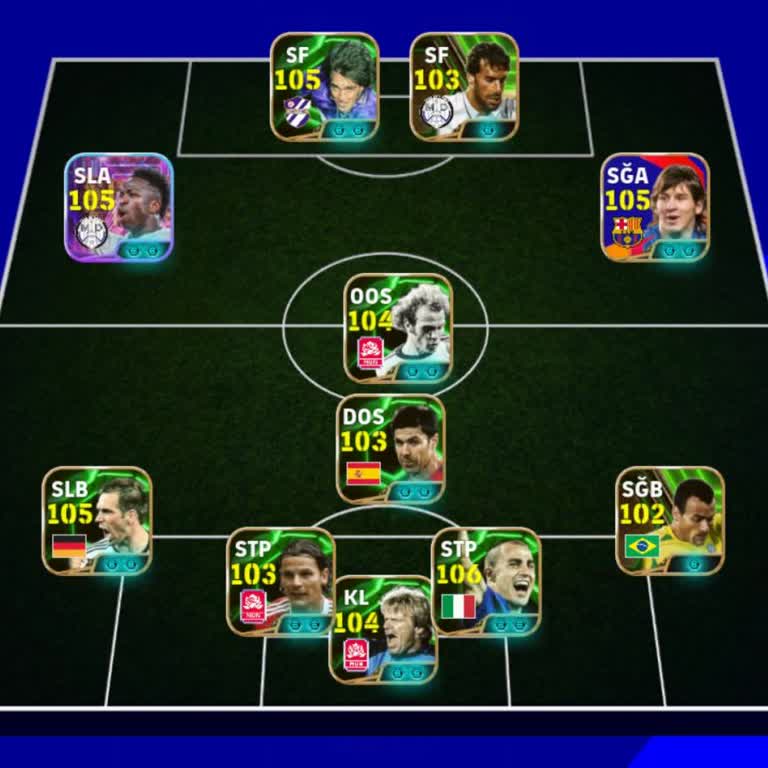
Dear Konami Support Team, I am writing to request urgent assistance regarding my Konami ID account. Unfortunately, I rec...ently lost my mobile phone, which was the only device linked to my two-step verification system. Because of this, I am unable to log in to my Konami ID. To make matters worse, the
I can no longer access my E Football Konami account as it constantly shows a network error. I tried resetting my passwor...d, but my registered email has been removed and the password was changed without my authorization. As a result, I am completely locked out of my account. I have spent significant t
My PES Mobile account (linked to n*******@gmail.com**) on my Android device was hacked around 00:58 last night. I believ...e my email address and password may have been changed, since when I try to log in, I receive a warning that my username or password is incorrect. In addition, when I checked my pr
I am requesting support regarding an issue I experienced today in Konami’s Efootball PES 2025. Through a friend, I attem...pted to get the 105 Messi Pack. My friend created an account using his own email address, gave me the password, and I linked the account. However, afterward I was no longer able to
My Efootball account is linked to a Google email that has since been deleted by Google. Because of this, I no longer hav...e access to the email account. After changing my device, the game now asks for two-step verification. Even though I know both my account password and the email address, I cannot lo
I urgently need help with my Konami account. I clicked on a link that was shared claiming it would give out a free playe...r reward, and ever since then, I haven’t been able to access my account. It appears that someone stole my account through that link and has changed the registered email address. T
I urgently need assistance recovering my Konami eFootball account, which I used to play on my mobile device. My Gmail ac...count—linked to the game—was recently hacked. I hadn’t added Gmail to my current phone since I had changed devices and didn’t feel the need to log in again. Unfortunately, last wee
My Konami ID, which I use to play eFootball, was suddenly locked by the system without any warning or explanation. When ...I try to log in, I get a message saying, “Your Konami ID has been locked,” and I’m completely unable to access my account. I am absolutely sure I entered the correct password. Even
I was planning to trade my PUBG account and trusted the person I was dealing with. I handed over my account credentials ...first, expecting him to do the same in return. Unfortunately, he never delivered his end of the deal. Instead, he blocked me, stole my account, and even gained access to my email l
I need the eFootball ID and password for my account. Please send me my Konami ID and password, as my game has logged out.... I need to access my account to recover my players and continue playing. I really want to enjoy the game again, so I kindly request that you send me my Konami ID and password.
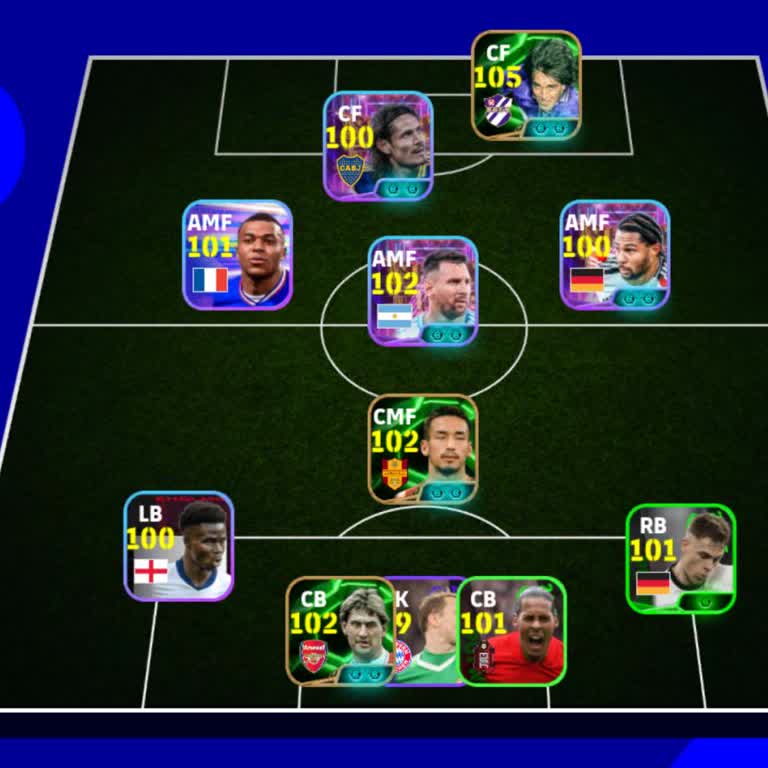
I am absolutely furious and distraught! My PES account was stolen tonight, around 9:00 PM, right when I was about to mak...e a trade. Please, I'm begging you, help me get my account back. I have a ton of evidence to prove that this account is mine. I'll provide you with anything you need to verify my
My Konami E-Futbol account was stolen by someone I don’t know. The thief uses the Telegram handle @f*** and a TikTok acc...ount named f***. They even created an email address in my name, a***@47hotmail.com, without my knowledge. I am a victim here and urgently need help locating and recovering my accou
I forgot my old Konami password and have tried repeatedly to reset it, but none of the new passwords I create are accept...ed. When I tried to create a new Konami ID, it won’t let me set a password either—no matter what combination of letters, numbers, or symbols I use, it’s always rejected. I’ve exhau
I’ve been locked out of my Konami account for a long time now because I no longer have access to the email address linke...d to my account. While I still remember my login password, the system keeps asking to send a verification code to my old email—which I can’t access anymore. This issue started aft
I was about to make a trade with someone in PES Mobile, and during the process, my account was stolen. I’ve reached out ...for support, but I still haven’t received any help from Konami, and my account has not been returned. This wasn’t just any account—it was a high-level account I spent a lot of time
My PES account was stolen after someone tricked me into a fake trade agreement. I have clear evidence proving that I’m t...he original owner, including screenshots and purchase history from my account. I’ve spent a lot of time and money (₺) building this team, and it’s incredibly painful to see it take
Hello Konami team, Today my PES account with a power rating of 3170 was stolen. I need urgent help recovering it. I’ve i...nvested not only a huge amount of time but also nearly ₺2000 into this account. And just like that—my email, my login access, and everything tied to the account was taken from me.
I’ve been playing eFootball for a long time and even spent real money on the game. I have receipts proving the purchases... I made using MyClub coins. Recently, I decided to sell my account. However, after the buyer received access, he changed the Konami ID and took full control of the account without
Hello, about a week ago, I lost access to the email address linked to my eFootball Konami account, and because of that, ...I’ve been unable to complete the data transfer to a new device. No matter how many times I’ve tried, nothing has worked. I know my Konami user ID, but even with that information,
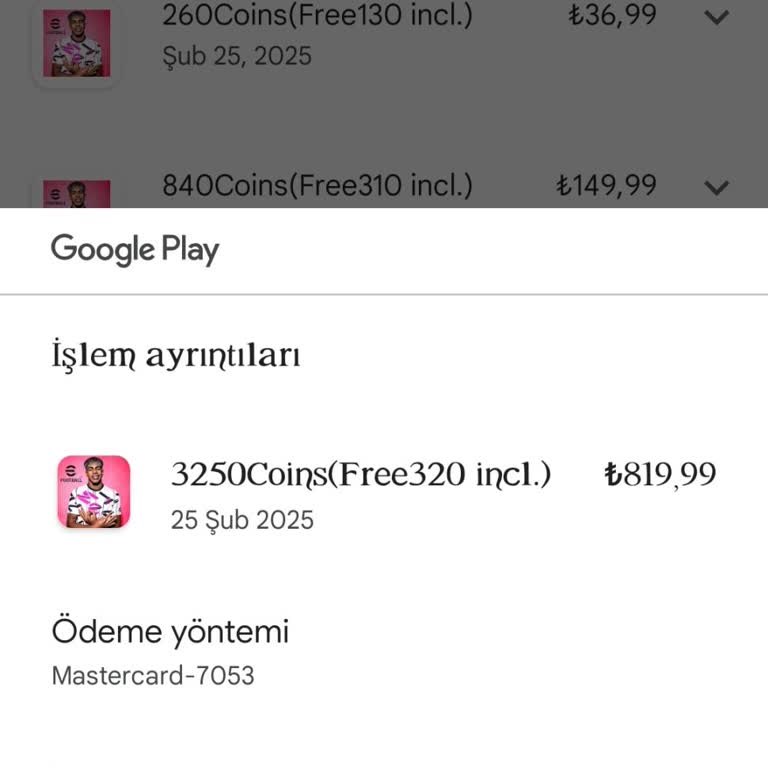
Konami, please help me recover my stolen account! I put years of effort into this account, and it means so much to me. I...t’s a 4-year-old account, and now it’s gone. Someone with the username ‘X*****X’ stole it, and I can’t access it anymore. I can’t just start over after all the time and dedication
Dear Konami, My account has been hacked, and I need urgent help to recover it. I have the email addresses for only my ac...count . Additionally, I can provide proof of ownership, including purchase receipts and emails sent to me regarding the account. I don't know my konami id but I kindly request your