Gmail keeps rejecting my login on a new phone, how can I verify my identity without SMS?
13 Views
If Gmail won't let you log in on a new phone, you can use Google's Account Recovery flow to get around SMS.
Enter your Gmail address on the recovery page and click "Try another way" until you see a list of choices, such as confirming through a backup email, answering security questions, or confirming from a device or browser you've used before.
Instead of SMS, you can also use Google Authenticator or a hardware security key if you already have them set up.
If you've lost access to your work or school Google Workspace account, your administrator can restart the verification steps and help you get back in.
If you have experienced a similar issue, please feel free to share. You can also file a complaint on Xolvie.
I am using an Android phone and my main Gmail address is linked to this device. On 16 January at around 12:49 I realized... that I could no longer use my account properly. When I try to log in, I see a message saying that my account is blocked. Because this Gmail address is my original and primary acco
My Gmail account with the address “sorbotali1***@gmail.com” was hacked about two months ago. The attacker changed the pa...ssword and took full control of the account. Through this hacked Gmail, they even formatted my phone remotely and I lost my data on the device. This Gmail was also linked to my Fre
I have an issue with my Gmail account that I access on my Android phone. My main Gmail account, which is jitdey***@gmail....com, appears to have been hacked. On 1 August I realized that changes had been made without my permission, such as my email or recovery options being removed from my phone, and si

My Facebook account was hacked on 31-08-2026 and since then I have not been able to log in again. My account was origina...lly linked to my Gmail address, but the hacker seems to have unbound or changed the email information. When I try to recover my account on my Android phone, the system says that a
My Gmail account was stolen from my phone, and I can no longer access it. I do not remember the exact date I lost access..., but every login attempt now fails, and none of the standard recovery options are working. An unauthorized user appears to have taken over my account, and I am deeply concerned a
I am using a Tecno Camon 40 phone and I am unable to log into my Google account on this device. When I try to sign in wi...th my Gmail address, the screen shows the message “Couldn't sign you in” and does not allow me to proceed. I no longer have access to the original Gmail account that was used, so I
For about two years I have not been able to access my Gmail account with the address “sannael***@gmail.com”. At that tim...e, the email address on my account was changed without my knowledge and I lost access. I normally log in to this Gmail account using an Android phone, and after this change I could
I am writing regarding a Gmail account that I can no longer access. The account ID I remember is 9602720*** and it was o...riginally created around 2021. The Gmail belonged to my mother and the address started with the name “Erinda”, but I no longer remember the full email address or the password. I tr
I am writing regarding my Gmail account with the address "tmd4284**@gmail.com," which appears to have been hacked and th...en deleted together with all my emails. I use an Android phone, and about two days ago I realized that I could no longer access my account and that my Gmail data was gone. When I t
I am writing regarding my Gmail account, which has been hacked and accessed without my permission. I use Gmail on my pho...ne and I recently realized that I have been completely locked out of my account. I can no longer log in and I believe an unauthorized person has taken control of the account. This
I am having ongoing problems accessing my Gmail account on my phone and I cannot properly use my email. My Gmail address... is “shivamr***[email protected]”. Despite repeatedly trying to sign in and manage the account from my mobile device, I am not able to recover full access and use it as before. This
I use Gmail on my Xiaomi phone and my Free Fire account is linked to my Gmail address (aviavis***@gmail.com). On 25 July... my Gmail recovery for Free Fire was unsubscribed by a hacker and since then I have lost access to my Free Fire account. Because the recovery Gmail was removed without my permissio
I am having a serious problem accessing both my Gmail account and my Free Fire game account, and I need help from your s...ide to recover my Gmail. About two weeks ago, my Gmail account (eolanrewaju***@gmail.com) was logged out and since then I have not been able to sign in again. Every time I try to l
For the past four months I have been unable to receive any verification code for my Gmail account “singhab***k31729@gmai...l.com”. Because of this, I cannot access my account or complete any verification process. Before using this address, my family members were using another ID, and now I am not able
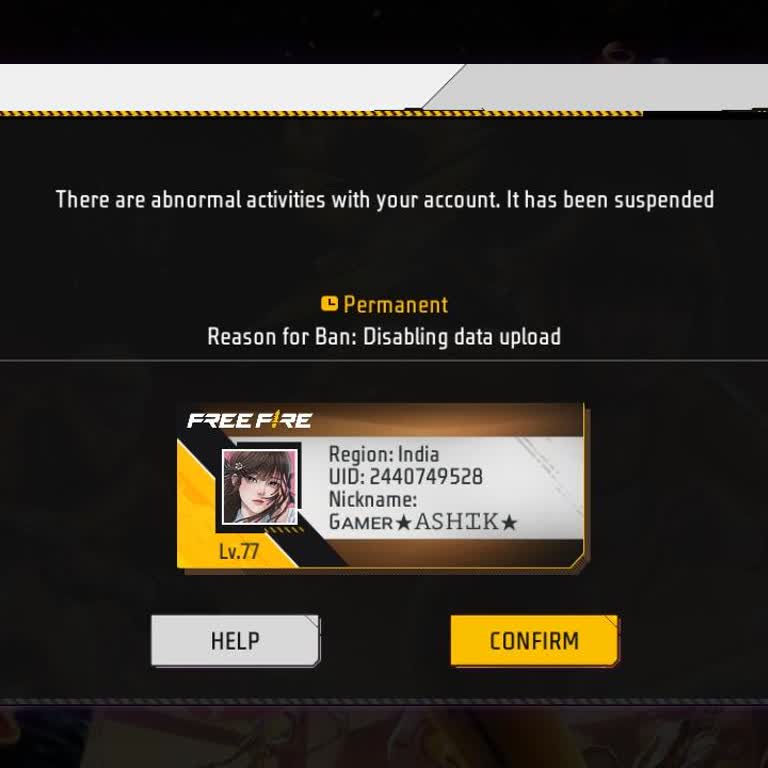
I lost access to the Gmail account linked to my Garena Free Fire account, and the phone number associated with that Gmai...l account is no longer active. Because of this, I am unable to reset my password or regain access to my account. My Free Fire account UID is 2440749525. It has been approximately
I am writing because I have lost access to a Google account that is very important for me, and I would like your help to... recover it. I live in Bangladesh and I was using a Gmail-based game account (linked with a Gmail address) that I had originally bought from someone. After purchasing it, I did not
I accidentally deleted my Gmail account on June 8, 2026 and I did not want to delete it. Since then, I cannot sign in to... my Gmail and I have lost access to all emails and services connected to this address. I tried to recover my account using Google’s recovery steps, but I did not receive any respon
For about a week now I have lost access to my Gmail account and, as a result, also to my Google Play account and my eFoo...tball game account linked to it. When I try to sign in, I see a “Couldn’t sign you in” error for the address kinj*****@gmail.com, which makes me think my account has been hacked. S
I am writing to request assistance recovering my Gmail account, whose username is As*****@gmail.com**. I have been unab...le to access this account since approximately the middle or end of 2021. The phone number previously registered for two-step verification and account recovery is no longer active,
I am writing to request assistance recovering my Gmail account on my Android phone. Until about two weeks ago, I was ab...le to access my account without any problems. However, I can no longer sign in. Whenever I try to log in, I am taken to a "Check Your Email" screen that asks me to enter a verifica
I was playing Free Fire with an account linked to my Google account and I lost access to it last year after my previous ...phone was damaged. Since then I have not been able to log in to the game with that Google account, because I no longer have access to the Gmail address and I do not remember the pa
I am writing because my Gmail account appears to have been stolen and I have suddenly lost access. I realized this issue... just now, when I tried to log in and saw that I could no longer access my account as before. I believe my phone was somehow used in this unauthorized access, but I do not know exa
For nearly two months now, I have been unable to use my Gmail account on my phone because it appears to be frozen and I ...cannot access my emails properly. This situation is seriously affecting my ability to communicate and use services linked to my email. I kindly request that my Gmail account associ
I have been using my Free Fire account linked to my Gmail address on my Oppo K13 5G device without any problems until th...is morning. Today in the morning I noticed that my account appears to be hacked, and when I try to enter my Free Fire account, Gmail does not log me in and instead keeps showing th
I lost access to my Gmail account (address: nagallithi***@gmail.com) about one and a half years ago, and since then I ha...ve not been able to log in. This Gmail was linked to my Free Fire Max game account with ID 2405477991, so I also lost access to my game progress and data. Despite the long time tha