My Facebook account has been hacked. How can I regain access and protect it in the future?
77 Views
If your Facebook account has been hacked, follow these steps to regain access and protect it in the future.
1. Try to log in to your account
Go to the Facebook login page and try logging in with your credentials.
2. Restore access through the official form
Go to the account recovery page.
Follow Facebook's instructions, provide your email, phone number or username.
If you are prompted to change your password, do so.
3. If your email or phone number has been changed by hackers
Open the Facebook Help Center and follow the instructions.
Try resetting your password using your old email or phone number.
4. Check your email
If your email has been changed, Facebook may have sent you a notification. Use the link provided to undo the changes.
5. Remove the abusers from your account
If you were able to log in:
Go to Settings → Security and Login.
Look at the list of devices under Where you are logged in and log out of all suspicious sessions.
Change your password and set up two-factor authentication.
6. If nothing has worked, contact the Facebook Help Center and fill out a form to regain access.
Experiencing a similar problem? Join others who have shared their story and found a solution. File a complaint with Xolvie to bring attention to this issue.
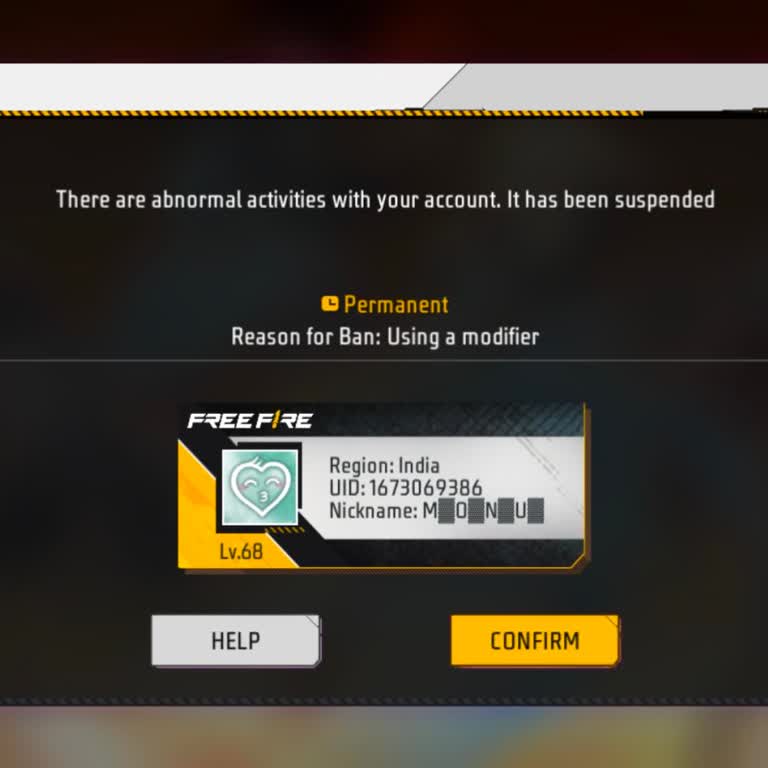
My Free Fire account, which is linked to Facebook, has been permanently suspended with the reason shown as “Using a modi...fier.” The UID of my account is 1673069386 and the region shown is India. I want to clearly state that I did not knowingly use any modifier or illegal program on my account. I beli
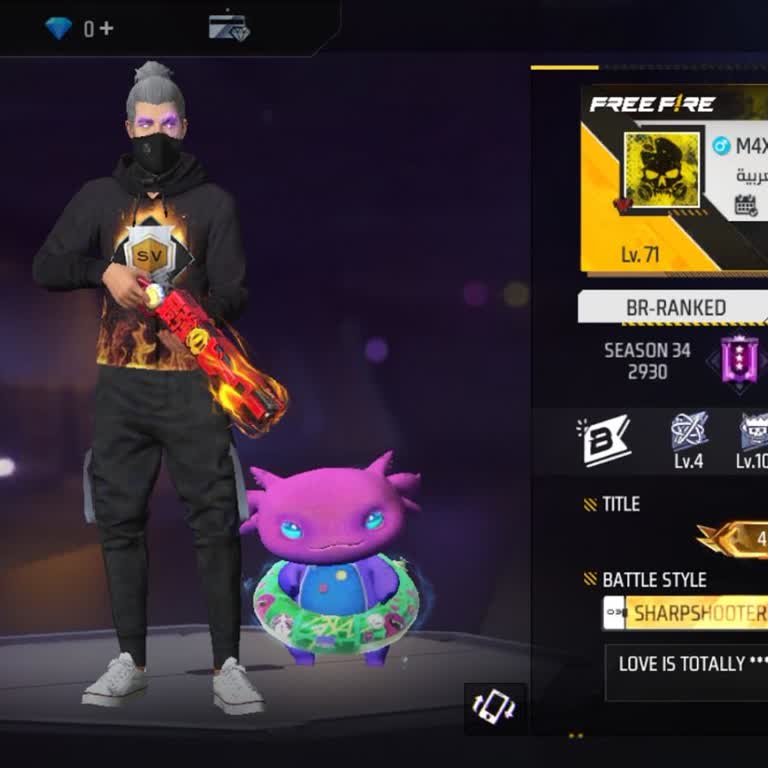
I have been playing Free Fire with the account linked to my Facebook for a long time. My Free Fire UID is 351819329 and ...the in‑g e n e is M4X DARK. About one year ago, my account was hacked and since then I have completely lost access to it. After the hack, I no longer able to log in to my original
I have been playing Free Fire on my Android device using a Facebook login, and on 13 September 2026 my Free Fire account... was hacked by an unknown person. I do not know who this person is and I suddenly lost control of my account. My in‑game Free Fire profile is named BUNNY-X and the UID of the accou
On Monday, September 14, between 9:02 AM and 12:39 PM, a total of 10 unauthorized charges of 118.11 TL each were made fr...om my bank account, totaling 1,181 TL ($24). I only received a standard notification message; I did not receive any confirmation or authorization code from Ziraat Bank. Money was
For approximately six months, money has been regularly charged to my credit cards through my Facebook account without my... knowledge or authorization. Payments ranging from 2,500 TL to 6,000 TL (approximately $51–$123) have been charged to my Garanti Bank, VakıfBank, and Akbank credit cards even thoug
My Facebook account linked to the phone number 9309570*** was hacked and then disabled on 12 September 2026. Since that ...date, whenever I try to log in I receive a disabled account message and I cannot access my profile or any of my information. I did not request for my account to be disabled and I b
I have a problem with my Facebook account. My old account, which is linked to the phone number 8570085***, is no longer ...visible and instead a new account has been created without my request about one hour ago. I do not want this new account and I want it to be deleted completely. I only want to use
I am the owner of the Facebook page named “Snuff Gaming”. On 4 June 2025 my page was hacked and unauthorized changes wer...e made. My name, phone number and Gmail address connected with the page were removed without my permission and I lost control of the page. Attached to this complaint there is also
I a Free Fire MAX player and my g e account was linked to my Facebook profile. On 21 February 2025 my Facebook account w...as hacked and I lost access to it, and as a result I can no longer access my Free Fire MAX account that was bound to this Facebook ID. I have some screenshots of my previous in‑g e
To Garena Support, I am writing to request help recovering my hacked Free Fire account. My Free Fire account was linked ...with Facebook and my in‑game ID is 4681280803. Around five months ago my account was hacked and since then I have completely lost access to it. I did not share my login details wit
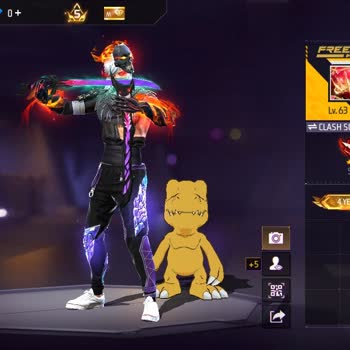
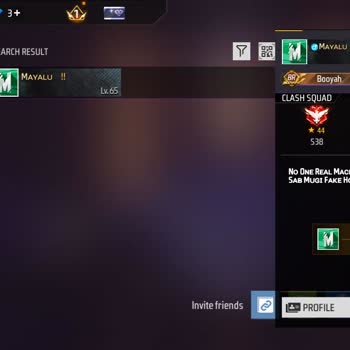
I am writing about a serious problem with my Free Fire account that is linked to my Facebook account on my Android phone.... My Free Fire ID was hacked about two years ago. Since then I have not been able to log in to the account, and sometimes I can see that the ID is actively being used on someone el
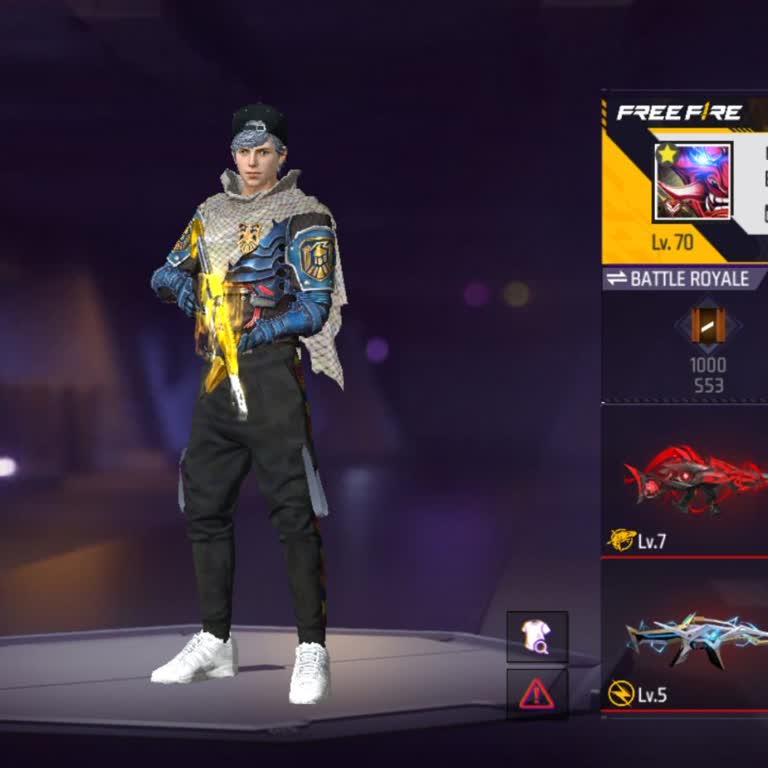
I am writing about a serious problem with my Free Fire account. My account was hacked, and I lost access to it even thou...gh it is very important to me. My Free Fire UID is 863619999, and I was playing with the profile shown in the attached screenshot. The account was linked to my Facebook account. Ar
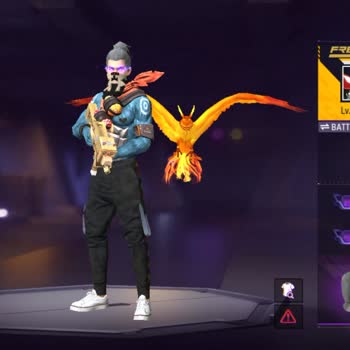
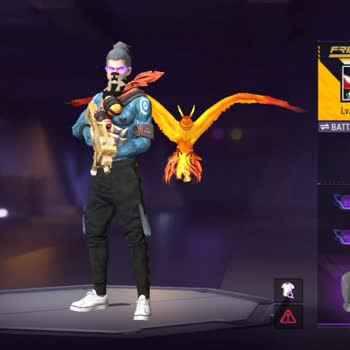
My Facebook personal profile was hacked around 2022. After this unauthorized access, the hacker changed the email addres...s linked to my account, so I completely lost access and could no longer log in to my profile. My Free Fire account, which is linked to this Facebook profile, has the UID 1348677743
I am writing to report that my Free Fire account, which is linked to my personal Facebook account, was stolen and is cur...rently being used by someone else. I first experienced this problem around 2019, and since then another person has been playing on my ID without my permission. In the attached scre
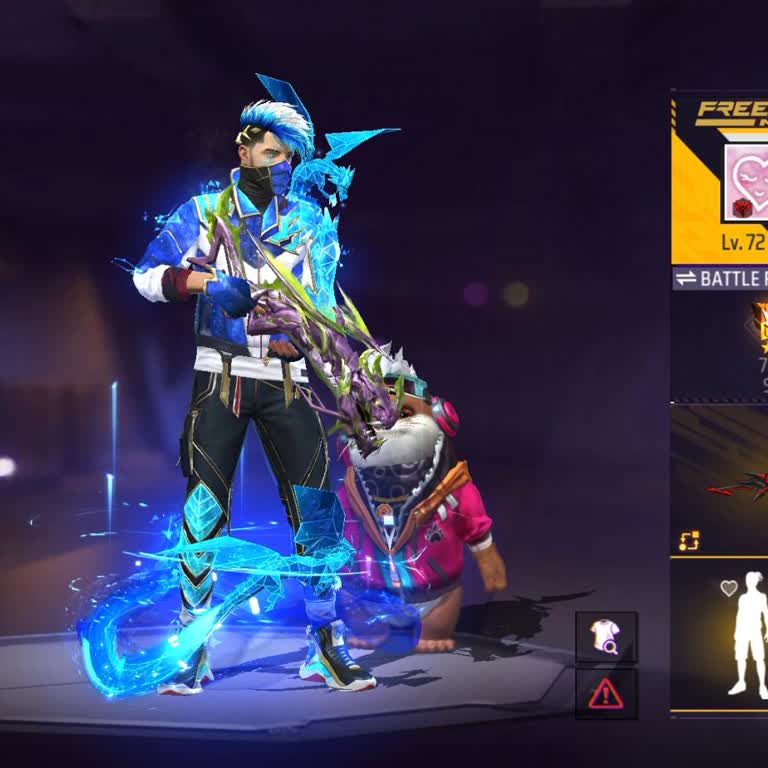
I am writing about a serious problem with my Free Fire MAX account, which has been hacked and taken over by someone else.... My in‑game profile name is “BLACK☆HEART”, level 65, and my UID is 2359118982. I used to log in to this account through Facebook, but now I can no longer access it because the acc
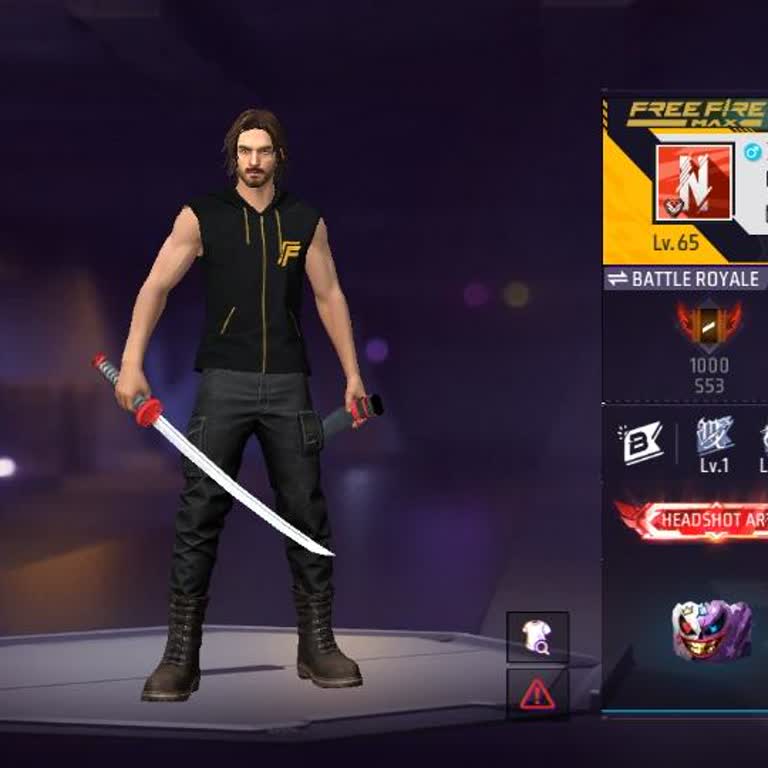
My Facebook account with ID number 3037423805 has been hacked and I have been unable to access it for about 3 years. I c...annot log in and I believe someone may have taken control of the account without my permission. I request that my identity and ownership of this account be verified through the con
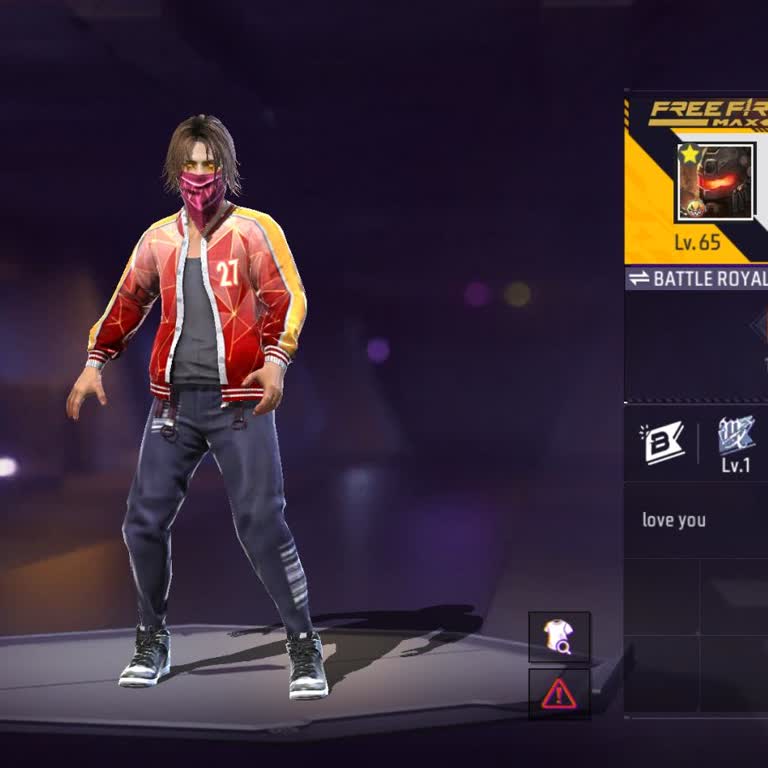
My Free Fire account with ID 2828601081, which is linked to my Facebook account, has been hacked. A hacker has taken con...trol of the account and I am no longer able to use my own profile in the game. In the attached screenshot you can see the current in‑game profile and details. This account belongs
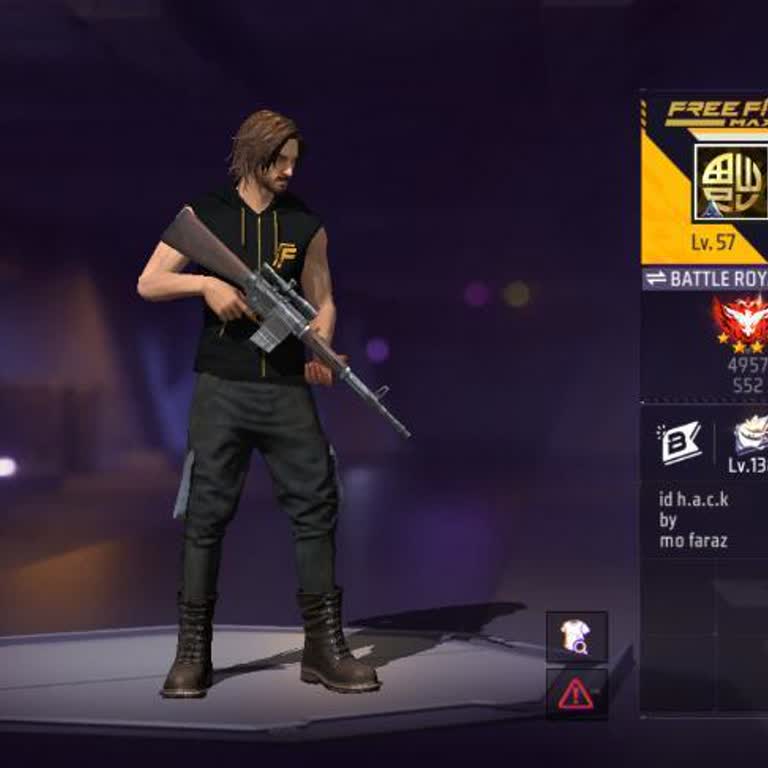
My Facebook account with the username or ID 249531951 appears to have been hacked for about the last two months. During ...this period I noticed that my linked Gmail account, shaboy***@gmail.com, is also at risk and I am worried that it may be misused together with my Facebook account. Until now I have
Dear Support Team, I am writing because I need help to recover my Free Fire account that is linked to my Facebook profil...e “Anthony L***” (facebook.com/anthony.l***i.1). About one year ago, I tried to sell my Free Fire account. I gave my Facebook password and my game password to a friend so that he c
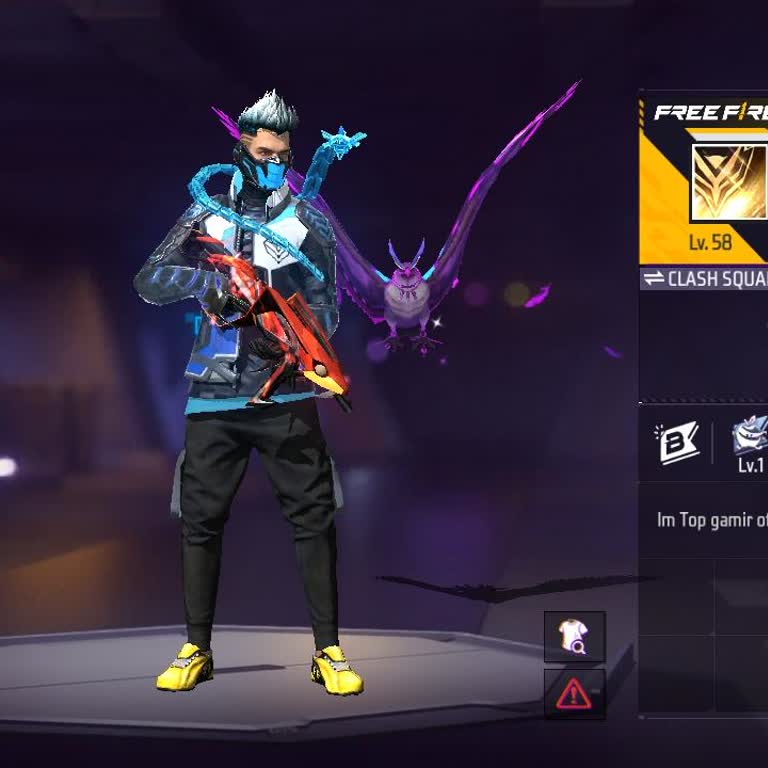
I am writing about a serious issue with my Facebook account security and access. My Facebook account was hacked around 2... hours ago. Since then, the mobile number and email address on my account have been changed without my permission. Because of this, I can no longer receive any login codes or use n
I am a Free Fire player from India and I access the game through my Facebook account. My in‑game UID is 3733253661 and m...y nickname is OP666YT. Recently, when I tried to log in, I saw a message stating “There are abnormal activities with your account. It has been suspended” and that the suspension is
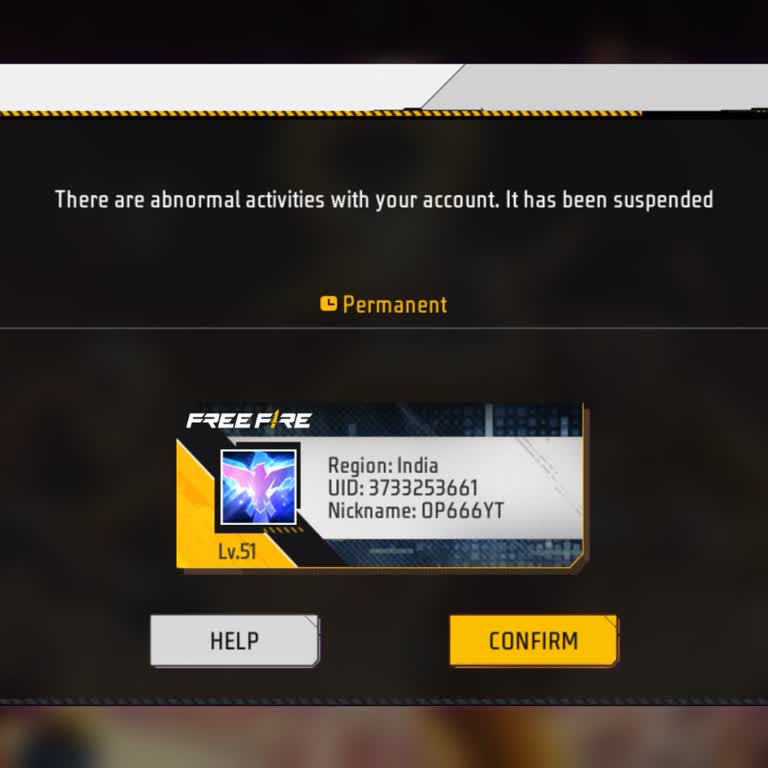
Three days ago, I realized that my Free Fire account linked to my Facebook profile had been hacked and I can no longer a...ccess it from my Android phone. I am requesting that my account be recovered and that my access be reinstated as soon as possible. I would also like my account to be secured so tha
I am writing because my Free Fire account linked to Facebook has been hacked and I can no longer use my own ID. My Free ...Fire ID number is 2237324397 and it is connected to the Facebook login with the phone number 01752287***. Previously I was logging in to Facebook with the password “Mohashin01”. Af
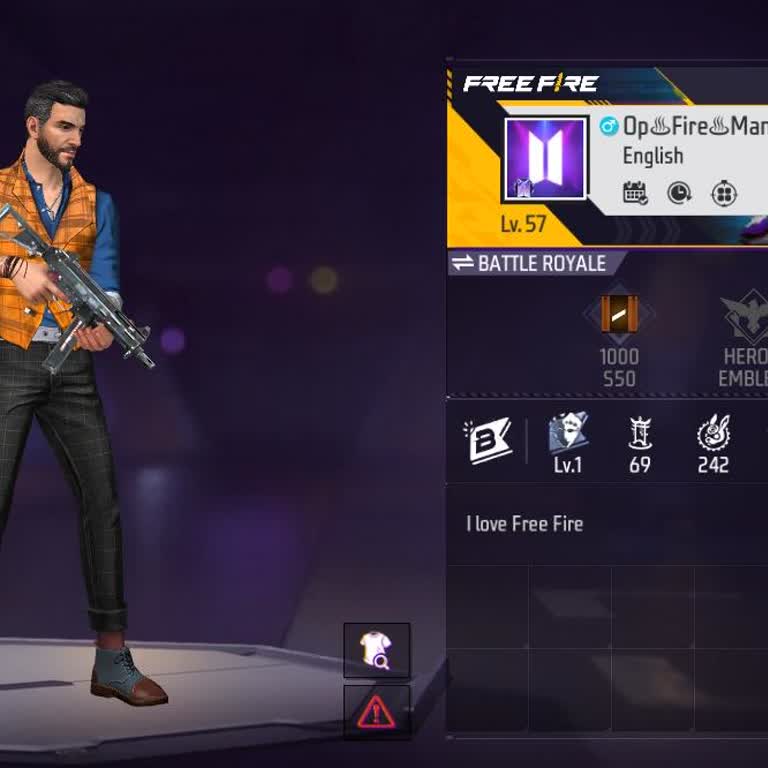
I am writing about my Facebook business page, which has been hacked and is now completely out of my control. The page wa...s originally named “Mickey 1m”. I was offline for 3–4 days because I was busy, and when I came back and opened Facebook, I saw that my page and access were totally gone. The hacker
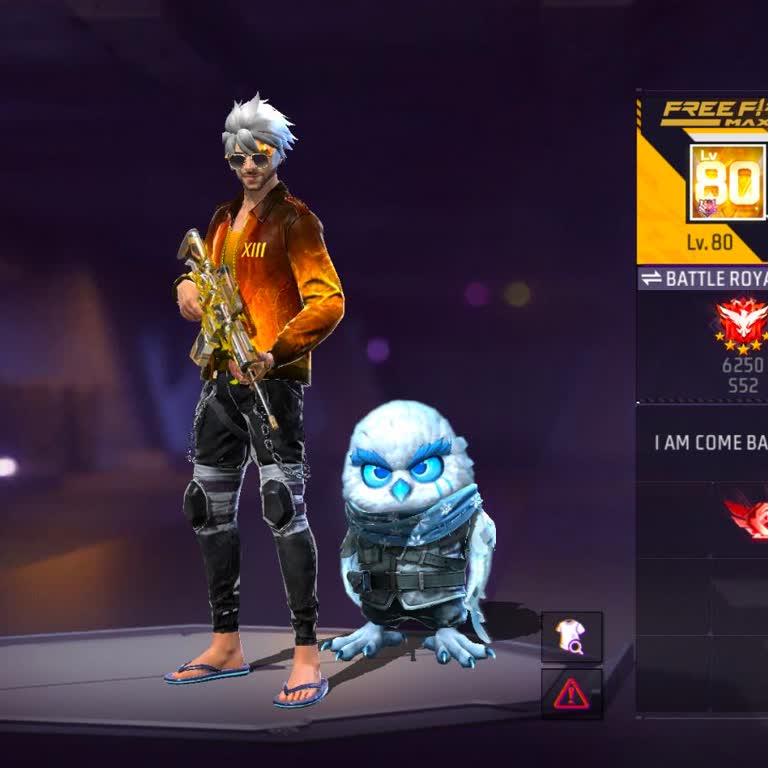
My Facebook account, which I access from my Android device, was hacked about 1 day ago. Since then, I have not been able... to log in to my account at all and my access is completely blocked. Because of this hacking incident, I am worried about how my account may be used and what kind of actions may be