I subscribed to CamScanner, but the subscription wasn’t activated. How can I get the app to recognize my payment?
50 Views
Restore the purchase manually:
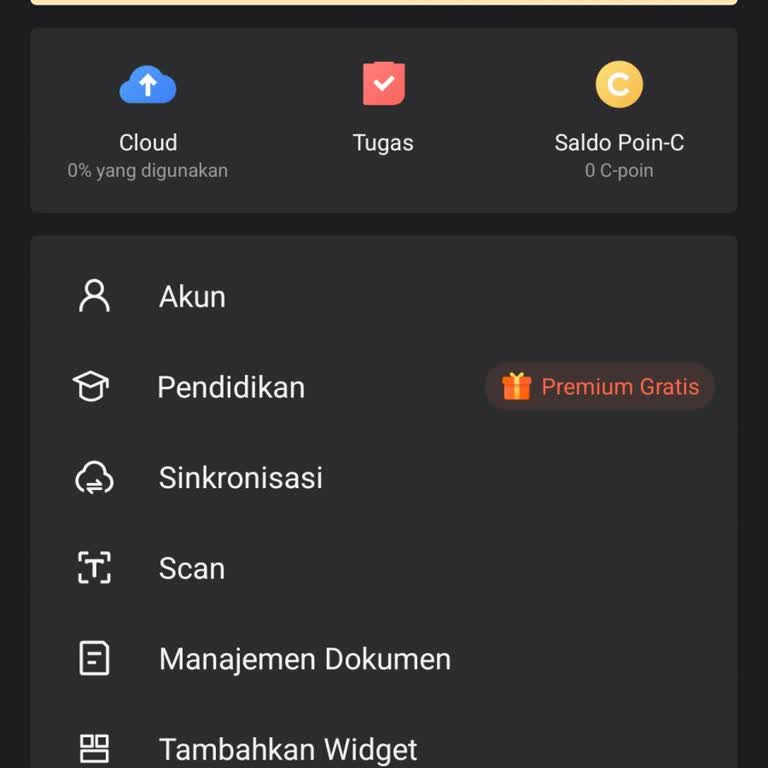
Open CamScanner → Settings → Subscription Management → Restore Purchases.
Check the payment:
In Google Play or the App Store, find the payment receipt.
Make sure the charge was completed successfully and is not stuck in a “pending” status.
Update the app to the latest version — sometimes the subscription doesn’t sync due to an outdated version.
Reinstall CamScanner and sign in to your account again.
If the premium subscription is still not activated, contact CamScanner support and provide:
a screenshot of the receipt;
the email address linked to your account;
the date and time of the payment.
If CamScanner ignores a confirmed payment and still doesn’t activate the subscription, file a complaint on Xolvie. This can help resolve the issue faster and push the company to fulfill its obligations.
I am a CamScanner Premium one-year subscription user on an Android device in Indonesia. After my previous subscription e...xpired, I renewed and paid for the new one-year premium plan directly through the CamScanner app, not via Google Play. My CamScanner account has been activated as premium and works
On January 15, 2026, I logged into the CamScanner app on my Android phone using my account z************@gmail.com** and... selected the free trial option. Despite choosing the free trial, an automatic charge of approximately $13 was taken from my account the same day. After the charge was made, I tri