Xolvie Resolution Specialist14 Ocak 2026 12:09
When an external monitor is not detected, the issue may be related to system settings, the cable, the port, or the graphics card.
Start with the simplest checks: make sure the HDMI/DP/USB-C cable is working properly and firmly connected. Try a different cable or port—very often the problem is caused by a low-quality or faulty cable.
On ASUS laptops, display switching is usually done with the Fn + F8 key combination (or another function key, depending on the model).
Cycle through the display modes: Laptop screen only, Duplicate, Extend, and Second screen only. Sometimes the monitor does not appear simply because the system is set to the wrong display mode.
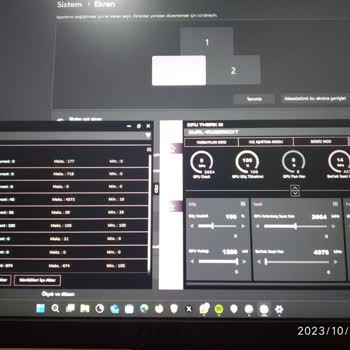
In Windows, open Display settings and click Detect to force the system to search again for connected displays.
If you are using USB-C, make sure the port supports video output (look for a DP icon or DisplayPort Alt Mode support). Not all USB-C ports on ASUS laptops transmit a video signal.
Update your graphics drivers—outdated or corrupted drivers often cause issues with external displays. On models with discrete graphics, also check that the system is not using integrated graphics instead of the dedicated GPU. You can set the preferred GPU in the NVIDIA or AMD control panel.
If the monitor is detected but shows no image, try lowering the resolution or refresh rate—some monitors do not support high settings with certain connection types.
This troubleshooting sequence usually helps restore proper image output and stable operation of an external monitor.
Vote
Related Complaints
Asus PG248QP Monitor Stopped Working After Two Days

August 4, 2024 6:26 PM
I purchased the Asus PG248QP model from Amazon, and it arrived two days ago. I set it up, and everything was working per...fectly. I configured my settings and ran some checks without any issues. However, the next day when I turned it on, the screen was blank, although the monitor was powered on, and i
Persistent HDMI Distortion Issue with Asus Graphics Card

October 26, 2023 12:16 AM
The image from the HDMI port appears distorted, and the color, which should be red, looks pink. After I provided photos ...and videos as requested, the Synergy company directed me to Asus. Despite multiple conversations and sharing visual evidence, they then referred me to their technical service. Howe


Asus
View All Complaints