I cannot log in to my Tandem Language account, how can I easily resolve it?
406 Views

Verify Your Login Method: Ensure you're using the same method (email, Facebook, or Google) that you initially used to create your account.
Reset Your Password: If you've forgotten your password, use the "Forgot password?" option on the login screen to reset it. Follow the instructions sent to your registered email to create a new password.
Check Your Email Address: Ensure you're entering the correct email associated with your Tandem account. Using a different email can prevent successful login.
Update the App: Ensure you're using the latest version of the Tandem app, as updates often include fixes for known issues.
Clear Cache and Data: On your device, navigate to Settings > Apps > Tandem > Storage, then clear cache and data. This can resolve issues caused by corrupted data.
Reinstall the App: If problems persist, uninstall and reinstall the Tandem app to eliminate potential software glitches.
If none of the above solutions work, please feel free to share your experience. You can also file a complaint on our website.
I have a problem to login into my Tandem ID. After login there is only screen and scrolling but not login into my accoun...t. I am trying to login from last 1 hours but still same issue. You can also check it and let me know how can I login into my account even I am using Tandem Pro.
My Tandem account was locked by mistake. I was talking to my friends when someone suddenly messaged me that I was gay. I... didn't talk to him, and he put a request to block me. If I offended you, I'm sorry. Please restore my account. I need it urgently. Thank you.
My Tandem language app account was banned for no reason while I was chatting. I’m really fed up with this situation. It ...seems like ignorant people keep reporting me, causing my account to be repeatedly closed. I’m trying hard to improve my English and use the app positively, but these unfair bans st
I’ve been trying to access the Tandem app for months, but every time I open it, I’m met with a screen that says I need t...o wait one week before getting accepted. That’s fine—except that the week passed long ago, and the app still won’t let me in. It's been months now, and I’m completely locked out.
Every time I try to log into the Tandem app, it gets stuck like this. What should I do? It has been like this for almost... two months. Please help me. Is this problem only happening to me, or is there an issue with the app? My friend is using it without any problems. I’ve tried to fix it, but nothing
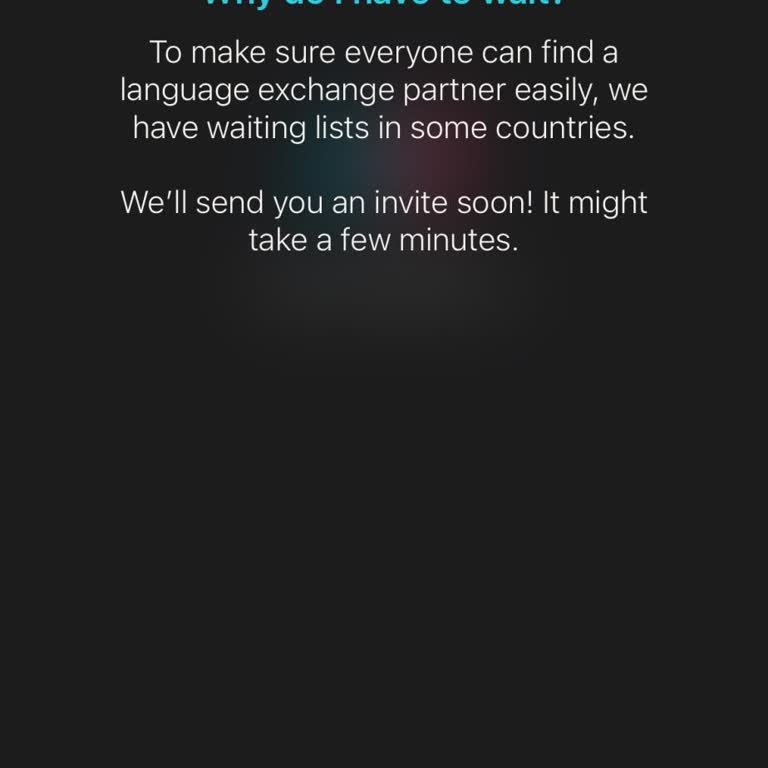
My Tandem account was closed, so I created a new one. I was told I’d be informed within 7 days, but I’ve been waiting fo...r months without any updates. I attempted to create another account, and once again, I’m being told that I’ll be notified in 7 days, but I can’t log in to either my old or new acco
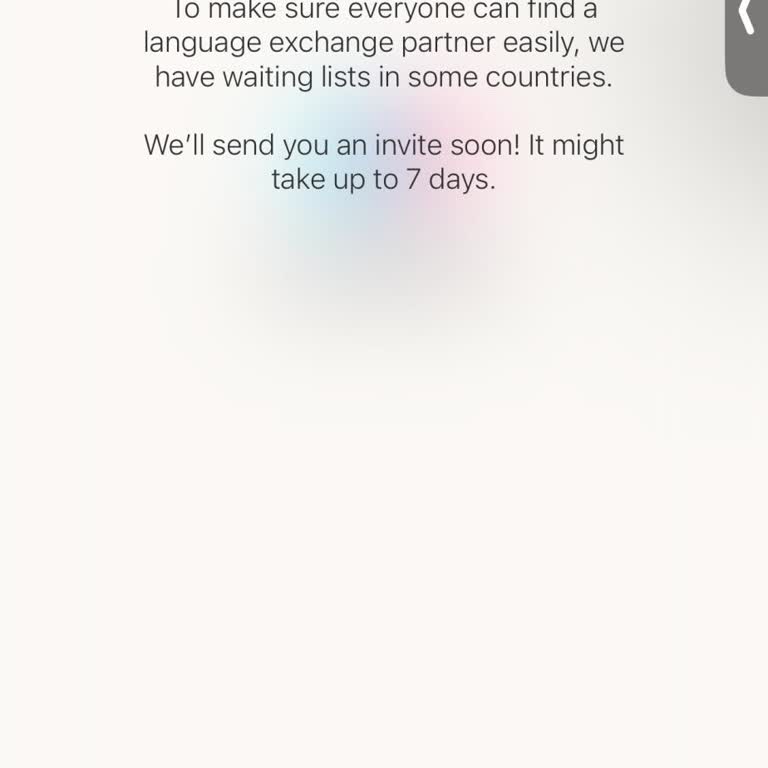
I’m currently unable to log into the Tandem Language app, and I need your assistance. I’ve written multiple times but ha...ven’t received any response. Please help me understand what steps I should take to resolve this login issue. I’m looking forward to your suggestions and guidance on how to regain a

I have an account on the Tandem language app, but I can’t log in. Every time I try, I get a message saying, “wait 7 days...,” yet even after waiting, I’m still unable to access my account. This has been ongoing, and it’s frustrating not being able to use the app as expected. I’m requesting immediate a

I’ve been unable to log into my Tandem account for over a month now. Every time I try, the app tells me to “wait 1 week,...” but it never actually lets me in, even after several weeks. I’ve tried deleting and reinstalling the app, but the issue persists – I’m still locked out. This has become extremel
Hello, I’m facing constant issues logging into Tandem. Every time I try, I receive the same error message, which doesn’t... explain much, leaving me confused. I’ve tried everything: uninstalling and reinstalling the app, creating new accounts, and waiting a week as suggested, but I still can’t access t


I’m unable to log into my Tandem account after accidentally deleting the app. When I reinstalled it, I got a message say...ing I had a “different login method for this account,” preventing me from accessing it. I even tried creating a new account, but I received a message that they'd get back to me wit
For the past two months, my Tandem account has been stuck on “pending,” and I’m unable to log in. I’ve tried every possi...ble fix—deleting and reinstalling the app, even downloading it with a different Apple ID—but nothing works. I rely on this app to communicate with friends, and it’s incredibly frus