Supercell changed the email linked to my Clash Royale account without consent, how can I regain access?
132 Views
If Supercell changed the email address that was linked to your Clash Royale account without your permission, you need to get back in quickly.
Open the game, go to "Settings" > "Help and Support," and use the in-game help to report the problem.
Give your player tag, account information (like the name of your group and the date it was created), and proof that you own the account, like a receipt or a screenshot.
If you can't get to the in-game support, you can make a specific request on the Supercell Support page (https://supercell.helpshift.com/a/clash-royale/).
Explain clearly why your email was changed without your permission and ask that your account be updated with a safe email. Add any proof that you own the account to this email.
Also, send an email to [email protected] with all the necessary information and previous communication.
Enable Account Protection in your Supercell ID settings to keep changes from being made without your permission in the future.
Found a better way to fix this issue? We’d love to hear how you approached the problem.
I haven’t been able to access my Brawl Stars account for approximately 448 days. After resetting my Redmi Note 12 phone,... the Google account linked to the game disappeared, and I can no longer log in. My account’s player name is “h** b**** 🤖”**, and the ID tag is #GVUULVG9Q. I am not a member of any
My Supercell account was stolen about 180 days ago, and the person who took it hasn’t logged in for approximately 160 da...ys. I used to access the account through email login, and my in-game ID is 2RRPUPG2U. I have four years of progress and effort invested in this account, and I spent a significant a
In Clash of Clans, my account named “Rotasız-CoC” (#QC9U0JPPV) is level 79 with a Town Hall level of 10. The old Gmail a...ddress linked to this account (b*******@gmail.com) is no longer mine, and I cannot access it anymore. I want to transfer my account to my new email address, m***********@gmail.com*
My Brawl Stars account on the Android platform was stolen about a year ago. The username of the account is 0*, it had 38...,941 trophies, and the player ID is #GGPYLG**. The account was linked to [email protected]**. After losing access to my account, I contacted the Supercell team through in-game support a
I haven’t been able to access my Clash Royale account for about 3–4 days. My Game Center account is linked to the email ...address “Ko***@hotmail.com”**, and my in-game username is “A-L-P.” When I log into the game, my Level 42 King account appears on the screen, but when I press “OK,” the game freezes
I haven’t been able to access my Brawl Stars account since the end of 2024. The email address linked to my account was c...hanged without my permission, and I’m now worried about the security of my account. My old username was “RA/KAOS emre,” but the current username has been changed to “🤍|Emin.” My o
On October 25, the email address linked to my Supercell account named “xeon” was changed without my permission, and my a...ccount was completely stolen. The first letter of my old email address is “e” and the last letter is “a.” My player ID is PYC8U2JO2. I used to play from my own device in Kayseri, T
On Friday, October 24, between 9:32 p.m. and 10:07 p.m., a player named “The Ørder” in my Clash Royale clan told me that... he would give me free gems. We then started communicating through Instagram, and he asked me to change the email address linked to my Supercell ID. I did so, but I never received
I can’t access my accounts for Clash of Clans, Brawl Stars, or Clash Royale. I use the same email address (y***********@...gmail.com*) for all three games and have always logged in without any issues. However, today when I tried to sign in, I received a prompt saying that I need to log in with my Super
I’ve been trying to change my email address in the Brawl Stars game on my iPhone 11 for about a month now. Since Septemb...er 25, I’ve attempted this many times, but every time I try, I get the message: “We noticed you’re using a new device,” and the process fails. I also tried changing my email on dif
My Clash Royale account was stolen about a month and a half ago, and I haven’t been able to access it since. My account ...username is Anıl, my player tag is #UGG29U989, and the registered email address is u*******@gmail.com.* There were no payment transactions or in-game purchases made on this account
In the Brawl Stars game, I attempted to change the email address linked to my Supercell ID account on my Poco X6 Pro dev...ice. My current email address is [email protected], and I wanted to update it to [email protected]. However, today the change request I submitted through the in-app system was r
I want to change the email address linked to my Clash of Clans account. I recently created a new Gmail address and would... like to transfer my account to this new email. However, I keep receiving the error message “Supercell email change request rejected.” For the past two days, I have tried four to
My Clash Royale account (level 33) is linked to the Google account hamitty**@gmail.com**, which has since been deleted b...y Google. When I try to log in from another phone, the verification code is sent to the deleted Google account. Since I can no longer access that email, I am completely locked out
My Clash of Clans account with ID #29YQLPQYL has been illegally accessed and taken over by another person. After gaining... access, this individual changed my registered email (m************@gmail.com**) and phone number (054****23**) to their own details. I have been struggling with this issue for abo
I have been playing Clash Royale for over three years, building up my account until every card was unlocked. My account,... registered under the username Whiteq_bunny, was linked to my Google account (c****@gmail.com**). Around 1–2 years ago, I suddenly experienced login issues and discovered that the
My Clash Royale account, previously linked to my Supercell ID under the email y************@gmail.com**, was stolen and ...the email address was changed without my permission. As a result, all my in-game friends were deleted, and I no longer have access to my player tag or any related account details.
The account shown in the attached photo belongs to me, and I played it actively until spring 2024. I had invested a lot ...of time and effort into it, unlocking costumes and making significant progress. However, after taking a break from the game due to sports activities, I changed my phone. During tha
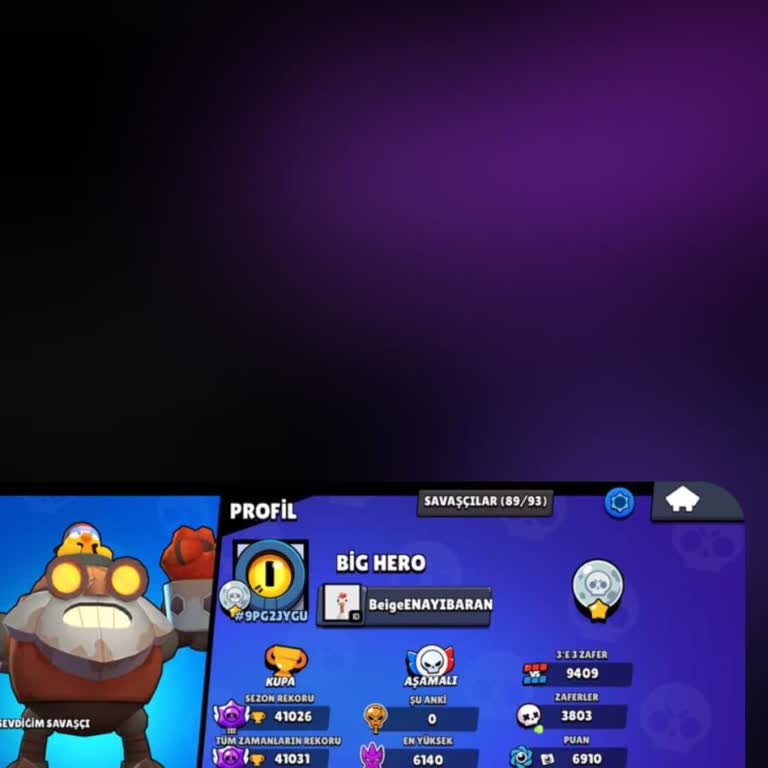
Hello Supercell, I have been experiencing a serious problem accessing my Clash Royale account through Supercell ID. When... I try to complete the ID verification process to log in, I keep receiving an error message, and as a result, I cannot access my account at all. This is an older account that I hav
I recently asked to delete my Clash Royale account, and I was informed that there’s a 15-day waiting period in which I c...an cancel the request if I decide to reconsider. I followed the instructions and waited for 15 days, only to receive a warning that my account would soon be deleted. Unfortunately,
I recently requested to delete my Clash Royale account. After submitting the request, Supercell informed me that the del...etion process would take 15 days and that I could cancel it within that period if I changed my mind. I waited the full 15 days, and now I get a warning message saying my account wi
My Clash Royale account with the tag #8qqyrupo was originally linked to both my email address and my Supercell ID. But w...hen I recently tried to log in from my iOS device, the system claimed that no account is linked to that email. Instead, it automatically connected a brand-new, 0-trophy account to
Someone changed the Gmail address linked to my Supercell ID. My original Gmail was sn111***@gmail.com, and now I can’t l...og in to my Clash of Clans account. My player ID is #8C0GC2U9J, and my in-game name is Jack. Please help me recover my account as soon as possible.
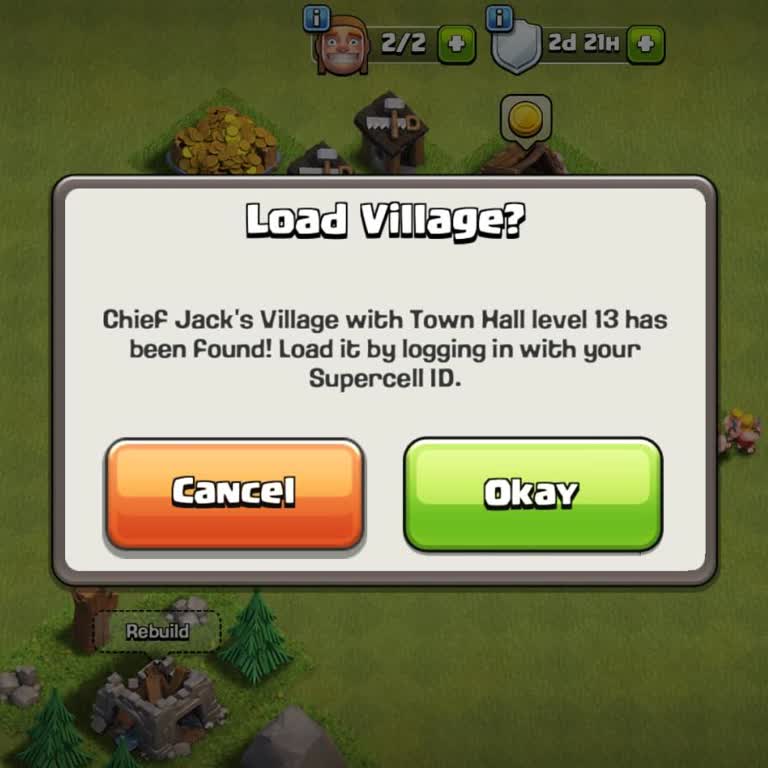
I’m trying to change the Gmail account linked to my Supercell ID, but the system won’t let me. Every time I attempt the ...switch, it just says “please wait a while”—but there’s no explanation, no time frame, and no progress. I’ve waited and tried multiple times, but nothing changes. This is especiall
I’ve been playing Brawl Stars with my account Rooxienn® since 2020, and I’ve always been happy with it—until now. I rece...ntly decided to change the email address linked to the account, and after doing so, I lost access to the new email. Then, by accident, I deleted the game from my phone. Now I can’