Xolvie Resolution Specialist31 Temmuz 2025 18:52
First, make sure that the trash can and washable filter are clean and in the right place. Clogs or misalignment can greatly reduce airflow.
Regularly remove any hair or other waste from your main, side, and wheels brushes.
If you mop and then see streaks or residue, make sure the mop cloths are clean and attached correctly.
Also, make sure the clean water tank is full and only uses Roborock-approved solution. Spots that are dirty are caused by mop pads that are dirty or not lined up right and low water levels.
If the floor is very dirty, change the app's wiping setting to "Deep" cleaning mode. This will use more water and stir the floor more, which will help remove more dirt.
Also, wipe down all of the sensors. Cliff, side, and wall sensors that are dusty or dirty can send the path in the wrong direction and leave some areas unexplored.
Finally, make sure the software is up-to-date and that the app's auto-empty dock and mop washing settings are turned on. This way, the robot can take care of itself while cleaning and not spread dirt around.
Do you have another way to solve it? We'd love to hear from you in the comments.
Vote
Related Complaints
Roborock Qrevo L Suction Problem After Three Months of Use

October 11, 2025 1:42 PM
I have been using the Roborock Qrevo L robot vacuum cleaner for approximately 3.5 months. I purchased the product from H...epsiburada for ₺31,998. Since the first day, I have regularly performed all maintenance and settings, including filter cleaning, device reset, mapping, and app updates. Despite thi
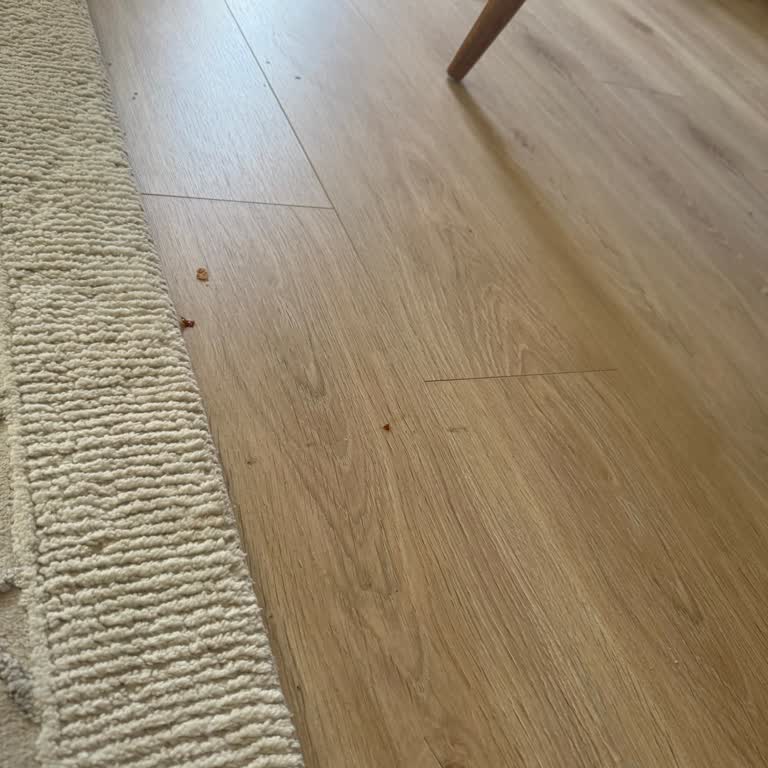
Roborock Q Revo S Does Not Auto Empty Dustbin Despite Full Settings

April 12, 2025 8:02 PM
Although I set my Roborock Q Revo S model robot vacuum to automatically return to the station and empty the dustbin when... it gets full during cleaning, it doesn’t perform this function properly. Even when the battery is fully charged, the device doesn’t empty the bin and continues cleaning with a ful
Roborock Vacuum I Bought from Hepsiburada Was Defective and Had No Warranty Support

January 16, 2025 3:15 PM
The Roborock vacuum cleaner I purchased from Hepsiburada arrived defective. From the first day, it was leaving dust resi...due. I called the service, and they said, "We will send you a code, and you can return it for free with this code." They asked for around 9,000₺ to repair the defect. When I asked
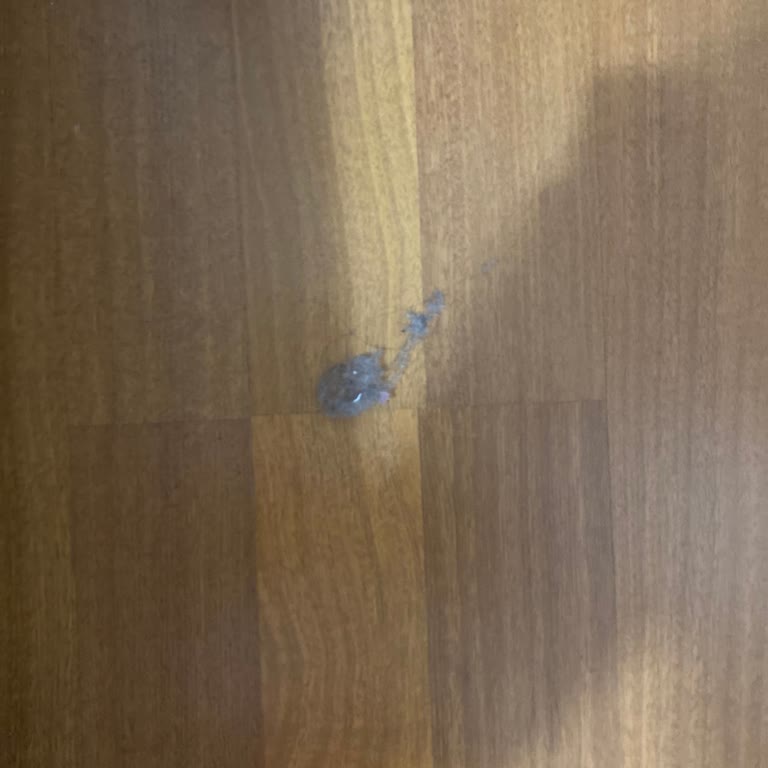
Roborock S8 MaxV Ultra I Bought Doesn’t Vacuum Properly and Still No Refund

September 26, 2024 3:25 PM
I purchased the Roborock S8 MaxV Ultra with high expectations and paid a premium price, but my experience has been a com...plete disappointment. The device can’t even perform its most basic function of vacuuming properly. After cleaning, there is dust and dirt left all over the house. I’ve tried the pr

Roborock
View All Complaints