PhonePe account temporarily blocked after failed attempts, how can I unblock it fast?
59 Views
If your PhonePe account was temporarily blocked after failed attempts;
• Open the PhonePe app and check for any in-app notice explaining the temporary block
• Wait for the cool-down period (usually a few hours) and try logging in again
• Ensure your app is updated and your phone number has network signal
Ask them to;
• Explain why the block was triggered (PIN attempts, security check, device change)
• Confirm how long the block will last
• Guide you through identity or OTP verification to unblock the account sooner
If the problem remains unresolved after contacting support, consider filing a complaint on Xolvie to raise awareness and pursue a resolution.
I am using a Samsung Galaxy A12 phone and my PhonePe account, linked with India Post Payments Bank, has been blocked for... about one month. When I try to log in to PhonePe on this phone, it shows that my account is blocked and I cannot use the service. During this period I went to the “Need Help” sect
I have been using PhonePe with my India Post Payments Bank account, and for the past 5–6 days I have been unable to use ...UPI because my PhonePe account and UPI access appear to be blocked without any clear explanation. When I try to make a UPI payment or transfer through the PhonePe application, I re
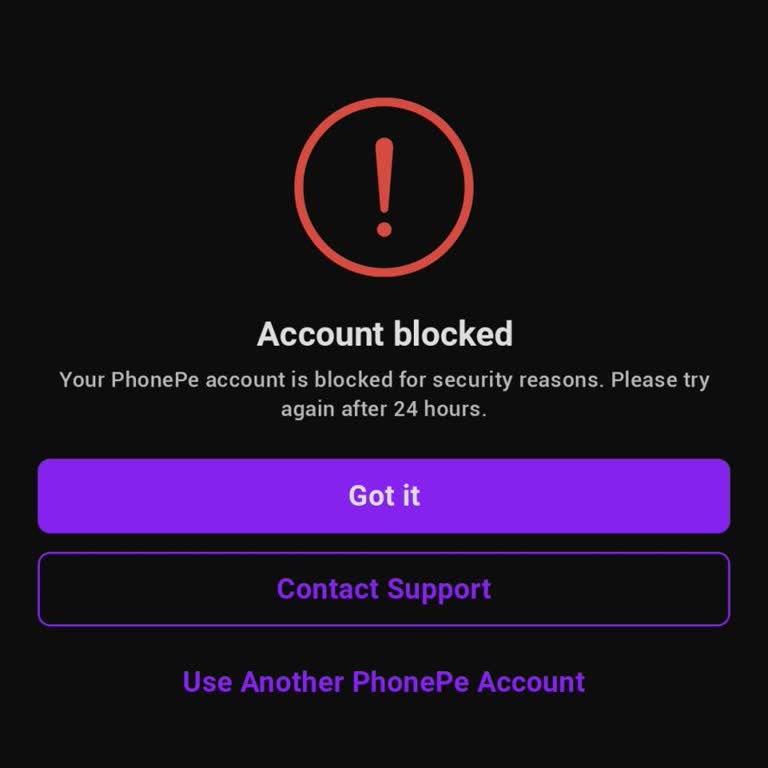
I have a personal UPI account with PhonePe which has been blocked and kept in a frozen status by the bank for the last 5...–6 months. Despite this long duration, my account has still not been unblocked or removed from freeze status. When I used to send money through this account, the transaction screen
I have been using PhonePe with my India Post Payments Bank account, and for approximately the past one month, my UPI ID ...has been blocked. I recently discovered this issue when I tried to use UPI and saw that my UPI ID was blocked, preventing me from making any payments or transfers. I do not know th