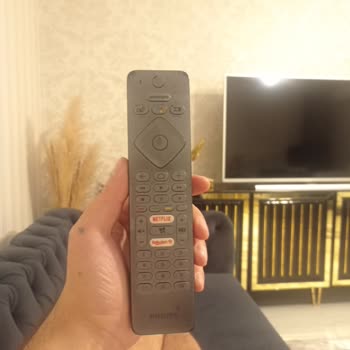
Philips TV's Quick Control remote drains its batteries too quickly, how can I fix it?
1 Views
To fix this problem, make sure you're using good alkaline batteries. Other kinds might not work as well. Make sure the batteries are installed properly by lining up the positive and negative ends as shown in the battery compartment.
Also, check the remote for any buttons that might be stuck, as this can cause the battery to drain all the time.
Things in the environment can also make a difference. Make sure there is a clear path between the TV and the remote. Anything in the way can make the remote work harder, which will drain the battery faster.
Don't put heavy things on the remote; you might press buttons by accident, which would drain the battery.
If these steps don't fix the issue, try resetting the remote by taking out the batteries and hitting all of the buttons for a few seconds before putting them back in.
If the problems keep happening, it could be a hardware issue. You should reach Philips customer service.
If the problem remains unresolved by Philips, consider filing a complaint on Xolvie to raise awareness about the issue and inform others.
I purchased a Philips 58pus8506 TV, and the remote soon began to give me a "change alkaline batteries" warning. I assume...d it had been dropped and damaged because I have a small child at home. The remote was not replaced under warranty, so I bought an aftermarket one that worked perfectly for about t
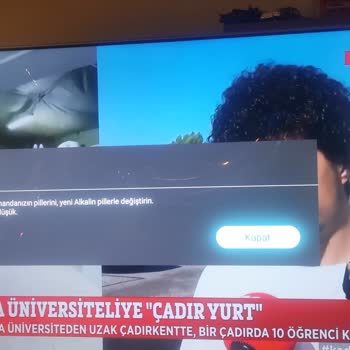
Philips 55pus7303 TV's remote control battery runs out very quickly. I have to replace it with a new battery every week.... If we make a rough calculation, we pay 600 TL per year for the battery. If the remote is broken, it will not work at all. I did some research on the internet and Philips ® TVs com