OKX keeps failing my verification despite following all instructions, how can I easily get verified?
779 Views
If you've followed all the steps but are still having problems with OKX verification, try the steps below to fix the problem:
Make Sure Documents Are Clear: Make sure that your IDs are clear, easy to read, and meet OKX's standards. Verification can fail if the papers are blurry or missing parts.
Check for Updates: Make sure that the OKX platform or app you're using has the most recent version installed. Older versions may have problems with identification.
Help Desk: If the issue continues, please contact OKX's customer service team for personalised help. You can email them at [email protected] or use their Help Centre to get in touch with them. You can also use their "Contact Us" page to send a help ticket.
If the problem remains unresolved, consider filing a complaint on Xolvie to raise awareness about the issue and inform others.
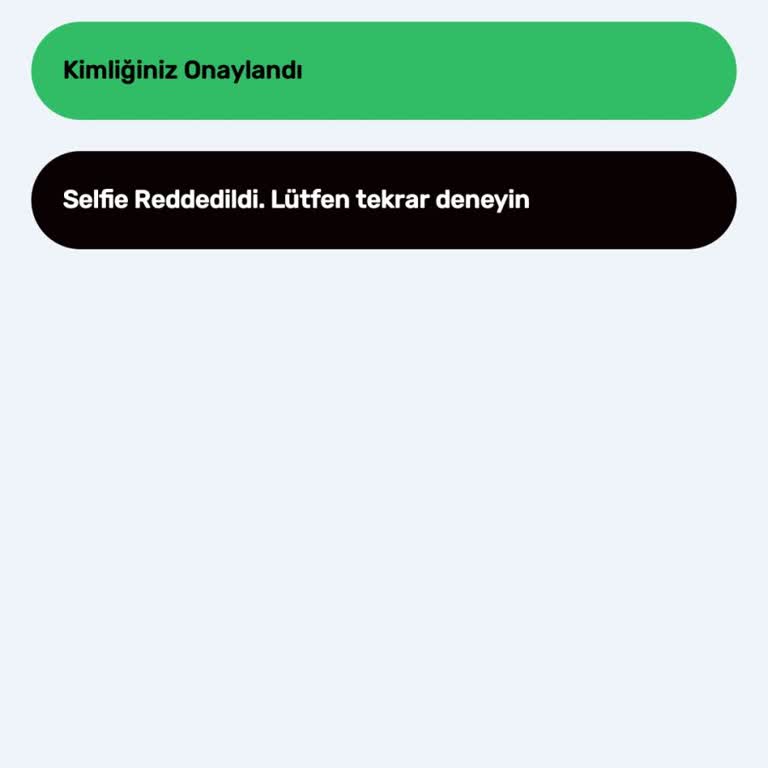
I am experiencing persistent issues with identity verification on OKX. Every time I attempt to complete the process, I r...eceive a “selfie rejected” error. Despite carefully following all instructions, my verification keeps failing, no matter how many times I try. I have repeated the verification pro
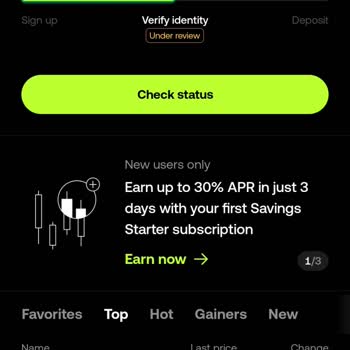
I have been waiting for my OKX account verification to be approved for over a week now. Despite submitting all required ...information accurately and reaching out to customer support multiple times, my account status still shows as “under review.” I was assured that the issue would be resolved, yet not
I downloaded the OKX app after reading that Pi Coin would be listed on February 20, 2025. As part of the identity verifi...cation process, I uploaded photos of my ID’s front and back through the app. To protect myself from any potential misuse, I am submitting this formal complaint stating that, as of
I encountered a problem with a transaction related to OKX coin under the name Temu. I deposited funds to the address TYf...kUYJbZt32ySmWShsDnm2YPeEWQTvWV, anticipating a proper resolution. Regrettably, the situation did not unfold as expected, resulting in the loss of my funds. I attempted to get help
On December 6, 2024, I communicated via WhatsApp with the number +49 1521 0234175, where I was instructed to download th...e OKX app and upload photos of the front and back of my ID. I am submitting this complaint to protect myself from potential misuse of my personal information. I want to emphasize
On December 4, 2024, I received a message via WhatsApp from the number +49 1521 96414** instructing me to download an ap...plication. Following their guidance, I installed the OKX app and uploaded front and back photos of my ID. To protect myself from any potential misuse of my personal information, I
I have been unable to complete the identity verification process on OKX for an extended period. Despite multiple attempt...s, the process keeps redirecting me to customer support without providing clear instructions on what to do next. This issue has prevented me from conducting any transactions on the
I’ve been trying to complete the selfie verification step on OKX Crypto Exchange, following all the instructions careful...ly, but no matter how many times I try, I keep getting the message, "An error occurred, please try again." I’ve attempted this dozens of times without success. OKX needs to offer a
I recently changed my device and phone number, and now I can't log in to my OKX account because of the two-factor authen...tication. It’s been days, and I haven’t been able to get any support. The system either asks for device verification or requests a code through email and phone, but since I’ve chan