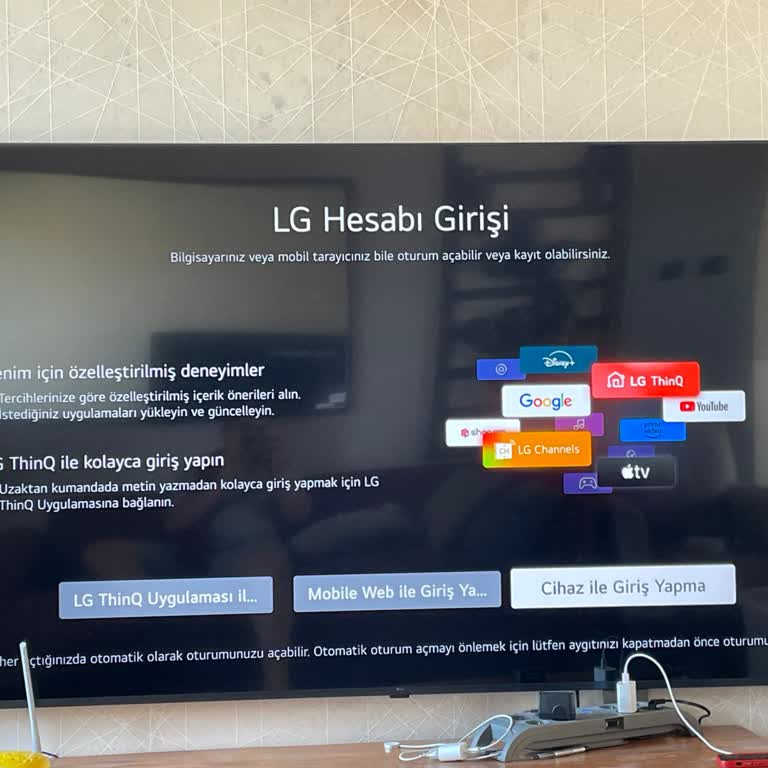
LG ThinQ App Won’t Log In or Control My Devices

I’ve been unable to use the LG ThinQ app despite knowing my password. When I try to log in, it doesn’t work. If I select "Forgot Password" and attempt to reset it, the process fails at the final step, displaying a message to try again later.
Additionally, when I attempt to control my devices through the app, it says, "Go to your device list as this device hasn’t been used for a long time." When I try to delete the device to re-add it, I can’t. Attempting to add it without deleting also fails, with the app just saying, "Sorry." The app is always "sorry" but provides no solutions.
I couldn’t find any support to resolve these issues. LG needs to fix the app and offer better customer service. It’s frustrating to have smart devices that can’t be controlled due to a malfunctioning app. I expect a prompt resolution.