Someone is attempting to gain unauthorized access to my Garena Free Fire account. How can I protect it?
840 Views
Follow these important steps to keep your Garena Free Fire account safe from people who shouldn't have access to it. First, make sure that each account has its own unique password. This way, if someone gets into one account, it won't affect the others. Changing your account password on a regular basis will make it safer and lower the chance of someone getting in without your permission, even if your password is stolen.
Do not give your login information to anyone else, so that people who are not supposed to have access to your account can't get in. When you use someone else's device to log into your Free Fire account, be careful and remember to log out afterward. Linking your account to a social media site and turning on two-step verification will make it safer.
Make sure that all in-game purchases are made through the official Free Fire app channels. Do not use third-party platforms to send or receive money. Watch out for scams that say they can give you free stuff; only click on official links for deals and news. Lastly, when you play Free Fire, only use the official game client. Stay away from unofficial or modified versions that could put your account at risk. If you do these things, your Free Fire account will be much safer.
Take action now to protect your Free Fire account by following these essential safety tips and report any suspicious activity on Xolvie to help others stay secure!
I am a Free Fire player from Guyana and I normally play on a North American server. Around two weeks ago my Free Fire ac...count was hacked. The person who accessed it unsubscribed me from Garena, and since then I have been unable to get back into my account. My Gmail address linked to the account is s
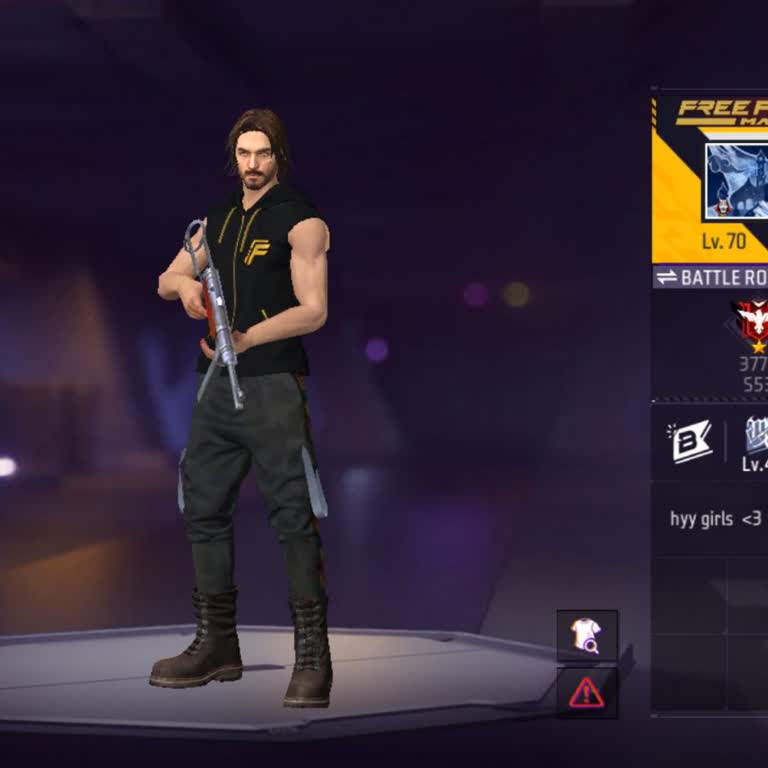
I am writing regarding my Free Fire account linked to Google Play, which appears to have been hacked and taken over by s...omeone else. My Free Fire UID is 1999475919 and the in‑game name on the profile is MRPRINCE at level 70. In 2026 I noticed unusual activity on my account, which clearly indicated t
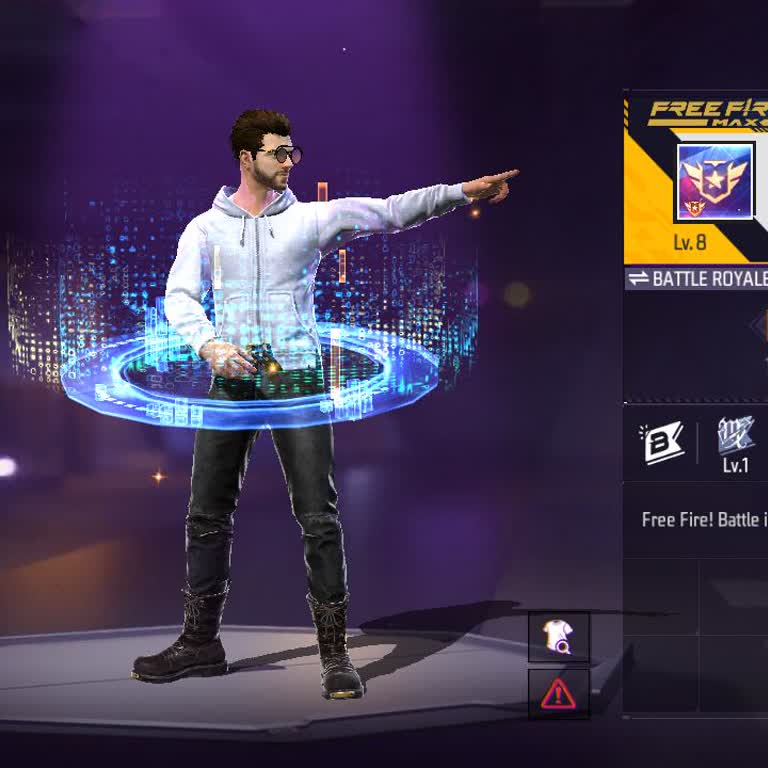
I have been unable to access my Free Fire account for about a year and I would like your help to recover it. My old Andr...oid phone was destroyed, and after I bought a new phone I could no longer log in to my old account. The account name is “Kinzang_888” and the level is around 8–10. In the profile s
I lost access to my Garena Free Fire account today. The account is registered with the email address mdbiplobm***@gmail....com and in the game my profile name is BIPLOB. I have been playing on this account for a long time and the profile is at level 71 with many in‑game items and progress that I do not
Hello Garena Support Team, I am writing to request urgent help with my Free Fire account, which was compromised 2 days a...go. My friend, who I trusted, has cheated me by changing the email/Google binding and the password of my account without my permission. My account details are: UID: 307983369 Previ
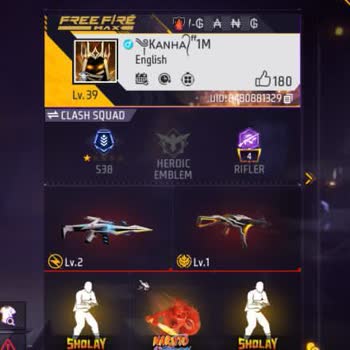
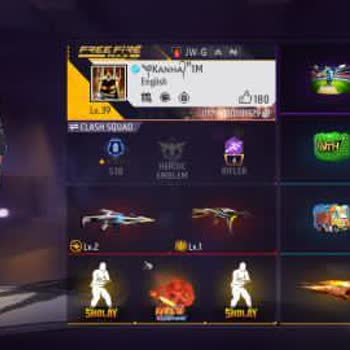
I am writing because my Free Fire account, which is linked to my Google account, has been hacked and is being used by so...meone else. My in‑game name is Kanha and my UID is 8480881329. The account is connected to my Google email address: shivk2713**@gmail.com. Without my permission, someone used my ph
I am a Free Fire player and I am having a serious security and account protection problem with my account in your game. ...My Free Fire account has the username “B2K✓.7” and UID 1058202344, and this problem has been going on for about 2 years. Inside my in‑game profile, someone has written text indicat
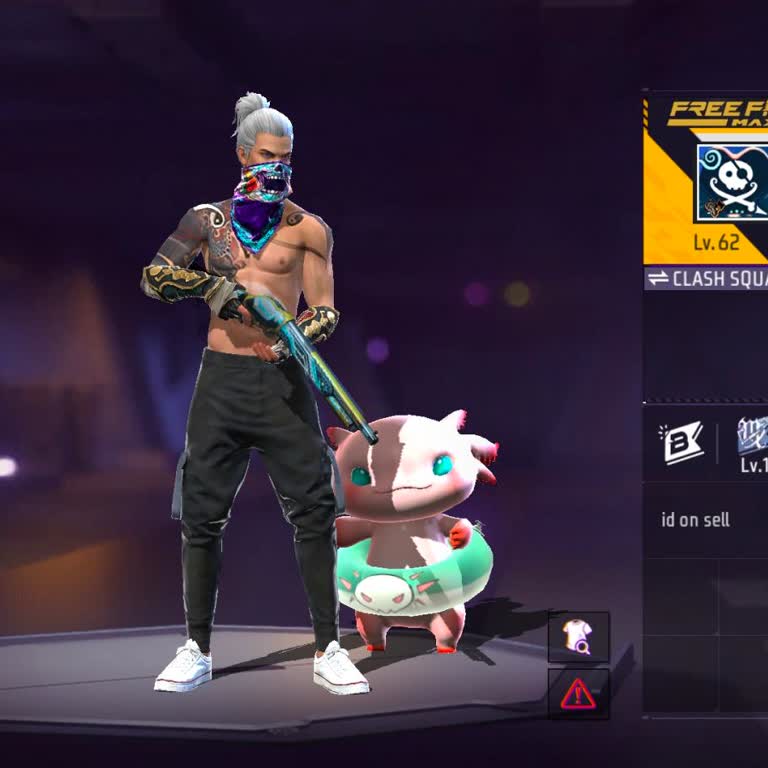
I am writing because my Google-linked Free Fire account appears to have been hacked and the email connected to it has be...en changed without my permission. Now my account details are different and I no longer have proper access to my original account. My Free Fire UID is 7689787291. I did not authoriz
I am writing regarding a serious security issue with my Garena Free Fire account. I am the original owner of this accoun...t, but it has been accessed by an unknown device and I believe my account has been hacked without my permission. My Free Fire UID is 4294422954 and my in‑game name is “×͜×ᴀᴀᴀꜱʜɪQ ᴛ
I am writing regarding an issue with my Free Fire account services and Garena email notifications. During the month of A...ugust 2026, I accidentally unsubscribed from the Garena security mailing address, as confirmed by the email stating “You unsubscribed from [email protected]”. Since then,
My original Free Fire account, registered with the email address tanvirv***[email protected], has been hacked and my email ha...s been removed from receiving Garena emails. Because of this, I am no longer receiving OTP or verification codes on my Gmail and I cannot recover my account. I normally used my Gma
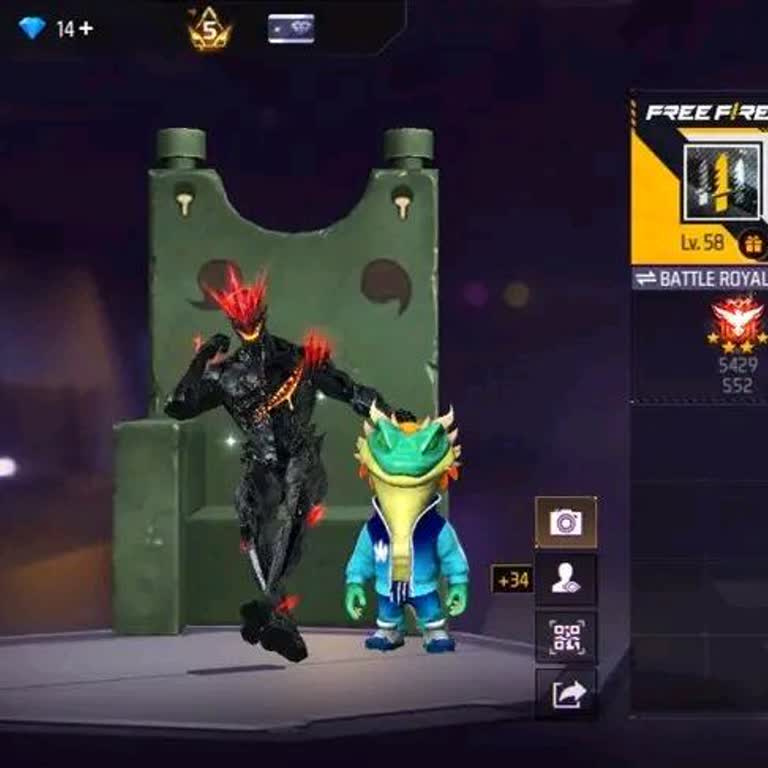
I am a Free Fire player from Pakistan and I created my account originally on the Singapore server. My current in‑game ID... is visible in the attached screenshot. Without my request or consent, my account was later moved from the Singapore server to the Pakistan server. I want to continue playing on th
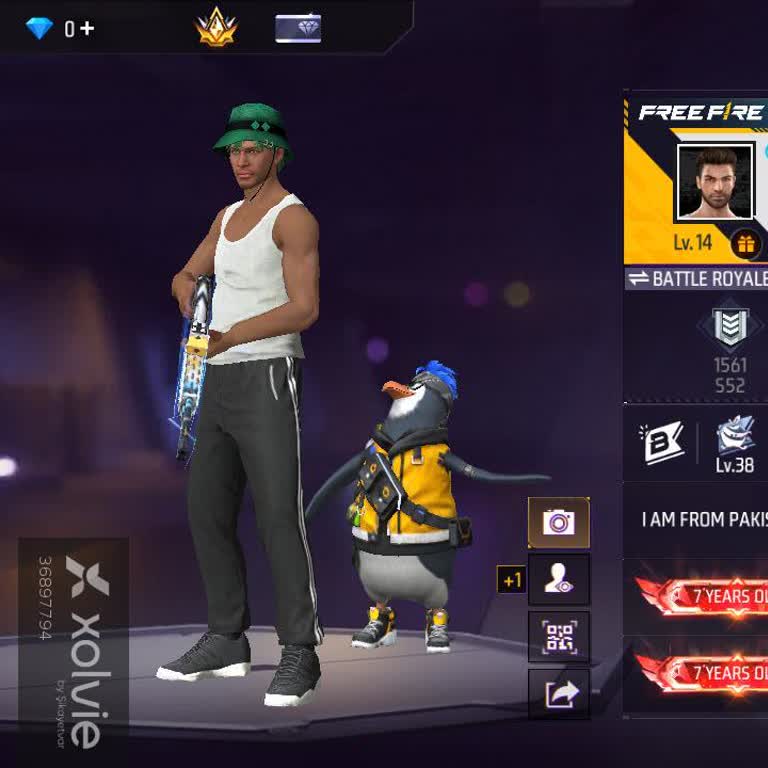
I am having a serious problem with my Free Fire account related to email subscription and OTP verification. My account i...s linked to the email address nathansam***[email protected]. Some time ago I accidentally unsubscribed from Garena’s official email (Office Garena Mail), and since then I no longer recei
I am writing because my Free Fire account has been accessed without my permission, and I am very upset about this situat...ion. My Free Fire UID is 624964362 and my in‑game name is DCzy. Someone logged into my account last year without my knowledge or consent, and since then I have been worried about t
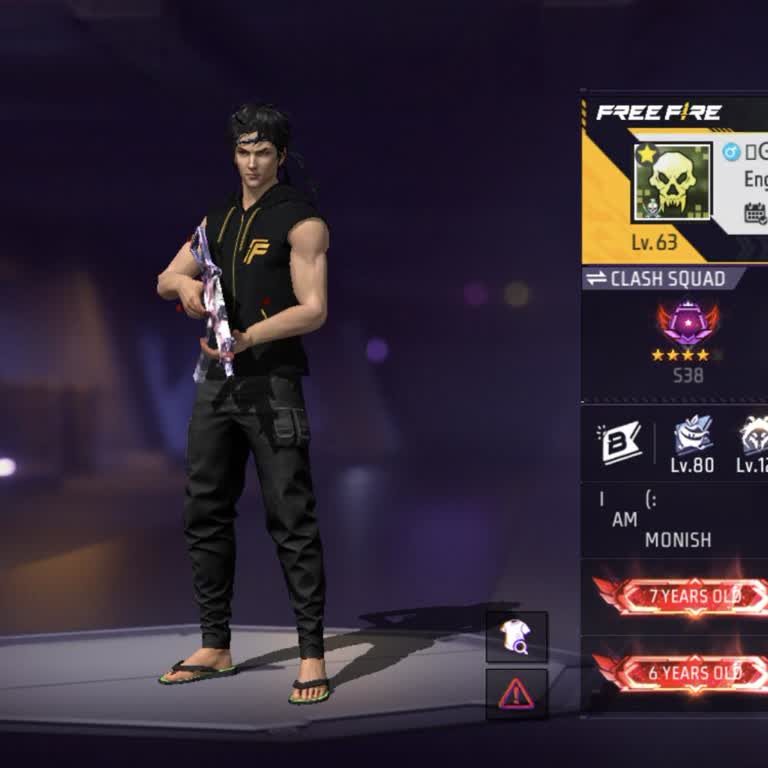
I have been an active Free Fire player for around 5 to 6 years and I am the original creator and leader of my guild with... Guild ID 67267254. Today, my guild leadership was taken over without my consent due to unauthorized access to my account. My in-game name is SOW BOSS and my correct Player UID is
I am writing about my Garena Free Fire account, which I have been unable to access for about a week and which appears to... have been stolen. My account was only linked to my Google account, and until this incident I always logged in through Google without any problem. About a week ago I noticed that I
I am a Free Fire player and I am having a serious problem with my Garena account security and communication. On 4 August... 2026 I noticed that my recovery email and security communication from Garena were effectively unsubscribed or disabled, and I no longer receive the necessary account-related email
My Free Fire account is linked to the Gmail address sweety.com33***@gmail.com, which I use as my recovery email. Since 1...0/06/26, I have stopped receiving OTP codes on this recovery Gmail, and it appears that the messages have somehow been unsubscribed or blocked. Because of this, I cannot receive th
I am writing to report that my Garena Free Fire account linked to my Gmail has been hacked and I can no longer access it.... Around November 2025, someone gained access to my account, changed the email and password, and completely took control. Since then, I have been unable to log in or recover the ac
I have been unable to access my Garena Free Fire account for about seven months because it was stolen. I was playing on ...an iPhone and my account was connected via Google. When I now try to log in, I cannot reach my own account anymore. The stolen account is high level and very valuable to me, and I
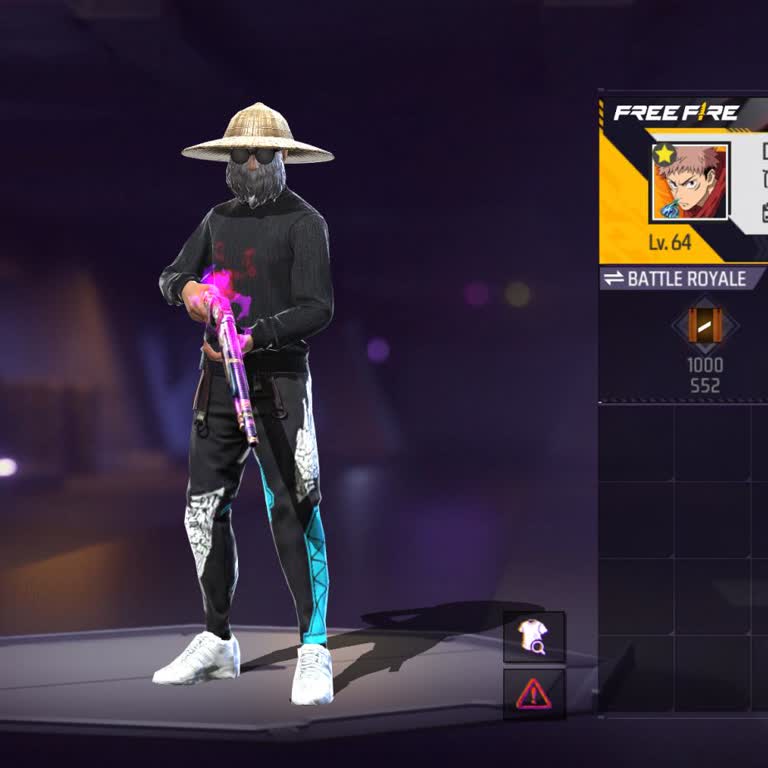
I am writing about a serious problem with my Free Fire account. My UID is 6201209372. I had given this account to a frie...nd only for playing, but he betrayed my trust and sold the account and scammed me. I never gave any permission for this account to be sold or transferred to anyone. I am still the
I am writing to report a serious problem with my Free Fire game account, which is linked to a lost Google account, and t...o request urgent assistance from both Garena Free Fire and Google. My Free Fire account is associated with the game ID 6642232765, and I lost access to the Google account connected
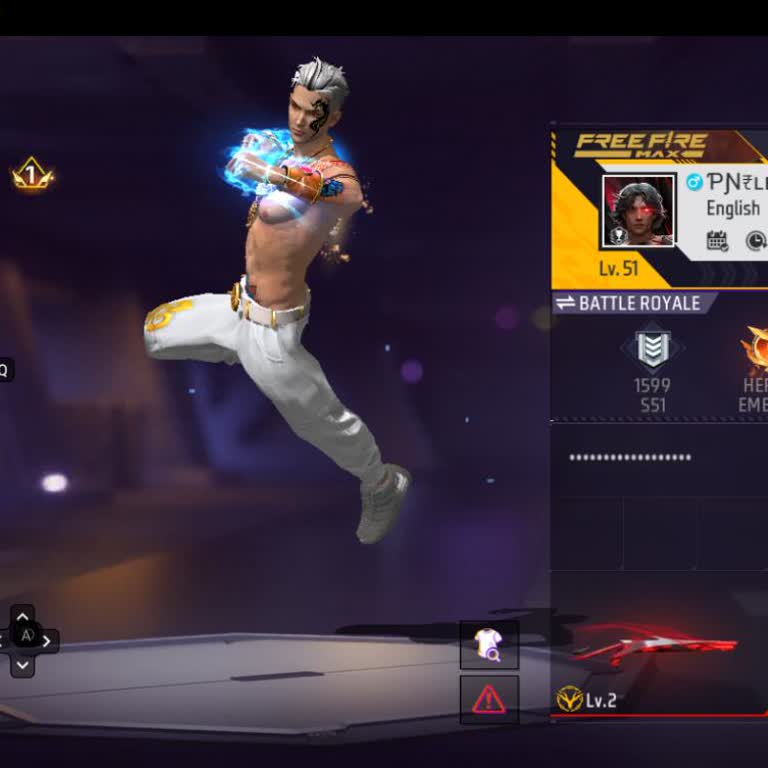
I am writing regarding a serious problem with my Garena Free Fire account. On my Free Fire UID 8149067295, someone else ...has put their own bind on my account without my permission. I noticed this issue yesterday and I am very worried that my account has been taken over or misused by another person. I
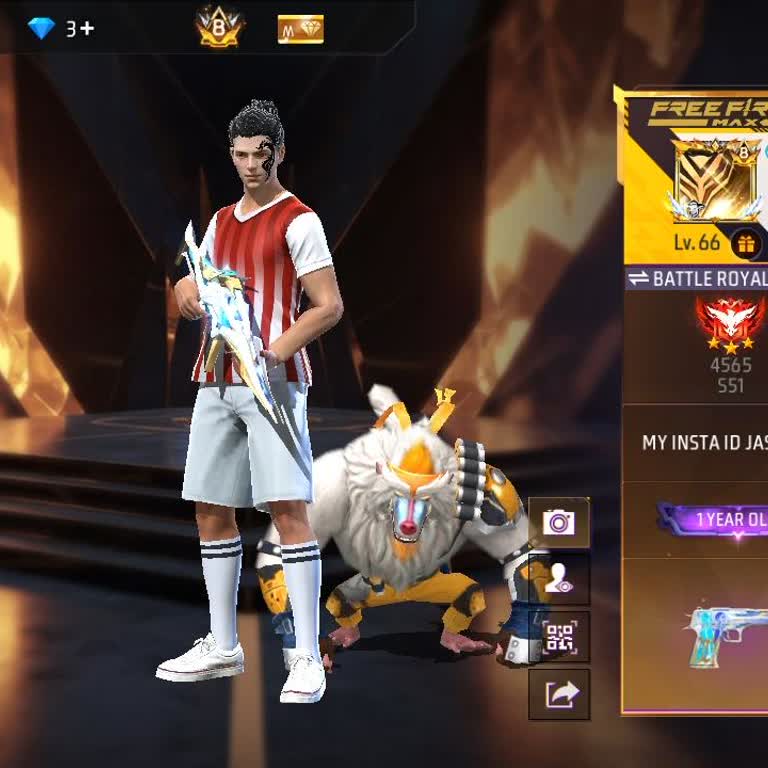
I am a Free Fire player and my game account linked to my Gmail was hacked through its UID 6035964955. Since December 202...5 I have lost access to my account and someone else appears to be using it without my permission. I tried to reach Free Fire/Garena support about this hacking issue but I have not
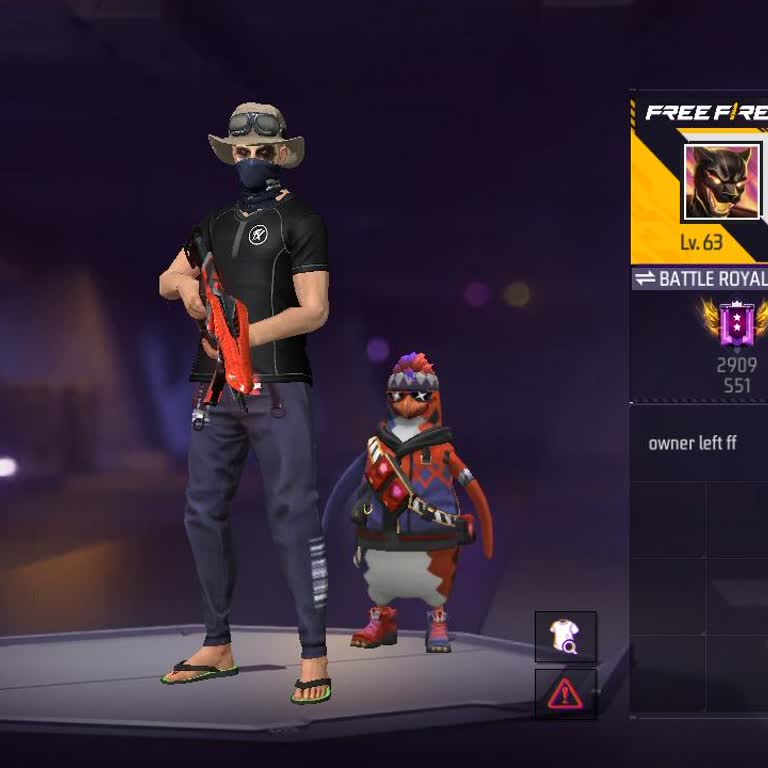
This is my Free Fire account. It was stolen from me overnight. While I was playing the game, I noticed unusual activity ...on my account. Before I could understand what was happening, my Free Fire account was logged out, and since then I have been unable to log back in. Please help me recover my accoun





















3 Comment