GameLoop suddenly banned my account after an update — what steps actually work to recover it?
10 Views
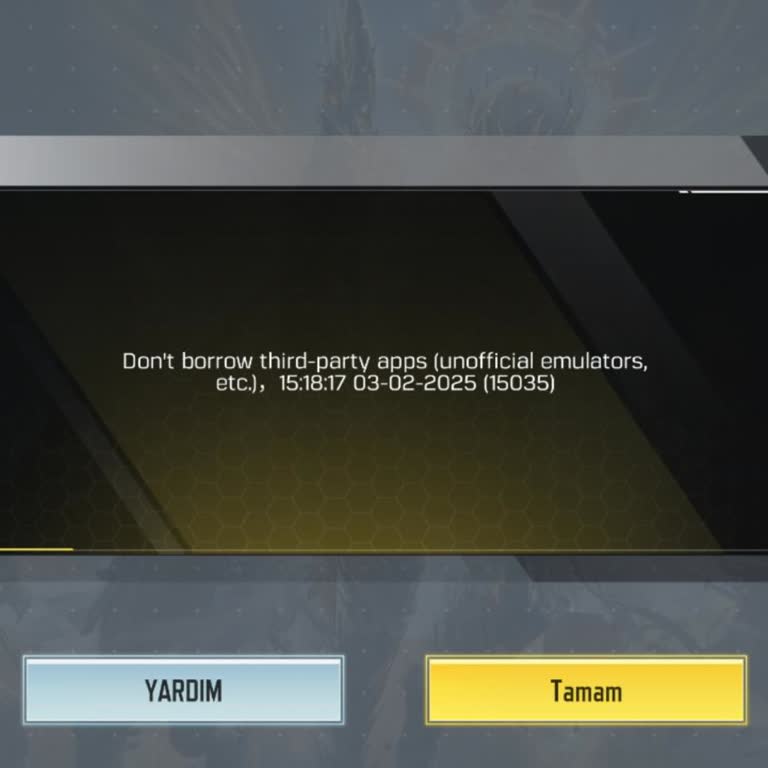
If you were banned right after a GameLoop update, it was probably because of changes in how emulators are detected, not because you were cheating. Tencent's automatic anti-cheat system handles PUBG Mobile bans.
GameLoop can't lift bans, so the only way to really do it is to send a request through PUBG Mobile's in-game support or the official ban appeal page.
When you make an appeal, make it clear that you only used proper GameLoop. Include your player ID, the date of the ban, information about your device, and the exact update version that caused the problem.
Appeals for 10-year bans that don't include specific information are usually denied right away.
If the review decides the ban is final, there is really no chance of recovery because Tencent rarely lifts emulator-related bans after confirming them.
Do not log into the account that was banned again. Only use a new account after making sure that GameLoop, drivers, and system files are clean and up to date.
If the issue persists, share your experience and file a complaint on Xolvie to seek a resolution.
My Gameloop account, linked to the Free Fire account with ID 10861752882, was suddenly banned today at around 5:10 p.m. ...The ban message stated that there were “abnormal activities” on my account. I would like to clearly state that I have never used hacks, cheats, third‑party tools, or any unfair met
On my PUBG Mobile account (ID: 5261****16), I keep receiving daily or weekly temporary bans both while streaming on TikT...ok and even during normal gameplay. For about a week now, every single day, my account has been banned for “modifying game code or data,” even though I have not used any cheats, ma
On 12/10/2025, my PUBG Mobile account with the ID 5449****87 was restricted for 10 years. I play the game on my computer... through the Gameloop emulator. At the same time, I had an AFK bot program open that is used exclusively for the game Knight Online. I believe PUBG Mobile’s detection system mistak
I am a Call of Duty Mobile player, and even though I have a strong system, I cannot play properly on Gameloop. The game ...constantly freezes, lags, and crashes, making it nearly unplayable. To test if the problem was with Gameloop, I installed Bluestacks 5 to see if I could play through another emulat