Xolvie Resolution Specialist4 Mart 2026 06:18
If Fitify charged you but your subscription isn’t active, start by checking how you were billed (App Store, Google Play or direct) and cancel any active subscription there so it doesn’t renew again.
Then request a refund through the same channel you paid: use the Fitify app’s Settings > Contact Us to ask for a refund with your receipt, or go to Google Play/Apple Subscriptions and use their refund request tool for Fitify charges.
If that fails, email [email protected] and include your transaction ID, screenshots and a short explanation, and be persistent if their team doesn’t reply quickly.
You can also ask Google/Apple for a purchase refund directly in their order history; many users with similar issues report needing to go through the store’s refund system when Fitify support doesn’t respond.
If your refund is still denied or ignored, consider filing a complaint on Xolvie to seek a resolution.
Vote
Related Complaints
Fitify Premium Subscription Doesn’t Unlock Promised Features — Want Refund

September 26, 2025 3:50 PM
On September 26, 2025, I purchased a yearly Premium subscription for the Fitify app using my credit card. After completi...ng the subscription, the app stated that exclusive features would be unlocked. However, none of those features appeared in the app. In fact, I noticed that even free workout apps o
Fitify Refund Delayed for Weeks Even Though Google Accepted It

July 22, 2025 4:05 PM
It’s been about one to two months, and I still haven’t received my refund from Fitify, even though Google has already ap...proved it. I honestly don’t know what else to do anymore. You’ve listed the payment as split into installments, but the full amount was charged upfront, leaving me with no remaini
Fitify Refund Not Received Even After Google Confirmation
July 22, 2025 9:24 AM
It’s been over one to two months, and I still haven’t received my refund from Fitify. Even though Google approved the re...fund request, the money has not been deposited into my account yet. I honestly don’t know what else to do at this point. The payment was divided into several installments on their
Fitify Charged After Cancellation – No Refund Option Available

October 4, 2024 1:40 PM
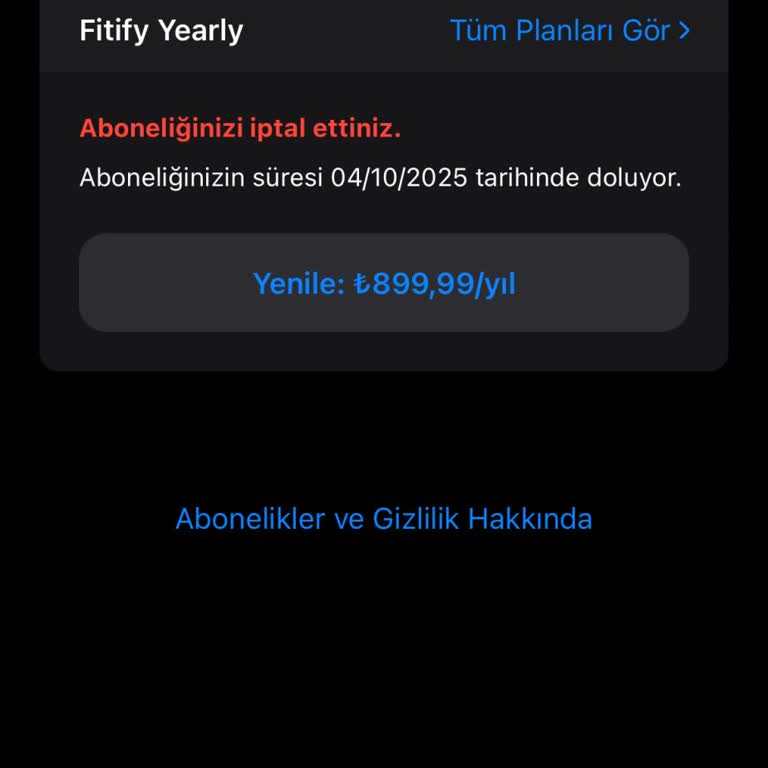
Even though I deleted the Fitify app, it still charged me ₺899 without my consent. I tried to request a refund, but when... I searched for the app under my subscriptions, it didn’t even appear, making it impossible to process a refund request. How is it possible for Fitify to charge my account after I
Fitify Canceled My Membership in 3 Days but Still Charged – No Refund

June 20, 2024 9:48 AM
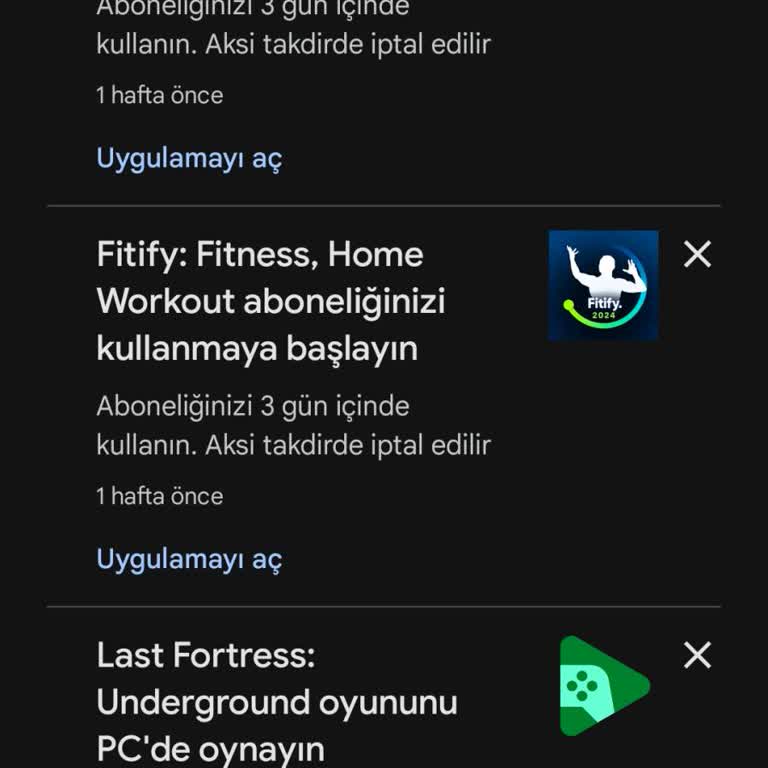
I purchased a Fitify subscription, but because I didn’t log in within the first three days, my membership was automatica...lly canceled. Despite this, Fitify still charged me ₺800 and has not refunded my money, even though my membership is no longer active. I paid for a service that I didn’t even get

Fitify
View All Complaints